
Optimized for Nano-banana-pro • 2793 characters
Image Transformation to Minimal Vector Poster
A complex, structured prompt for Nano Banana Pro designed to transform an existing image into a clean, minimalist vector-style poster. It mandates geometric simplification, a restricted color palette (3–6 colors, no gradients), flat lighting, and the pres
Expert Tip:
This ai art prompt has been professionally tested across multiple AI models including Nano-banana-pro, Midjourney v6, and DALL-E 3. For best results, maintain the core structure while adjusting specific details to match your vision.
How to Use This AI Art AI Prompt
Step-by-step guide to generate stunning ai art images
Copy the Prompt
Click the "Copy Prompt" button above or manually select and copy the prompt text. This ai art prompt is optimized for Nano-banana-pro but works with any modern AI image generator.
Choose Your AI Tool
Paste the prompt into your preferred AI image generator: Midjourney, DALL-E 3, Stable Diffusion, Leonardo AI, or use our free online text-to-image generator. Each platform may produce slightly different artistic interpretations.
Customize Settings
Adjust aspect ratio (16:9, 1:1, 9:16), quality settings, and style parameters. For ai art images, we recommend starting with default settings and experimenting from there.
Generate & Refine
Click generate and review the output. If needed, modify specific keywords in the prompt—change colors, adjust composition, or add/remove details. The iterative process helps achieve your perfect ai art artwork.
AI Art AI Prompt: Common Questions
Specific guidance for using this ai art template
Simply copy the prompt text and paste it into Nano-banana-pro or any compatible AI generator (Midjourney, DALL-E 3, Stable Diffusion). This ai art prompt is pre-optimized for Nano-banana-pro, ensuring excellent results immediately. For best outcomes, use recommended settings and feel free to adjust colors, subjects, or styles while maintaining the core structure.
Absolutely! This ai art prompt is designed for easy customization. You can modify the Image subject, change color schemes, or adjust artistic styles. The key is keeping the structural framework intact while personalizing specific details. Many users create 5-10 variations for different scenarios.
Yes! While optimized for Nano-banana-pro, this prompt works excellently with all major platforms: Midjourney v6 (best for artistic interpretation), DALL-E 3 (superior instruction following), Stable Diffusion XL (maximum control), Leonardo AI, and Adobe Firefly. Each model may produce slightly different interpretations, so test 2-3 platforms to find your preferred style.
Yes! This prompt is 100% free for both personal and commercial use—no attribution required. Use it in client work, marketing materials, merchandise, NFTs, social media, or any legal purpose. Note that AI-generated images may have separate licensing terms depending on the platform you use.
This comprehensive 2793-character prompt includes specific details about lighting, composition, style, and mood to ensure consistent, high-quality results. Detailed prompts reduce ambiguity and help AI models generate exactly what you envision. You can simplify it if needed, but the full version produces the most professional outputs.
Yes! This prompt works great for logo concepts and brand visuals. For logos, add 'minimalist', 'vector-style', 'clean lines', and specify your brand colors. Mention 'white background' for easy extraction. Remember that AI-generated logos may need refinement in vector software like Illustrator for professional use. Always check trademark availability before finalizing.
Explore More AI Art AI Prompts
Discover similar professionally crafted prompts for stunning AI artwork
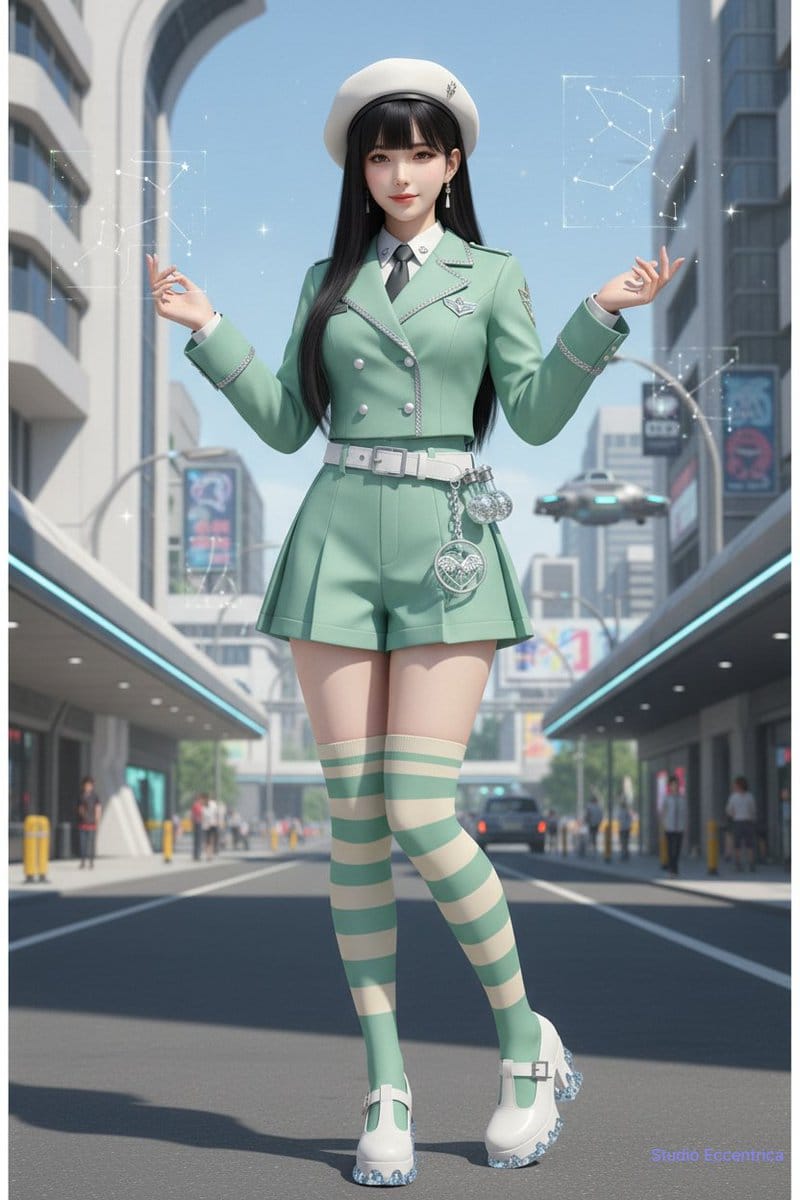
Nano Banana Character Sheet and Fashion Prompts
This tweet links to a collection of character sheets and fashion prompts specifi...

Ad recreation prompt using your product and brand...
A text prompt for Nano Banana Pro that recreates an existing advertisement layou...
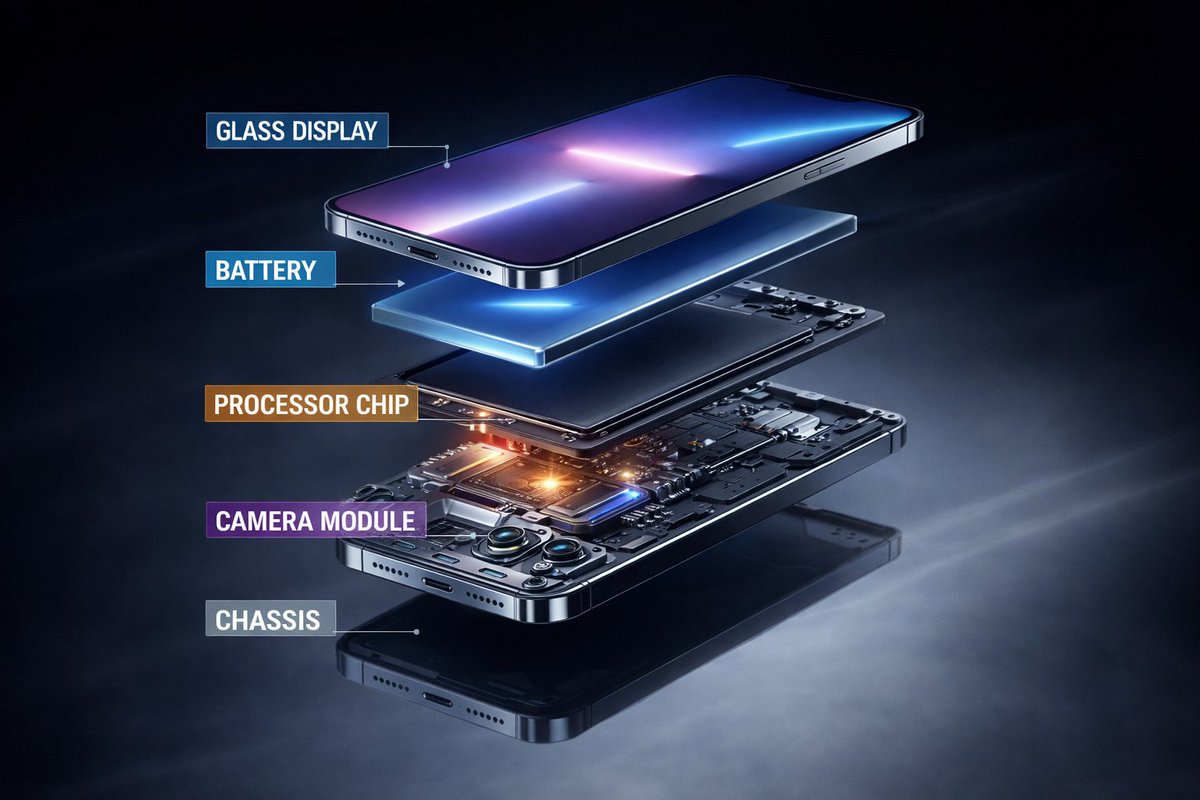
Ultra-Premium Futuristic Smartphone Product Photo
A detailed prompt for generating an ultra-premium commercial product photo of a...
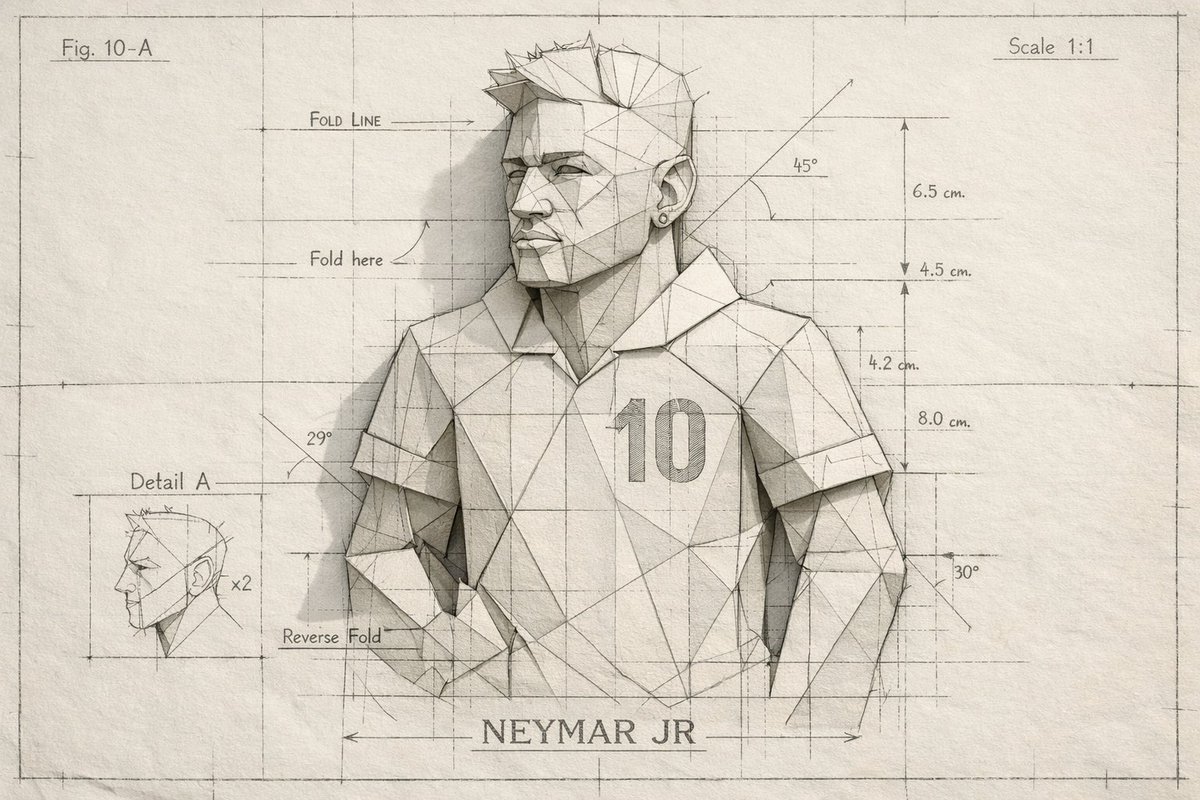
Blueprint Illustration of Neymar JR
A prompt for generating a hyper-detailed, folded-paper blueprint illustration of...
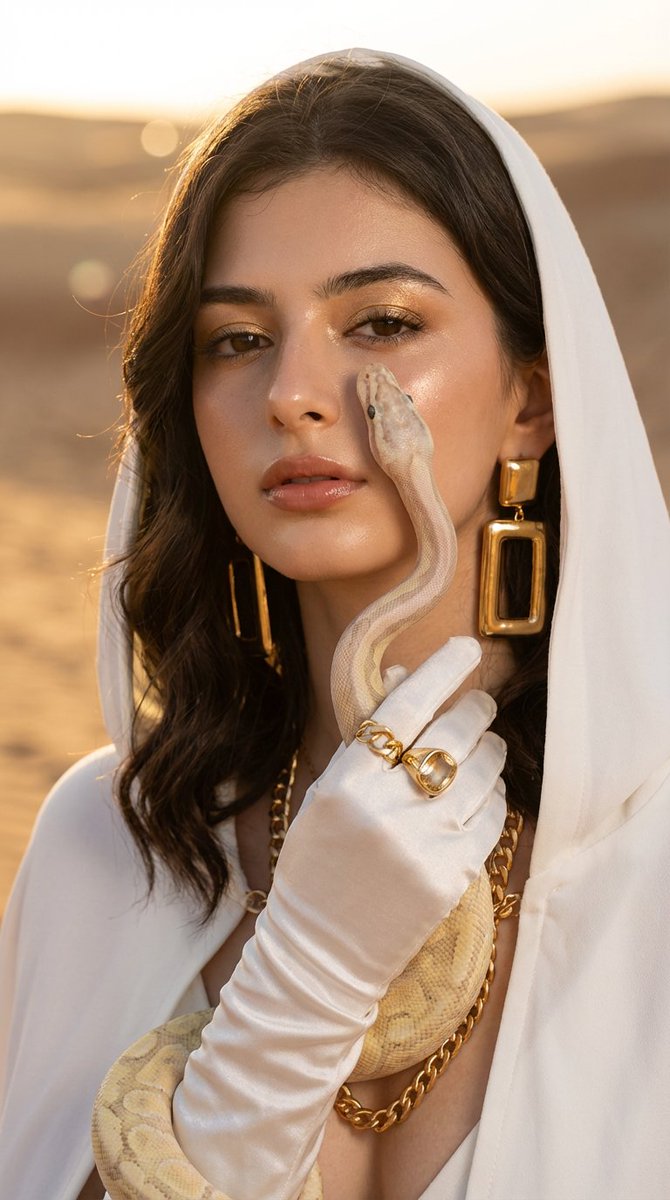
Desert Fashion with Python
A high-fashion portrait of a woman in the desert during golden hour, featuring a...
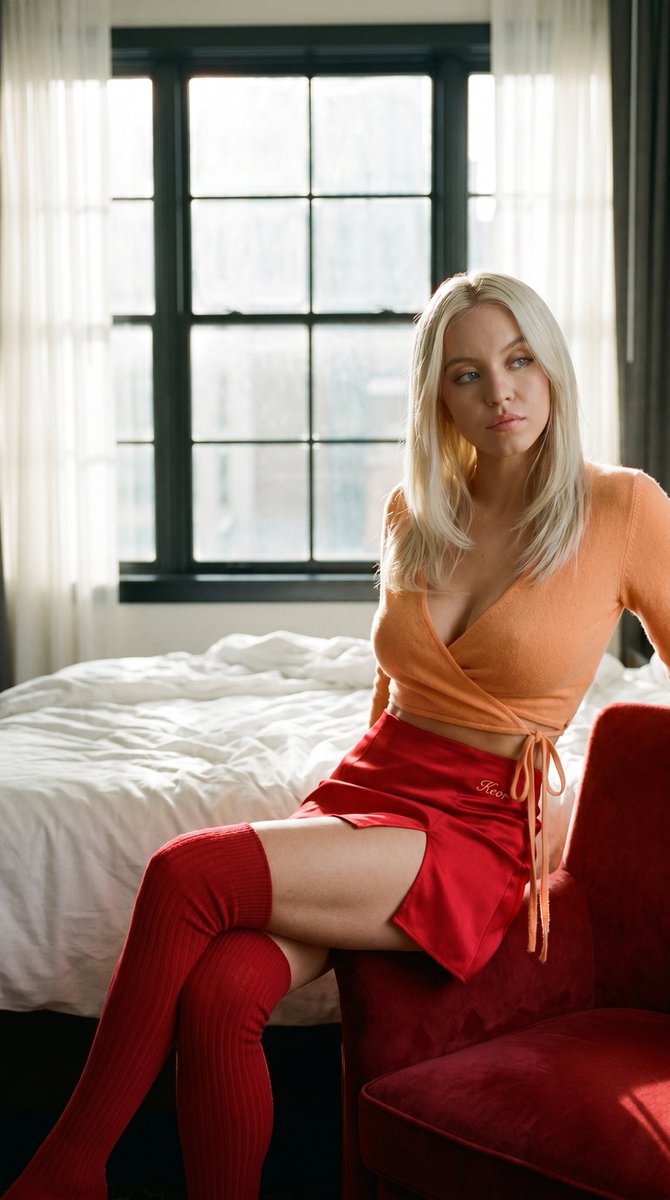
Cinematic Urban Sanctuary Fashion Portrait
A cinematic fashion portrait of a platinum blonde woman in an urban sanctuary se...
Start Creating Professional AI Art Today
Join thousands of creators using our curated prompt library to generate stunning ai art images effortlessly