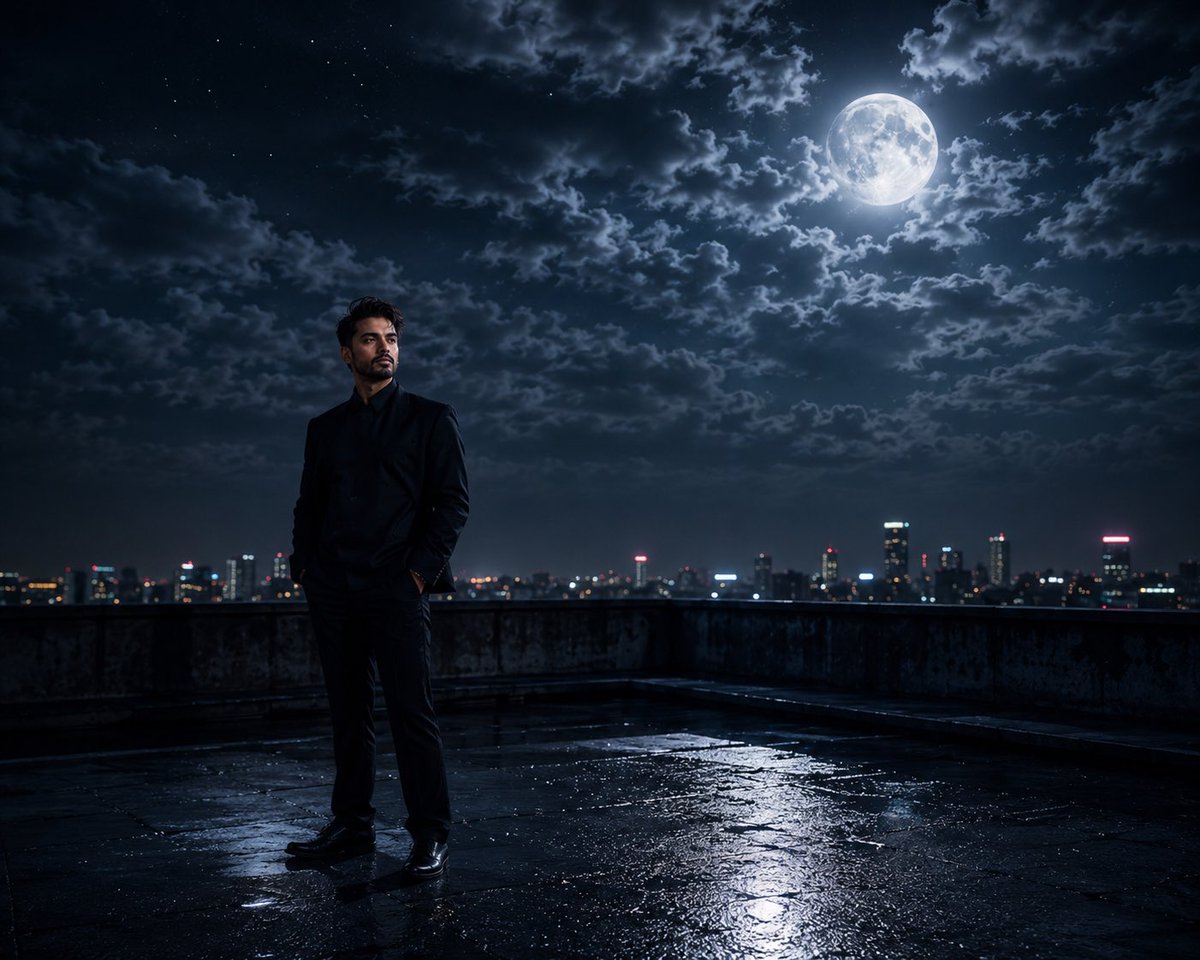
Optimized for Nano-banana-pro • 2575 characters
Cinematic Moonlight Rooftop Portrait Collage
A sophisticated multi-frame prompt that creates an emotional, film-like collage of a person on an urban rooftop under a massive full moon, focusing on mood and atmospheric textures.
Expert Tip:
This ai art prompt has been professionally tested across multiple AI models including Nano-banana-pro, Midjourney v6, and DALL-E 3. For best results, maintain the core structure while adjusting specific details to match your vision.
How to Use This AI Art AI Prompt
Step-by-step guide to generate stunning ai art images
Copy the Prompt
Click the "Copy Prompt" button above or manually select and copy the prompt text. This ai art prompt is optimized for Nano-banana-pro but works with any modern AI image generator.
Choose Your AI Tool
Paste the prompt into your preferred AI image generator: Midjourney, DALL-E 3, Stable Diffusion, Leonardo AI, or use our free online text-to-image generator. Each platform may produce slightly different artistic interpretations.
Customize Settings
Adjust aspect ratio (16:9, 1:1, 9:16), quality settings, and style parameters. For ai art images, we recommend starting with default settings and experimenting from there.
Generate & Refine
Click generate and review the output. If needed, modify specific keywords in the prompt—change colors, adjust composition, or add/remove details. The iterative process helps achieve your perfect ai art artwork.
AI Art AI Prompt: Common Questions
Specific guidance for using this ai art template
Simply copy the prompt text and paste it into Nano-banana-pro or any compatible AI generator (Midjourney, DALL-E 3, Stable Diffusion). This ai art prompt is pre-optimized for Nano-banana-pro, ensuring excellent results immediately. For best outcomes, use recommended settings and feel free to adjust colors, subjects, or styles while maintaining the core structure.
Absolutely! This ai art prompt is designed for easy customization. You can modify the Cinematic subject, change color schemes, or adjust artistic styles. The key is keeping the structural framework intact while personalizing specific details. Many users create 5-10 variations for different scenarios.
Yes! While optimized for Nano-banana-pro, this prompt works excellently with all major platforms: Midjourney v6 (best for artistic interpretation), DALL-E 3 (superior instruction following), Stable Diffusion XL (maximum control), Leonardo AI, and Adobe Firefly. Each model may produce slightly different interpretations, so test 2-3 platforms to find your preferred style.
Yes! This prompt is 100% free for both personal and commercial use—no attribution required. Use it in client work, marketing materials, merchandise, NFTs, social media, or any legal purpose. Note that AI-generated images may have separate licensing terms depending on the platform you use.
This comprehensive 2575-character prompt includes specific details about lighting, composition, style, and mood to ensure consistent, high-quality results. Detailed prompts reduce ambiguity and help AI models generate exactly what you envision. You can simplify it if needed, but the full version produces the most professional outputs.
For better portraits, add specifics like: age range, facial features, expression, hair style, and clothing. Specify lighting (soft, dramatic, rim light) and camera angle (close-up, three-quarter, profile). You can also reference photography styles like 'professional headshot' or 'candid portrait'. Adjust aspect ratio to 2:3 or 3:4 for classic portrait framing.
Explore More AI Art AI Prompts
Discover similar professionally crafted prompts for stunning AI artwork
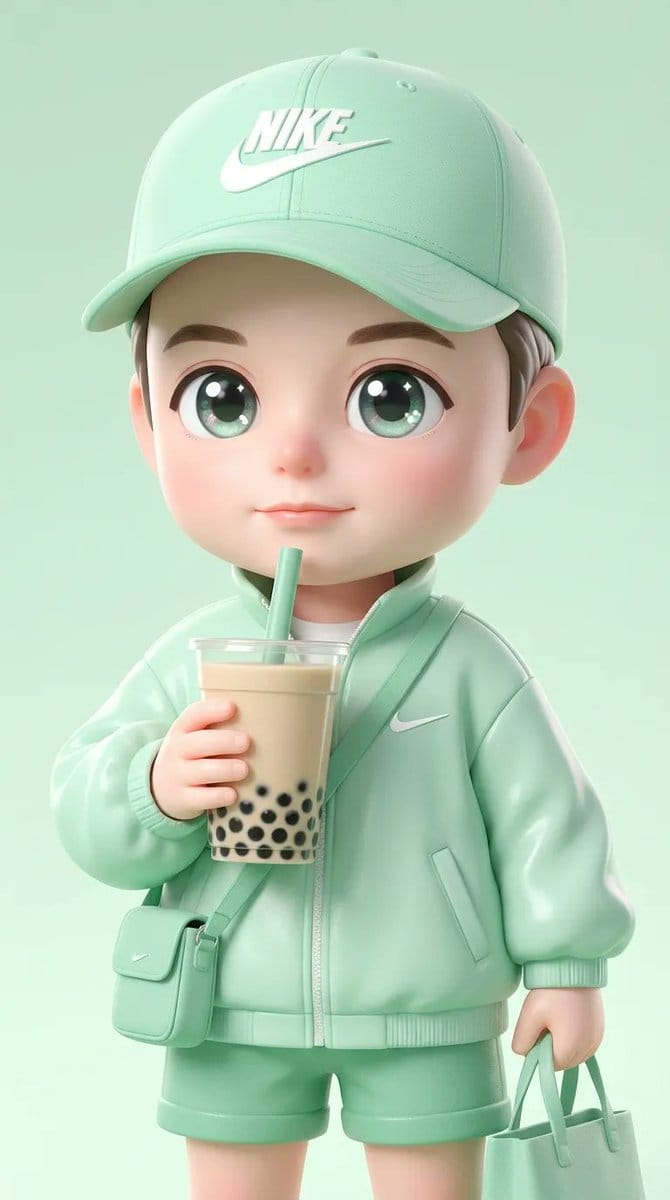
Ultra-Cute Chibi Character Prompt
A detailed prompt for generating an ultra-cute, glossy 3D illustration of a chib...
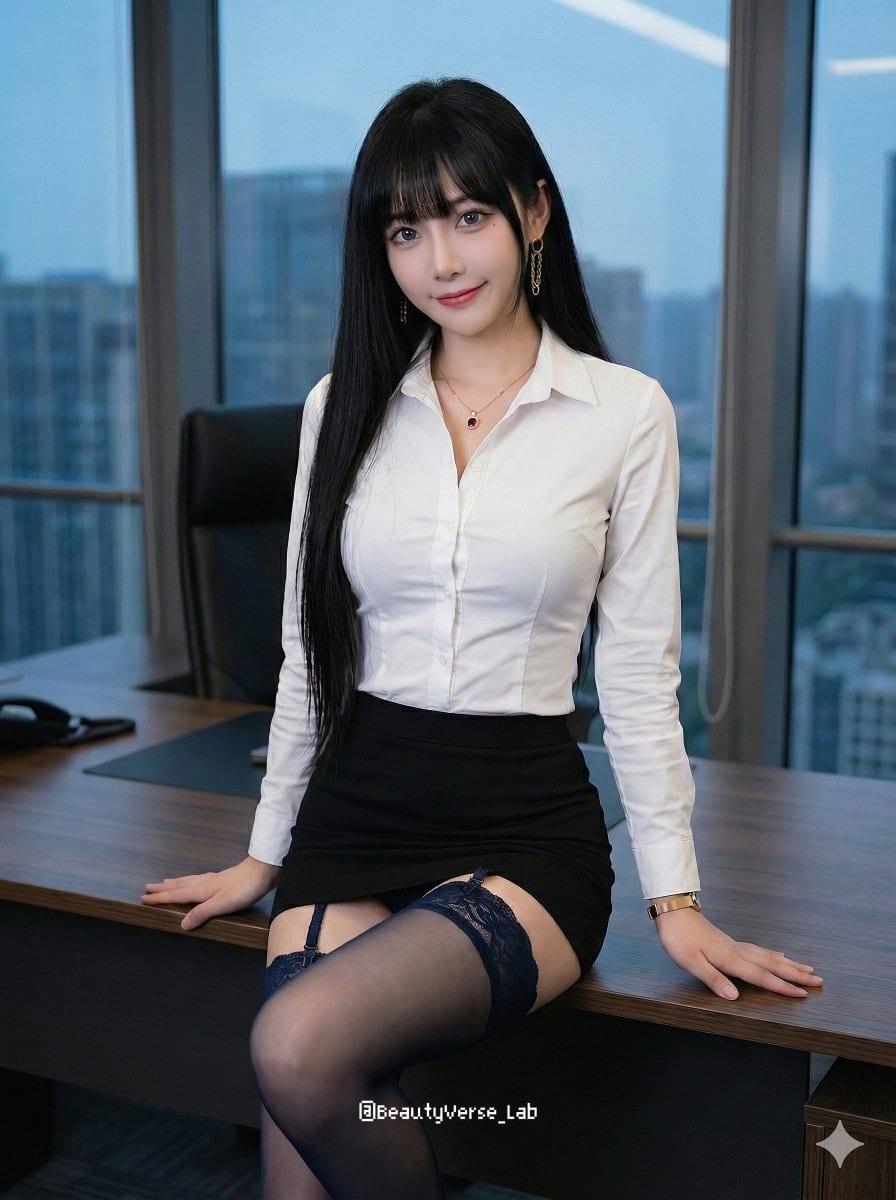
Office Lady Uniform Editorial Prompt
A structured JSON prompt for generating a photorealistic image of a young Asian...

Smart Doorbell Product Visualization Collage Promp...
A detailed structured prompt for Nano Banana Pro designed to generate a multi-fr...

Playful Beach Selfie with Bikini and Jewelry
A structured prompt for generating a photorealistic, candid beach selfie of a yo...

Cinematic Portrait with Harsh Flash and Floral Bac...
A detailed prompt for generating a hyper-realistic, cinematic portrait of a youn...
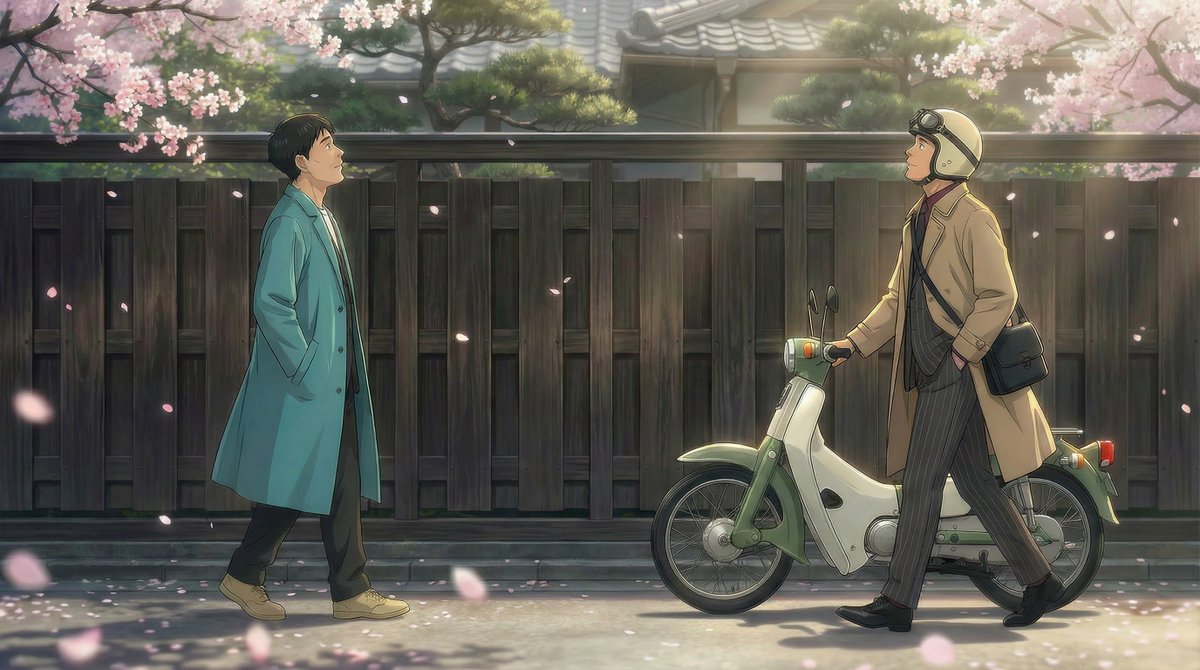
Nano Banana Pro Prompt for 'Scramble Spring' Fan A...
A prompt used with Nano Banana Pro to generate fan art for the #428 fan art chal...
Start Creating Professional AI Art Today
Join thousands of creators using our curated prompt library to generate stunning ai art images effortlessly