Was ist ein KI-Text-zu-Bild-Generator?
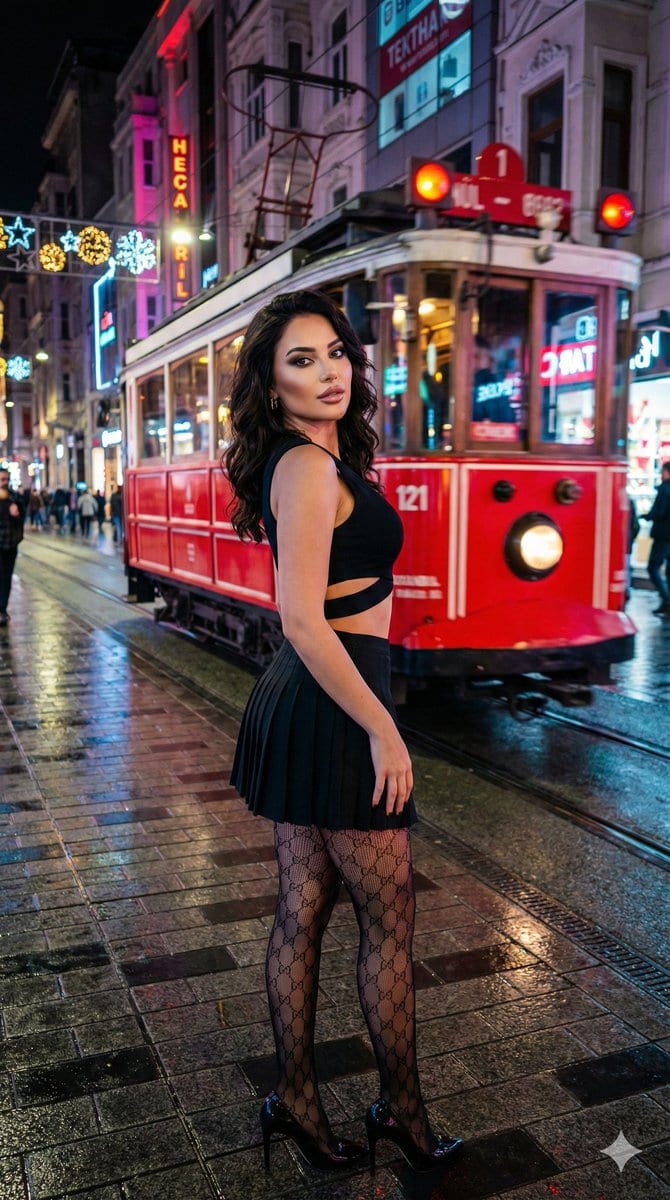
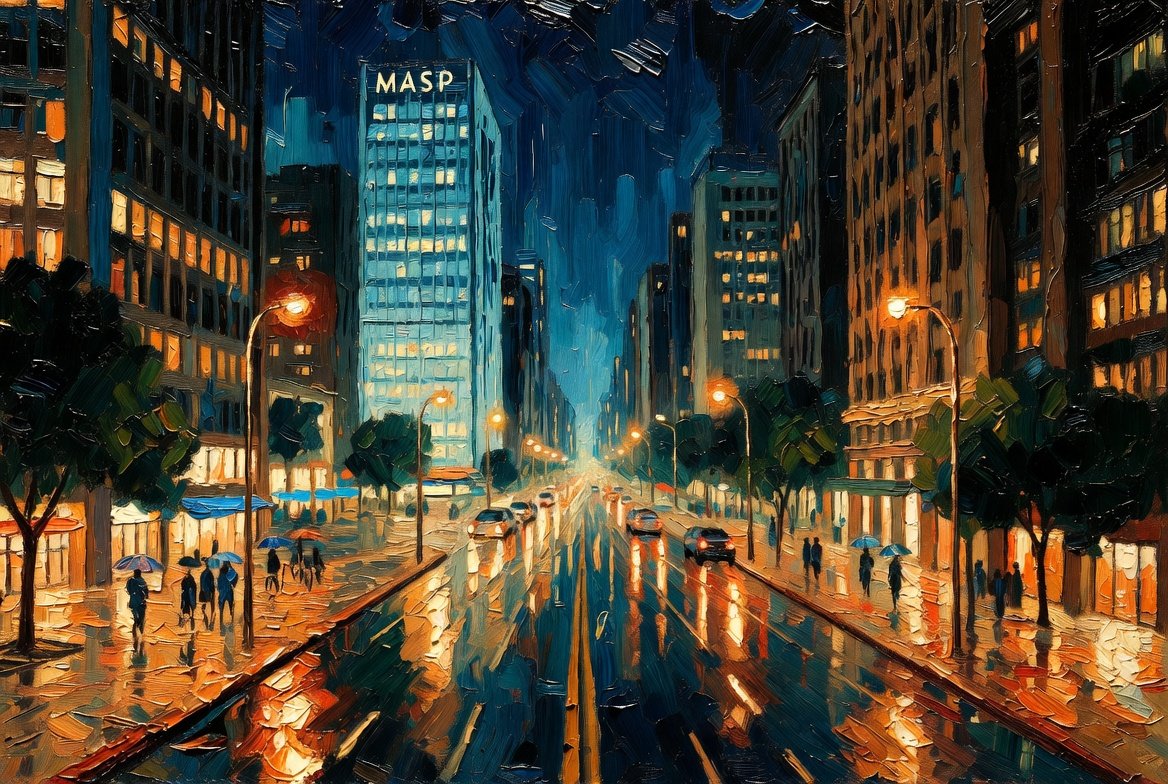
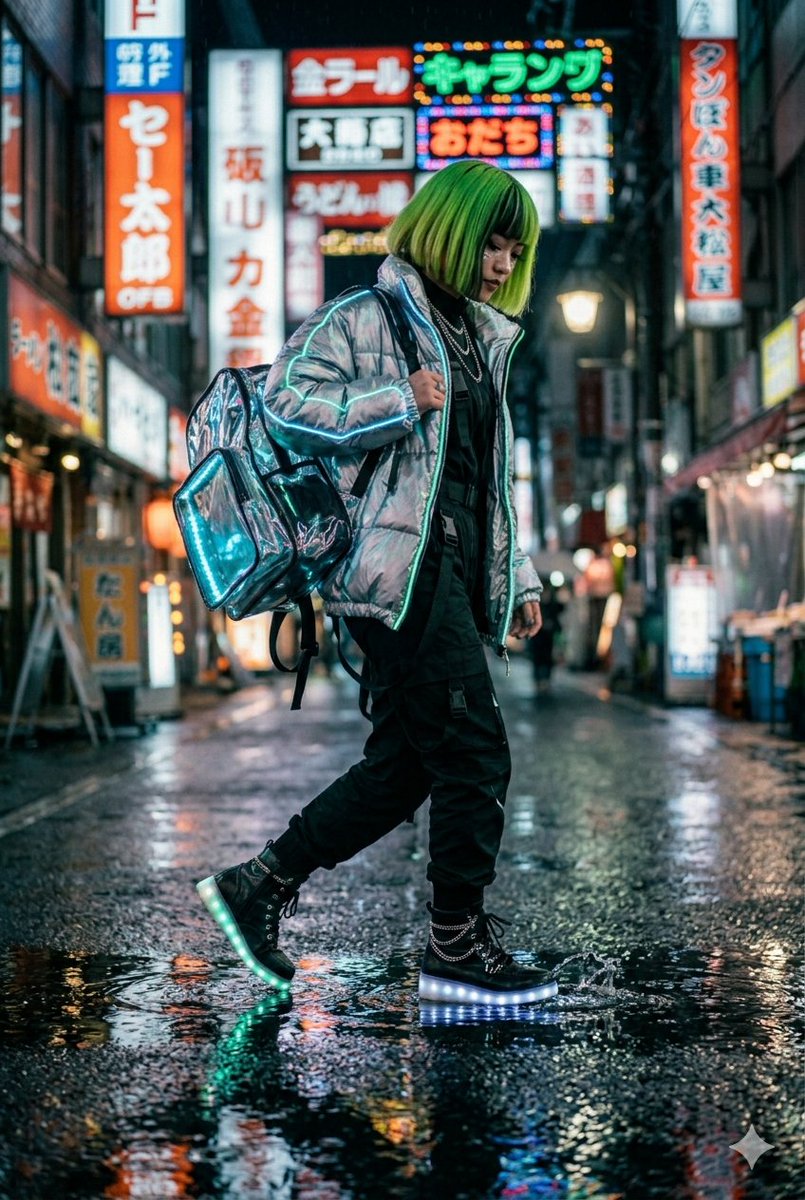
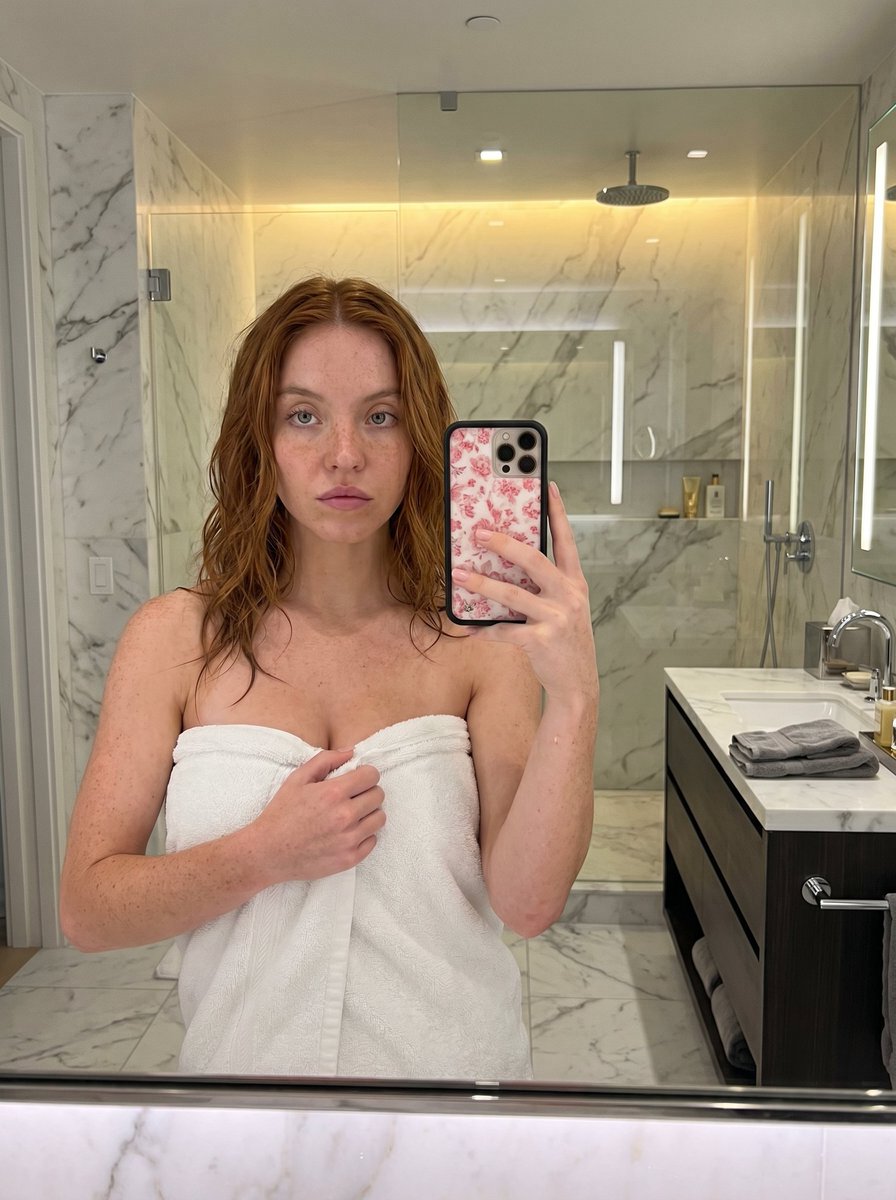
Ein KI-Text-zu-Bild-Generator wandelt einen geschriebenen Prompt in ein fertiges, herunterladbares Bild um – ohne Photoshop-Kenntnisse, ohne Stock-Abos und ohne Warten auf einen Designer. Beschreibe das Motiv, den Stil, die Beleuchtung und die Komposition; die Text-zu-Bild-Engine rendert Pixel, die zu deinen Worten passen. ToolFK bietet mehrere Modelle an, darunter Flux, CodeView3 und FLUX.2 Dev, damit du je nach Aufgabe zwischen Geschwindigkeit, Detailgrad oder experimentellen Looks wählen kannst.
Dieser kostenlose KI-Bildgenerator läuft im Browser: Gib einen Prompt ein, wähle Modell und Seitenverhältnis und speichere in Sekunden als PNG oder JPG. Flux-Modelle eignen sich hervorragend für fotorealistische Szenen und saubere Typografie; CodeView3 ist ideal für stilisierte Illustrationen; FLUX.2 Dev bietet ein Gleichgewicht für iterative kreative Arbeit. Wenn du nächstes Mal Bewegung benötigst, sende das Ergebnis an unser Bild-zu-Video-Tool oder baue eine ganze Szene mit dem Text-zu-Video-Generator. Festgefahren bei der Formulierung? Nano Prompts listet getestete Vorlagen, die du kopieren und anpassen kannst.
Schlüsselmerkmale
- Kostenloser KI-Bildgenerator mit den Modellen Flux, CodeView3 und FLUX.2 Dev
- Text-zu-Bild aus natursprachlichen Prompts
- Mehrere Seitenverhältnisse für Social Media, Print und Web
- Schneller PNG/JPG-Download nach der Generierung
- Modell-Umschalter zum Vergleichen verschiedener Stile mit dem gleichen Prompt
- Kombinierbar mit den Video-Tools von ToolFK für vollständige kreative Workflows
Bilder aus Text generieren
- Öffne das Text-zu-Bild-Tool und melde dich an, falls tägliche Limits gelten.
- Schreibe einen detaillierten Prompt, der Motiv, Stil, Beleuchtung und Komposition abdeckt.
- Wähle ein Modell – Flux für Realismus, CodeView3 für Illustration, FLUX.2 Dev für ausgewogene Entwürfe.
- Wähle das Seitenverhältnis sowie vorhandene Qualitäts- oder Stilvereinstellungen auf der Seite.
- Klicke auf Generieren und warte, bis der KI-Bildgenerator dein Bild rendert.
- Lade das Bild herunter oder sende es an das Bild-zu-Video-Tool zur Animation.
Best-Einsatzfälle
- Social-Media-Posts, Thumbnails und Anzeigen
- Konzeptkunst und Moodboards
- Produkt-Mockups und Verpackungsideen
- Blog-Header und Präsentationsgrafiken
- Schnelle Varianten vor der Beauftragung eines Designers
Verwandte Tools
Häufig gestellte Fragen
Ist dieser KI-Bildgenerator kostenlos?
Ja. Die kostenlose Nutzung sowie die auf der Seite angezeigten Tages- und Stundenlimits bleiben bestehen. Prüfe den Zähler auf der Seite, bevor du startest.
Welches Modell soll ich wählen – Flux, CodeView3 oder FLUX.2 Dev?
Verwende Flux für fotorealistische Ergebnisse und scharfe Details. CodeView3 funktioniert gut für stilisierte oder illustrative Looks. FLUX.2 Dev ist eine gute Standardauswahl, wenn du schnelle Iterationen möchtest, ohne zu viel Qualität zu opfern.
Was macht einen guten Text-zu-Bild-Prompt aus?
Nenne das Motiv, den Kunststil, das Kamera- oder Linsen-Gefühl, die Beleuchtung und den Hintergrund. Trenne Ideen mit Kommas oder kurzen Sätzen. Vermeide widersprüchliche Anweisungen in einem einzigen Prompt.
Kann ich generierte Images kommerziell verwenden?
Du bist für die Rechte an deinem Prompt sowie an allen markenrechtlich geschützten Begriffen oder Porträts, die du beschreibst, selbst verantwortlich. Lies die Nutzungsbedingungen von ToolFK und lokale Gesetze, bevor du Bilder in bezahlten Kampagnen verwendest.
Welche Dateiformate gibt der Generator aus?
Die meisten Jobs werden je nach gewählter Option als PNG oder JPG heruntergeladen. Die Auflösung richtet sich nach dem auf der Seite gewählten Seitenverhältnis und Modells.
Wie verbindet sich Text-zu-Bild mit Video-Tools?
Generiere hier ein Standbild und öffne dann mit derselben Datei das Bild-zu-Video-Tool, um Bewegung hinzuzufügen. Für Szenen, die rein aus Worten aufgebaut werden, verwende stattdessen Text-zu-Video.
Letztes Update: 1. Juli 2026