Qu'est-ce qu'un générateur d'images par IA à partir de texte ?
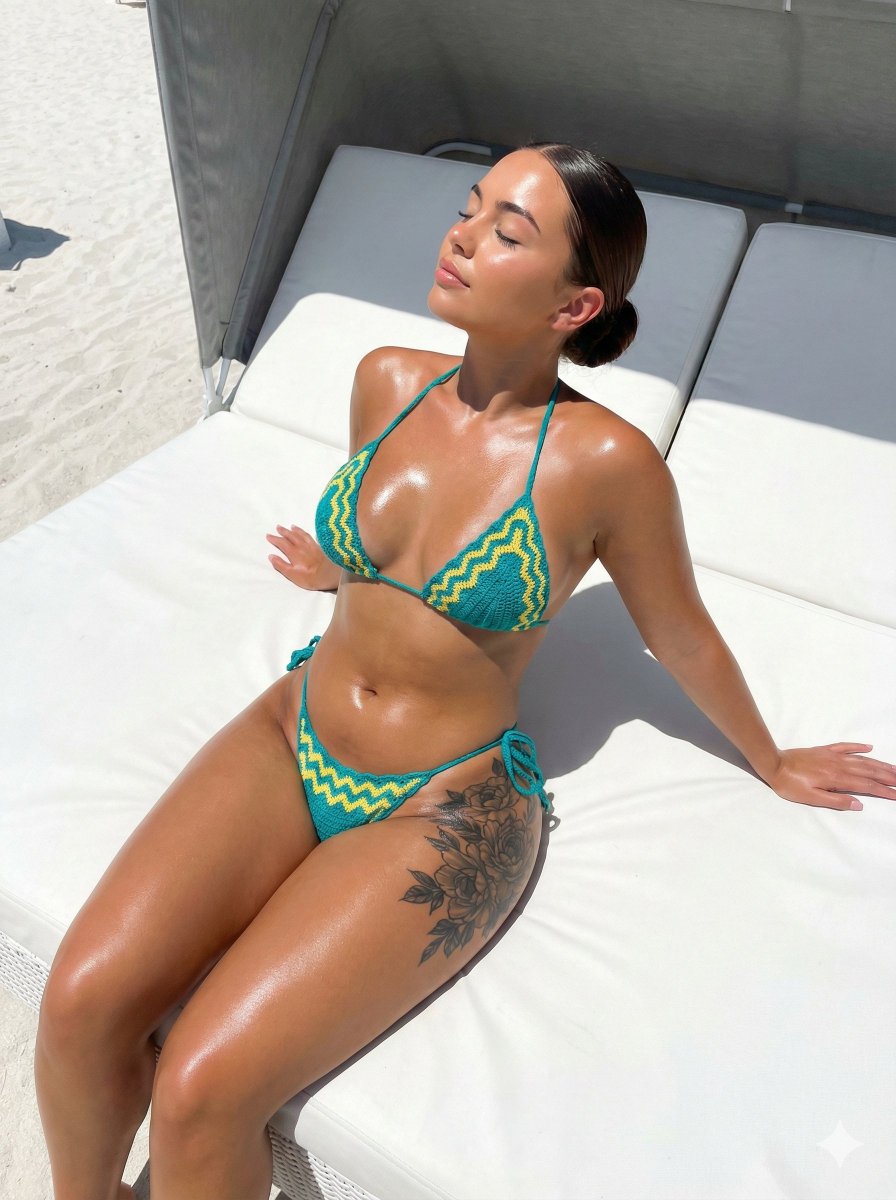
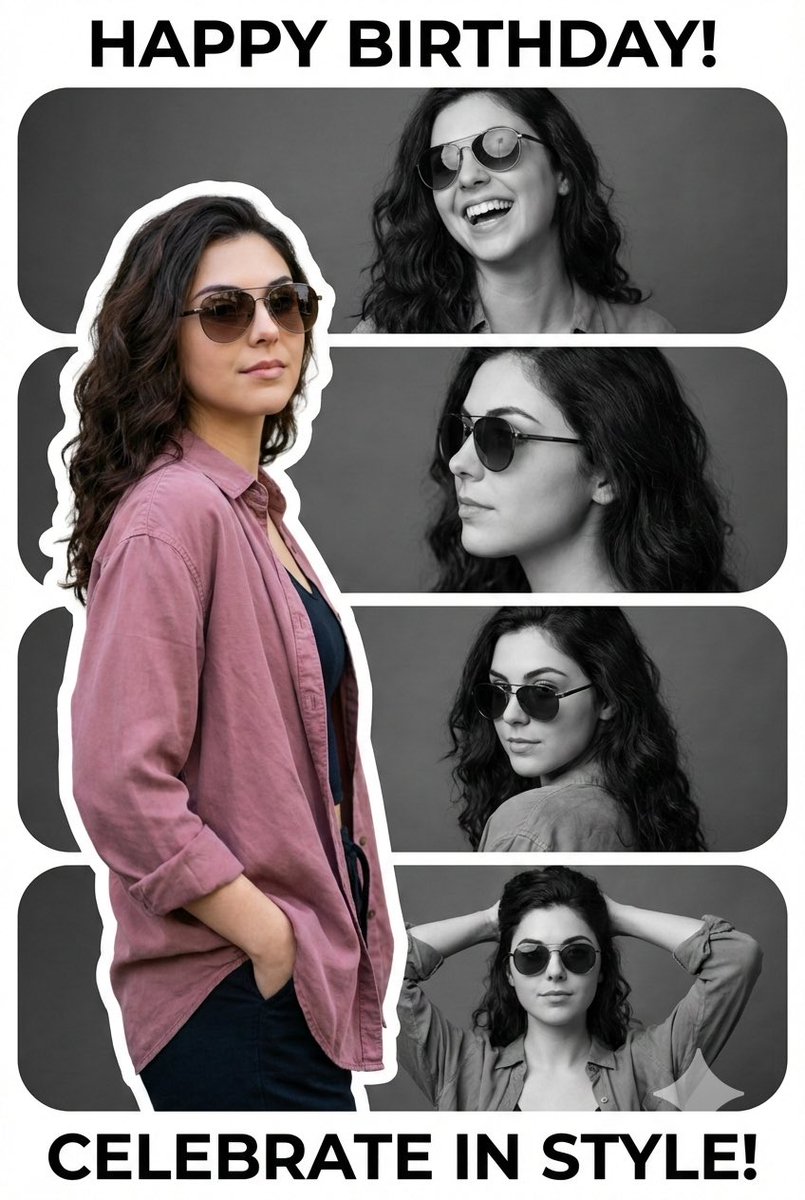
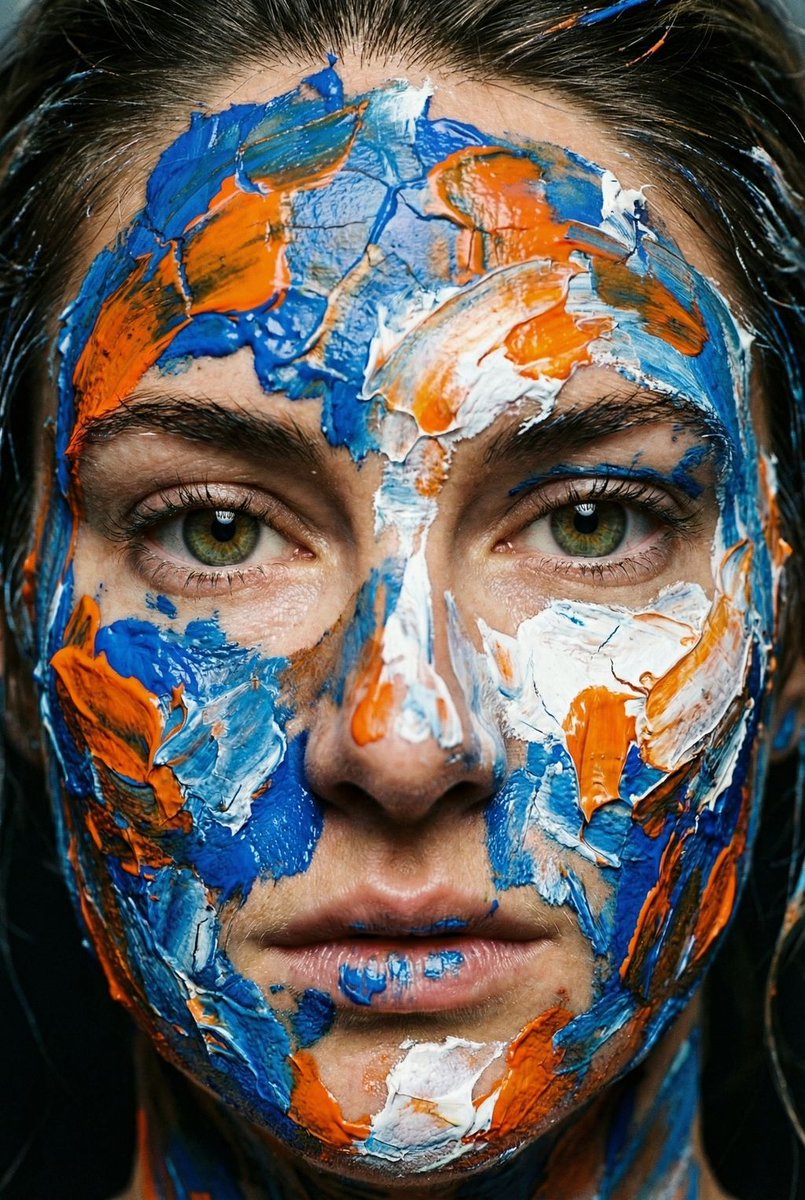
Un générateur d'images par IA à partir de texte transforme un prompt écrit en une image finale que vous pouvez télécharger — sans compétences en Photoshop, sans abonnement à une banque d'images et sans attendre un graphiste. Décrivez le sujet, le style, l'éclairage et la composition ; le moteur de texte vers image rend des pixels qui correspondent à vos mots. ToolFK intègre plusieurs modèles, notamment Flux, CodeView3 et FLUX.2 Dev, afin que vous puissiez choisir la vitesse, le niveau de détail ou des rendus expérimentaux selon le besoin.
Ce générateur d'images par IA gratuit fonctionne dans le navigateur : saisissez un prompt, choisissez un modèle et un ratio de taille, puis enregistrez en PNG ou en JPG en quelques secondes. Les modèles Flux excellent pour les scènes photoréalistes et la typographie propre ; CodeView3 convient aux illustrations stylisées ; FLUX.2 Dev offre un bon équilibre pour un travail créatif itératif. Quand vous avez besoin de mouvement, envoyez le résultat vers notre outil image vers vidéo ou créez une scène complète avec le générateur de texte vers vidéo. En panne d'inspiration ? Nano Prompts liste des modèles testés que vous pouvez copier et ajuster.
Fonctionnalités clés
- Générateur d'images par IA gratuit avec les modèles Flux, CodeView3 et FLUX.2 Dev
- Texte vers image à partir de prompts en langage naturel
- Multiple ratios de taille pour les réseaux sociaux, l'impression et le web
- Téléchargement rapide en PNG/JPG après la génération
- Sélecteur de modèle pour comparer les styles avec le même prompt
- Se combine avec les outils vidéo de ToolFK pour des pipelines créatifs complets
Comment générer des images à partir de texte
- Ouvrez l'outil de texte vers image et connectez-vous si les limites quotidiennes s'appliquent.
- Rédigez un prompt détaillé couvrant le sujet, le style, l'éclairage et la composition.
- Sélectionnez un modèle — Flux pour le réalisme, CodeView3 pour l'illustration, FLUX.2 Dev pour des ébauches équilibrées.
- Choisissez le ratio de taille et les préréglages de qualité ou de style disponibles sur la page.
- Cliquez sur Générer et attendez que le générateur d'images par IA traite votre image.
- Téléchargez l'image ou envoyez-la vers l'outil image vers vidéo pour l'animer.
Cas d'usage optimaux
- Publications sociales, miniatures et créas publicitaires
- Concept art et planches d'ambiance
- Maquettes de produits et idées d'emballage
- En-têtes de blog et visuels de présentation
- Variations rapides avant de faire appel à un graphiste
Outils associés
Questions fréquentes
Ce générateur d'images par IA est-il gratuit ?
Oui. L'utilisation gratuite et les limites quotidiennes et horaires affichées sur la page restent inchangées. Vérifiez le compteur sur la page avant de commencer.
Quel modèle choisir — Flux, CodeView3 ou FLUX.2 Dev ?
Utilisez Flux pour une sortie photoréaliste et un détail net. CodeView3 fonctionne bien pour des looks stylisés ou illustratifs. FLUX.2 Dev est un choix par défaut solide si vous souhaitez des itérations rapides sans sacrifier trop de qualité.
Qu'est-ce qui fait un bon prompt de texte vers image ?
Précisez le sujet, le style artistique, l'aspect caméra ou objectif, l'éclairage et l'arrière-plan. Séparez les idées par des virgules ou de courtes phrases. Évitez les instructions contradictoires dans un même prompt.
Puis-je utiliser les images générées commercialement ?
Vous êtes responsable des droits sur votre prompt et des marques ou ressemblances que vous décrivez. Consultez les conditions d'utilisation de ToolFK et la législation locale avant d'utiliser les images dans des campagnes rémunérées.
Quels formats de fichiers le générateur produit-t-il ?
La plupart des exports se téléchargent en PNG ou en JPG selon l'option choisie. La résolution dépend du ratio de taille et du niveau de modèle sélectionnés sur la page.
Comment le texte vers image se connecte-t-il aux outils vidéo ?
Générez une image statique ici, puis ouvrez l'outil image vers vidéo avec le même fichier pour ajouter du mouvement. Pour des scènes construites uniquement à partir de mots, utilisez le texte vers vidéo à la place.
Mise à jour : 1er juillet 2026