Cos'è un generatore di immagini da testo basata su IA
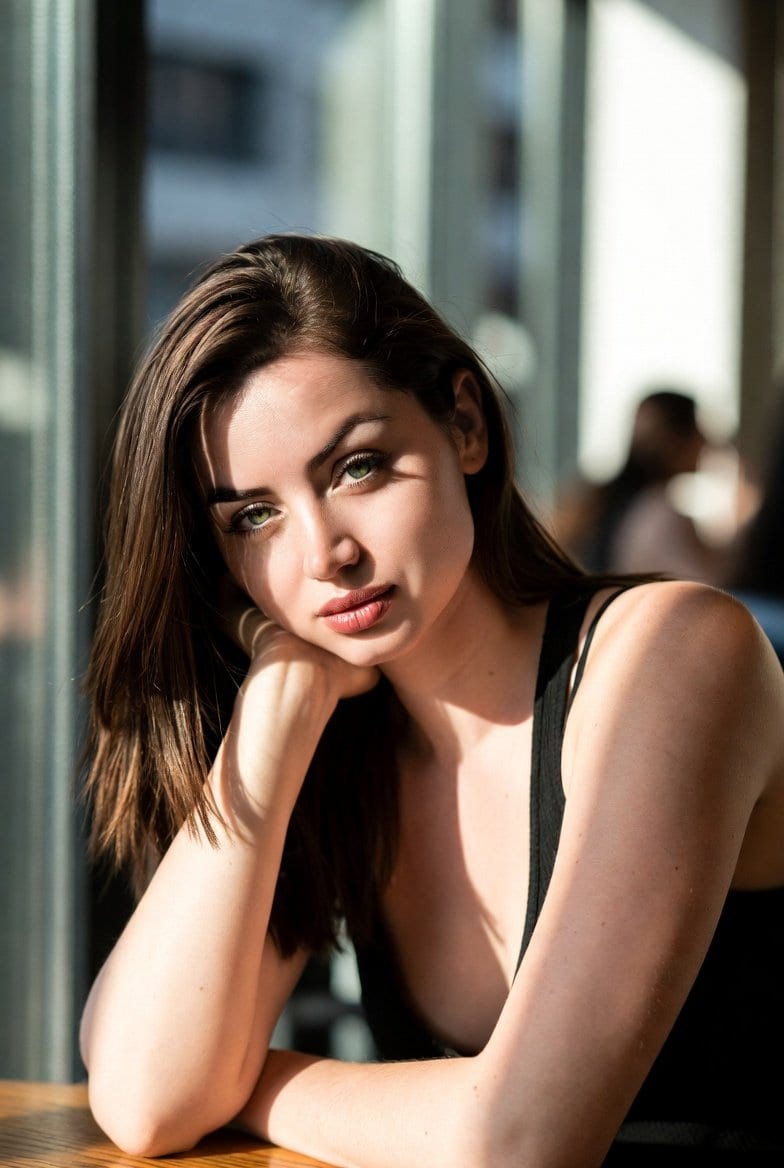
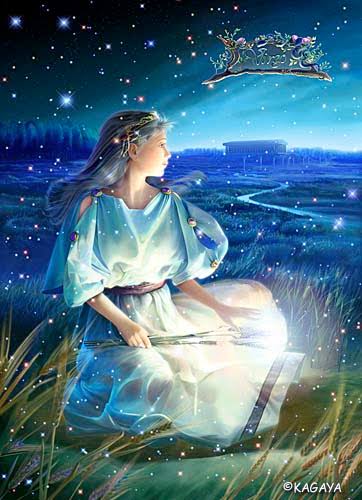
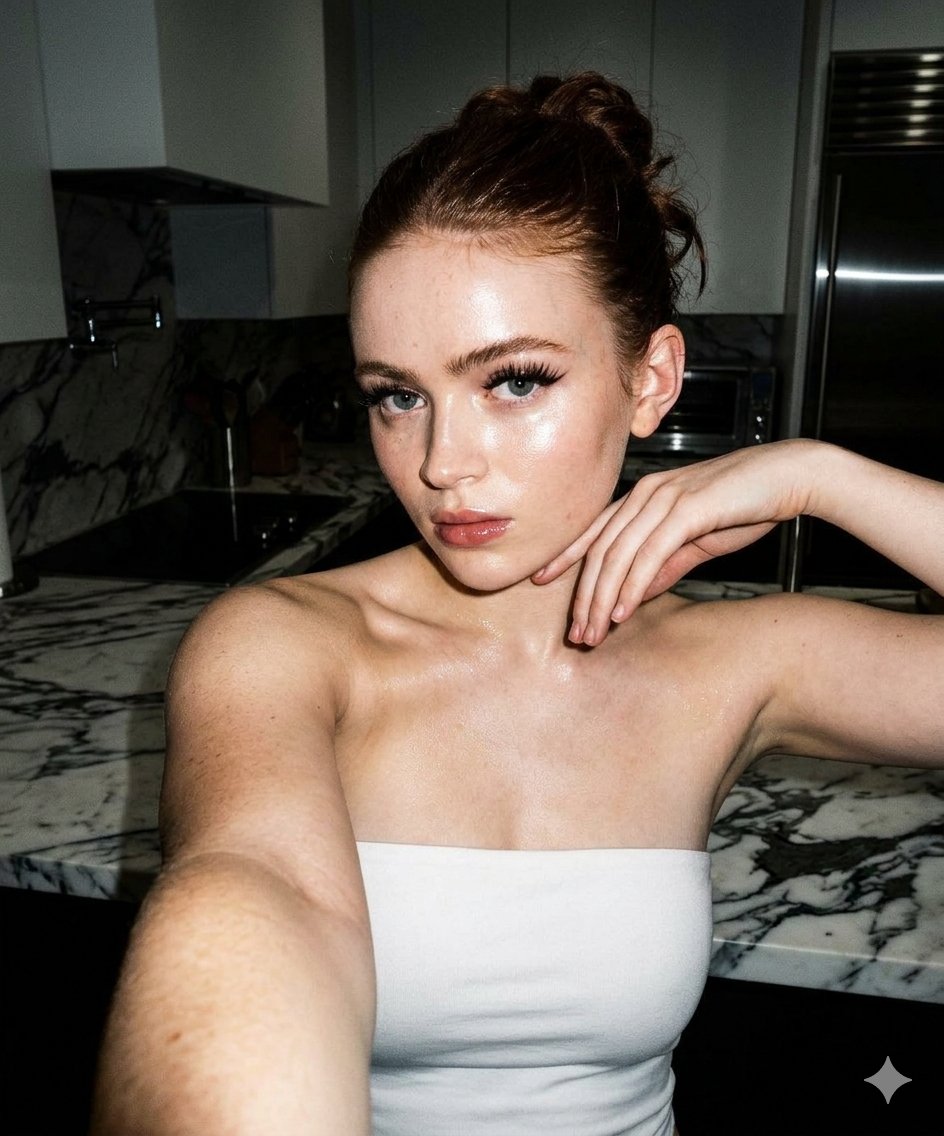
Un generatore di immagini da testo basata su IA trasforma una descrizione testuale in un'immagine finita e pronta per il download: non servono competenze in Photoshop, abbonamenti a banche dati di immagini o tempi di attesa per un grafico. Descrivi il soggetto, lo stile, l'illuminazione e la composizione; il motore di generazione crea pixel che corrispondono alla tua descrizione. ToolFK include diversi modelli, tra cui Flux, CodeView3 e FLUX.2 Dev, consentendoti di scegliere la velocità, il dettaglio o approcci sperimentali in base al compito da svolgere.
Questo generatore di immagini IA gratuito funziona nel browser: inserisci un prompt, scegli il modello e il rapporto di aspetto, quindi salva la tua immagine in PNG o JPG in pochi secondi. I modelli Flux eccellono in scene fotorealistiche e tipografia pulita; CodeView3 si adatta bene a illustrazioni stilizzate; FLUX.2 Dev offre un equilibrio ideale per lavori creativi iterativi. Quando avrai bisogno di movimento, invia il risultato al nostro tool da immagine a video o costruisci una scena completa con il generatore da testo a video. In difficoltà con la formulazione? Nano Prompts elenca template testati che puoi copiare e adattare.
Funzionalità principali
- Generatore di immagini IA gratuito con modelli Flux, CodeView3 e FLUX.2 Dev
- Generazione di immagini da testo tramite prompt in linguaggio naturale
- Diversi rapporti di aspetto per social media, stampa e web
- Scaricamento rapido in PNG/JPG dopo la generazione
- Selettore di modello per confrontare stili con lo stesso prompt
- Si integra con i tool video di ToolFK per pipeline creative complete
Come generare immagini dal testo
- Apri il tool da testo a immagine e accedi al tuo account se necessario.
- Scrivi un prompt dettagliato che copra soggetto, stile, illuminazione e composizione.
- Seleziona un modello: Flux per il realismo, CodeView3 per l'illustrazione, FLUX.2 Dev per bozze equilibrate.
- Scegli il rapporto di aspetto e eventuali preset di qualità o stile disponibili nella pagina.
- Fai clic su Genera e attendi che il generatore di immagini IA crei il tuo contenuto.
- Scarica l'immagine o inviala al tool da immagine a video per l'animazione.
Casi d'uso migliori
- Post social, miniature e creative pubblicitarie
- Concept art e mood board
- Mockup di prodotto e idee per packaging
- Intestazioni per blog e visual per presentazioni
- Variazioni rapide prima di ingaggiare un designer
Tool correlati
Domande frequenti
Questo generatore di immagini IA è gratuito?
Sì. Gli utenti registrati disponono di quote più ampie rispetto agli ospiti. Per verificare i limiti attuali e le opzioni disponibili, consulta le informazioni presenti nella pagina prima di iniziare.
Quale modello dovrei scegliere: Flux, CodeView3 o FLUX.2 Dev?
Usa Flux per output fotorealistici e dettagli nitidi. CodeView3 funziona bene per stili artistici o illustrativi. FLUX.2 Dev è una scelta solida di default se desideri iterazioni rapide senza sacrificare eccessivamente la qualità.
Cosa rende buono un prompt da testo a immagine?
Specificare il soggetto, lo stile artistico, la sensazione della fotocamera o della lente, l'illuminazione e lo sfondo. Separa i concetti con virgole o frasi brevi. Evita istruzioni contraddittorie in un unico prompt.
Posso usare le immagini generate per uso commerciale?
Sei responsabile dei diritti relativi ai contenuti del tuo prompt e a eventuali marchi o somiglianze descritte. Prima di utilizzare le immagini in campagne a pagamento, consulta i termini di ToolFK e le leggi locali applicabili.
Quali formati di file vengono in output dal generatore?
La maggior parte delle immagini viene scaricata in PNG o JPG, a seconda dell'opzione selezionata. La risoluzione segue il rapporto di aspetto e il livello del modello selezionati nella pagina.
Come si collega la generazione di immagini da testo ai tool video?
Genera un'immagine statica qui, quindi apri il tool da immagine a video con lo stesso file per aggiungere movimento. Per scene create puramente da testo, usa invece il tool da testo a video.
Ultimo aggiornamento: 1° luglio 2026