¿Qué es un generador de imágenes a partir de texto con IA?
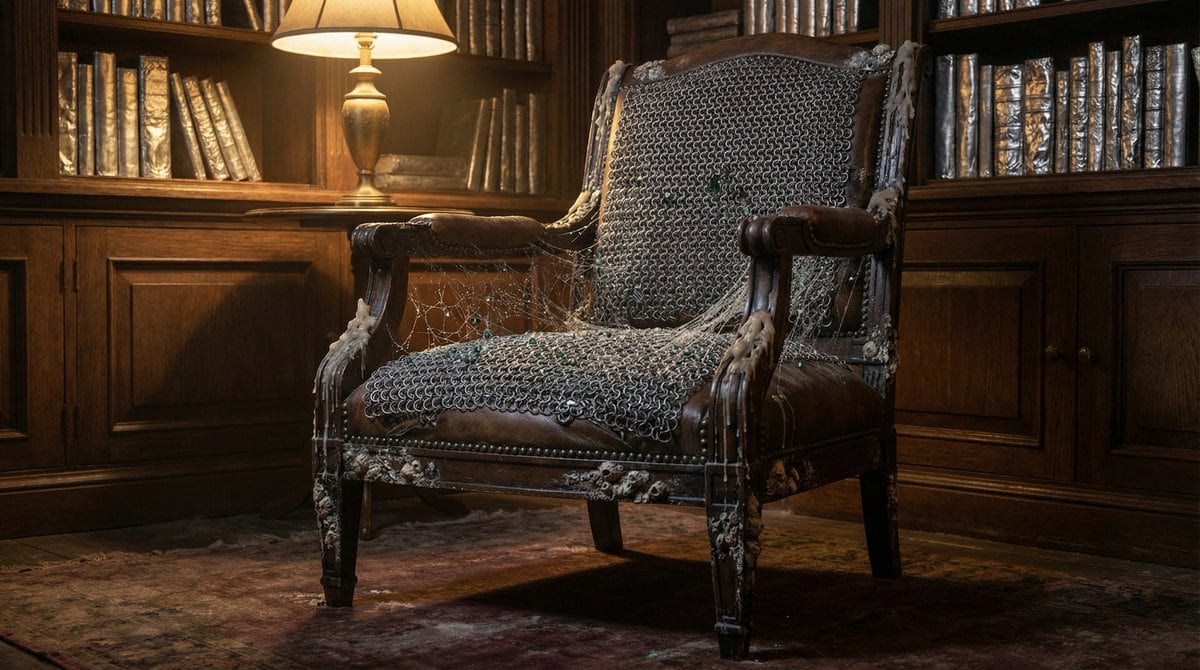
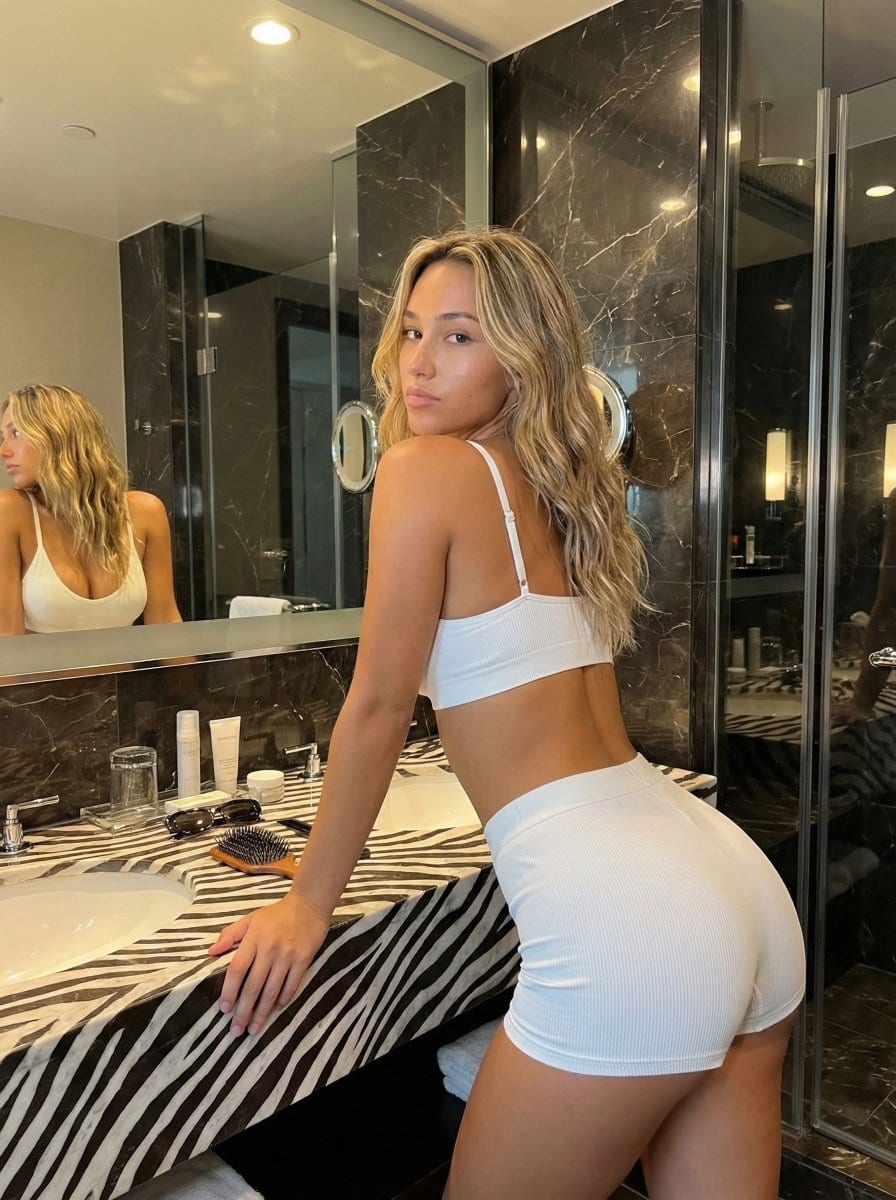
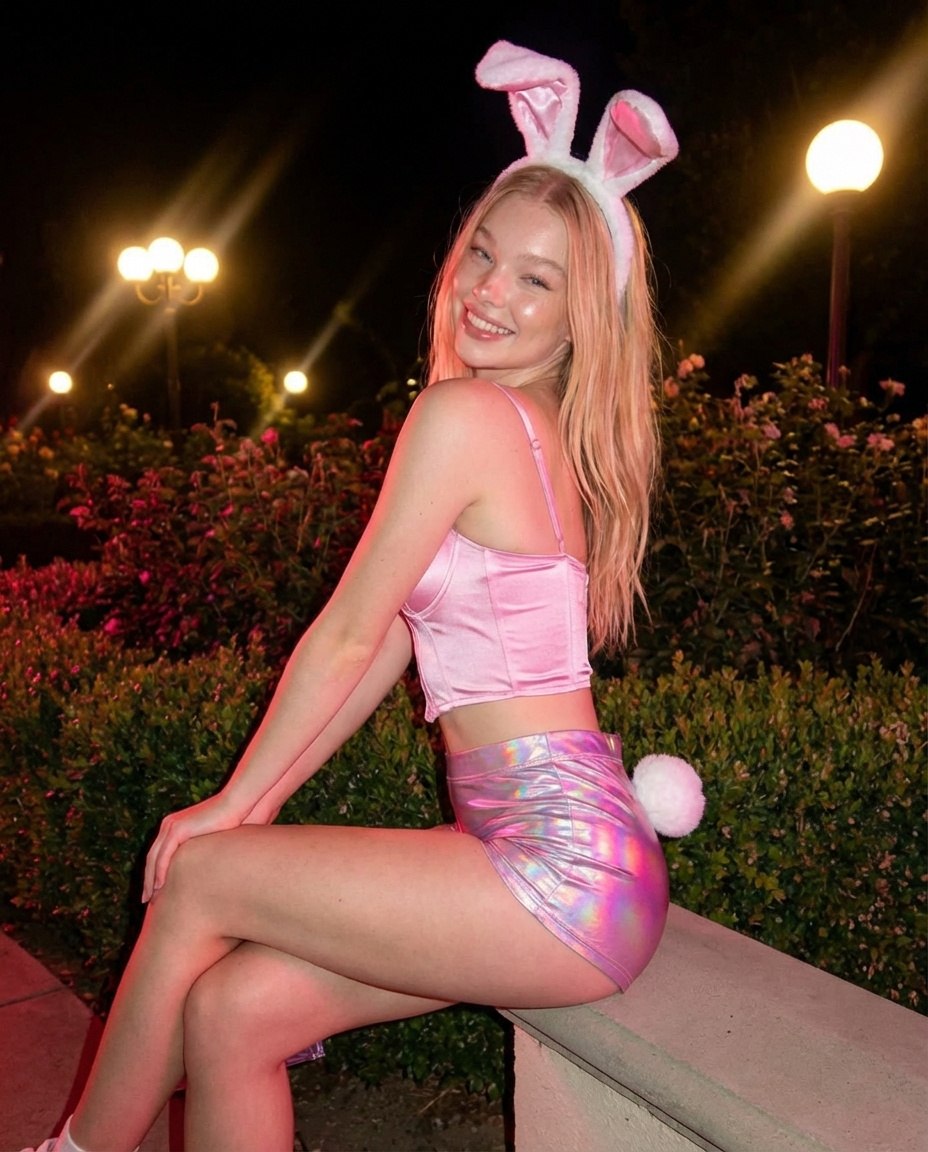
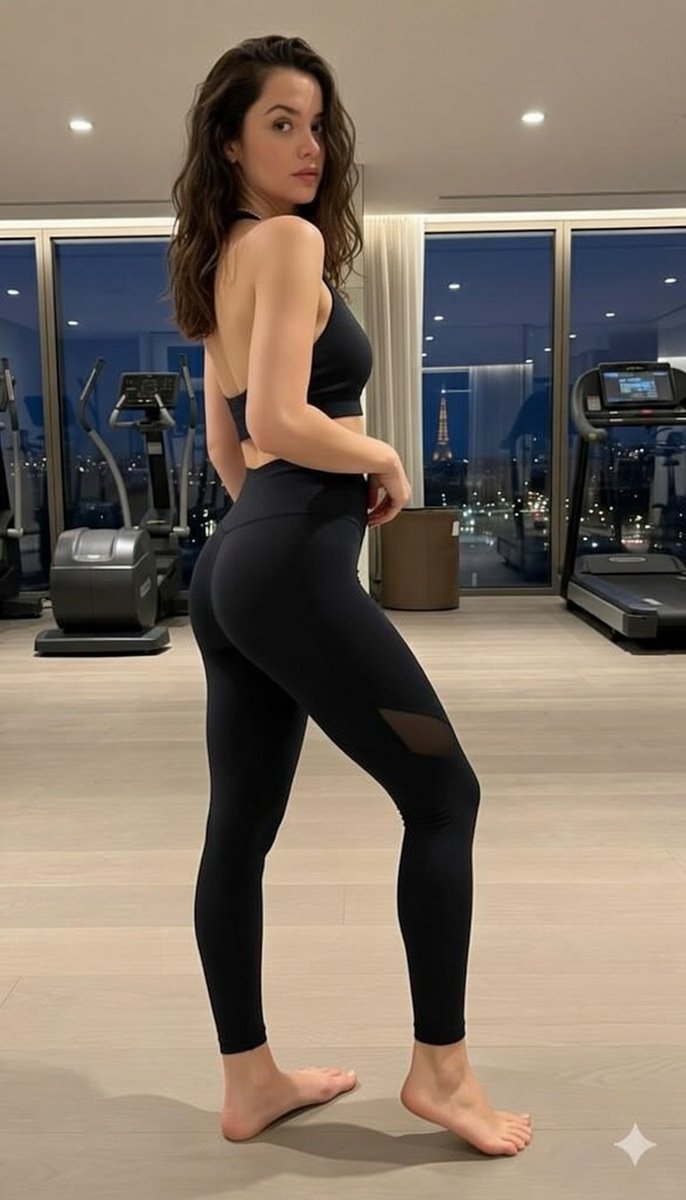
Un generador de imágenes a partir de texto con IA convierte un prompt escrito en una imagen terminada y lista para descargar. No requiere habilidades en Photoshop, ni suscripciones a bancos de imágenes, ni esperar a un diseñador. Describe el sujeto, el estilo, la iluminación y la composición; el motor de generación de imágenes a partir de texto renderiza los píxeles según tu descripción. ToolFK incluye varios modelos, entre ellos Flux, CodeView3 y FLUX.2 Dev, para que elijas velocidad, nivel de detalle o enfoques experimentales según la tarea.
Este generador de imágenes con IA gratuito funciona en el navegador: escribe un prompt, selecciona un modelo y una proporción de aspecto, y guarda el archivo en formato PNG o JPG en segundos. Los modelos Flux destacan en escenas fotorrealistas y tipografía limpia; CodeView3 es ideal para ilustraciones estilizadas; FLUX.2 Dev ofrece un equilibrio para trabajo creativo iterativo. Cuando necesites movimiento, envía el resultado a nuestra herramienta de imagen a vídeo o construye una escena completa con el generador de texto a vídeo. ¿No sabes cómo redactar el prompt? Nano Prompts ofrece plantillas probadas que puedes copiar y adaptar.
Funciones clave
- Generador de imágenes con IA gratuito con modelos Flux, CodeView3 y FLUX.2 Dev
- Generación de imágenes a partir de prompts en lenguaje natural
- Varias proporciones de aspecto para redes sociales, impresión y web
- Descarga rápida en PNG o JPG tras la generación
- Selector de modelos para comparar estilos con el mismo prompt
- Compatible con las herramientas de vídeo de ToolFK para crear flujos de trabajo completos
Cómo generar imágenes a partir de texto
- Abre la herramienta de texto a imagen e inicia sesión si aplica alguna límite diaria. Las restricciones vigentes se muestran en la página.
- Escribe un prompt detallado que incluya el sujeto, el estilo, la iluminación y la composición.
- Selecciona un modelo: Flux para realismo, CodeView3 para ilustración y FLUX.2 Dev para borradores equilibrados.
- Elige la proporción de aspecto y cualquier preset de calidad o estilo disponible en la página.
- Haz clic en Generar y espera a que el generador de imágenes con IA procese tu imagen.
- Descarga la imagen o envíala a la herramienta de imagen a vídeo para añadir animación.
Mejores casos de uso
- Publicaciones en redes sociales, miniaturas y creatividades para publicidad
- Arte conceptual y mood boards
- Maquetas de productos y ideas de embalaje
- Encabezados para blogs y visuales para presentaciones
- Variaciones rápidas antes de contratar a un diseñador
Herramientas relacionadas
Preguntas frecuentes
¿Este generador de imágenes con IA es gratuito?
Sí. Los usuarios invitados tienen un límite de generaciones diarias; los usuarios registrados tienen un cupo mayor y los planes VIP añaden más ejecuciones. Consulta el contador disponible en la página antes de empezar. Las condiciones actuales de uso y límites se indican en la interfaz.
¿Qué modelo debo elegir: Flux, CodeView3 o FLUX.2 Dev?
Usa Flux para resultados fotorrealistas y con detalle nítido. CodeView3 funciona bien para estilos ilustrativos o estilizados. FLUX.2 Dev es una opción sólida por defecto si quieres iteraciones rápidas sin perder demasiado en calidad.
¿Qué hace bueno un prompt para texto a imagen?
Nombra el sujeto, el estilo artístico, el enfoque de cámara o lente, la iluminación y el fondo. Separa las ideas con comas o frases cortas. Evita instrucciones contradictorias en un mismo prompt.
¿Puedo usar las imágenes generadas con fines comerciales?
Tú eres responsable de los derechos de autor del prompt y de cualquier marca registrada o parecido descrito. Revisa los términos de ToolFK y la legislación local antes de usar las imágenes en campañas pagadas.
¿Qué formatos de archivo genera?
La mayoría de las tareas permiten la descarga en PNG o JPG, según la opción que selecciones. La resolución depende de la proporción de aspecto y del nivel del modelo elegido en la página.
¿Cómo se conecta la generación de texto a imagen con las herramientas de vídeo?
Genera una imagen estática aquí y luego abre la herramienta de imagen a vídeo con el mismo archivo para añadir movimiento. Para escenas creadas solo con texto, utiliza texto a vídeo.
Última actualización: 1 de julio de 2026