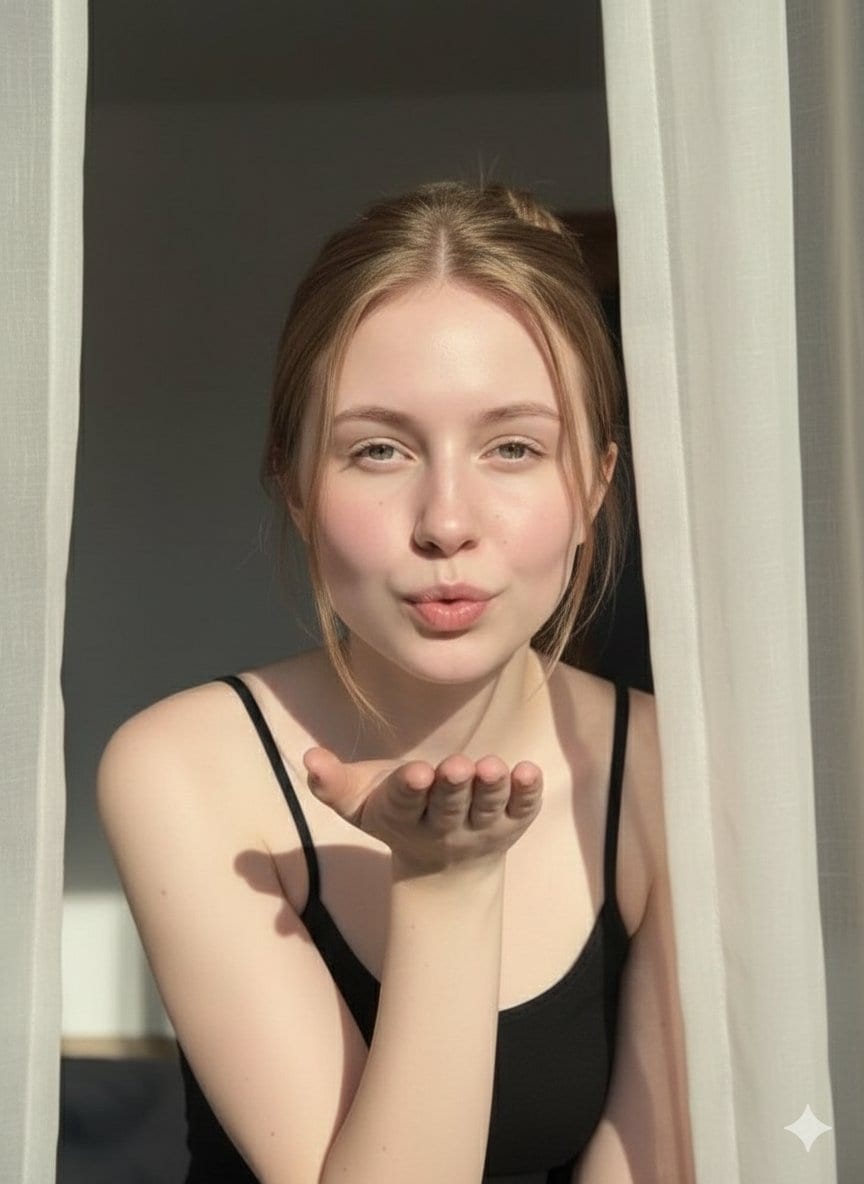
Ethereal Fashion Editorial Close-Up Portrait Prompt
A prompt for generating a fashion editorial close-up portrait of an ethereal young woman, focusing on delicate features, light-freckled porcelain skin, and piercing expressive eyes.
A prompt for generating a fashion editorial close-up portrait of an ethereal young woman, focusing on delicate features, light-freckled porcelain skin, and piercing expressive eyes.

A detailed prompt for generating a masterpiece-quality, ultra-detailed image of a confident young woman in a retro-futuristic, 80s roller disco aesthetic, featuring glossy leather attire, dramatic hair, and a low-angle shot.

An instruction template designed to convert viral internet moments or memes into ironic-but-premium miniature display boxes (toy boxes). It requires analyzing the cultural context of the meme and recreating the exact scene with figurines, miniature screen

A prompt used with Nano Banana Pro to transform an image (presumably an uploaded photo, based on the context of 'conversion') into an Elven Archer, emphasizing the mystical appearance of the forest guardian, complete with elf ears and a bow.

A cinematic prompt for generating a 1960s retro-style image of a woman with a platinum blonde bob, wearing a psychedelic swirl pattern dress, set in a mid-century modern living room. The prompt is designed to output multiple perspectives (full-body, profi

A detailed prompt for generating a photorealistic, polished portrait of a young Asian woman with glasses, seated in a leather armchair. The prompt specifies her outfit (pinstripe shirt dress, thigh-high stockings), pose (winking, hand near cheek), and pre

An image generation prompt for Google Gemini Nano Banana Pro, creating a hyper-realistic mythological fantasy artwork inspired by Radha and Krishna, blending watercolor and digital painting styles, with a focus on preserving a reference face and achieving
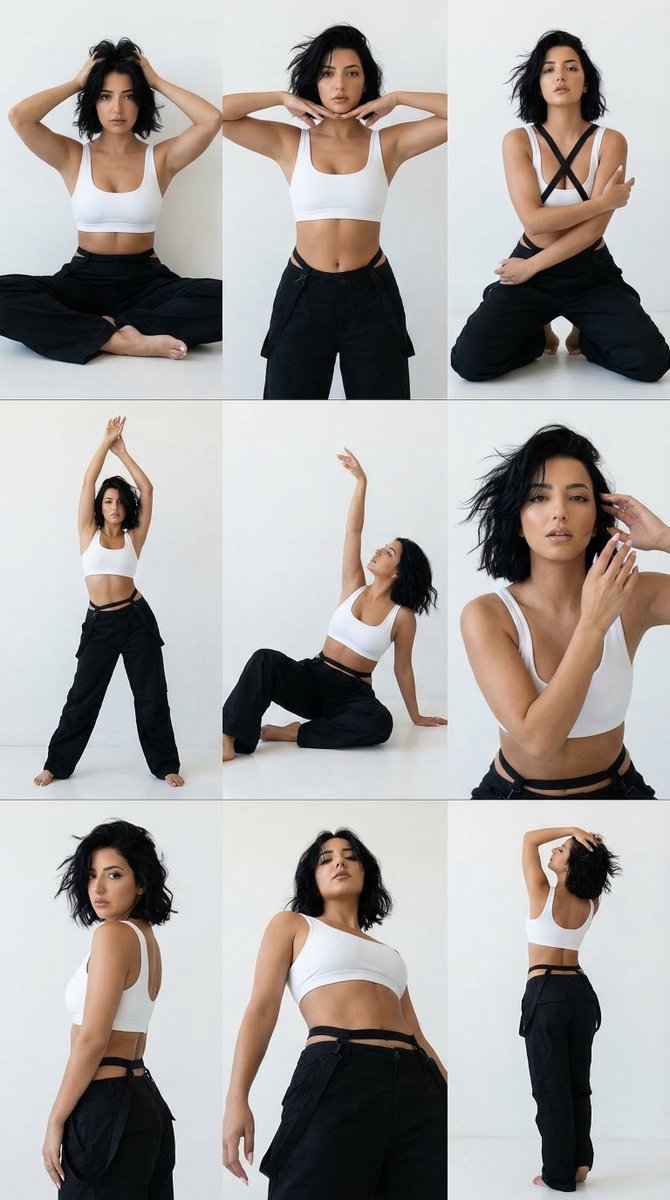
A structured prompt for Nano Banana Pro to generate a 3x3 photorealistic minimalist dance-fashion editorial grid. The image features one consistent female model with a short black bob, wearing a white crop top and oversized black pants, performing nine di
An AI text to image generator turns a written prompt into a finished picture you can download—no Photoshop skills, no stock subscriptions, no waiting on a designer. Describe the subject, style, lighting, and composition; the text to image engine renders pixels that match your words. ToolFK ships multiple models including Flux, CodeView3, and FLUX.2 Dev so you can pick speed, detail, or experimental looks depending on the job.
This free AI image generator runs in the browser: type a prompt, choose a model and aspect ratio, and save PNG or JPG in seconds. Flux models excel at photoreal scenes and clean typography; CodeView3 suits stylized illustrations; FLUX.2 Dev offers a balance for iterative creative work. When you need motion next, send the result to our image to video tool or build a full scene with the text to video generator. Stuck on wording? Nano Prompts lists tested templates you can paste and tweak.
Yes. Guests have a daily generation limit; registered users receive more quota, and VIP plans add extra runs. Check the counter on the page before you start.
Use Flux for photoreal output and sharp detail. CodeView3 works well for stylized or illustrative looks. FLUX.2 Dev is a solid default when you want fast iterations without sacrificing too much quality.
Name the subject, art style, camera or lens feel, lighting, and background. Separate ideas with commas or short sentences. Avoid contradictory instructions in one prompt.
You are responsible for rights in your prompt and any trademarks or likenesses you describe. Review ToolFK terms and local laws before using images in paid campaigns.
Most jobs download as PNG or JPG depending on the option you pick. Resolution follows the aspect ratio and model tier selected on the page.
Generate a still here, then open the image to video tool with the same file to add motion. For scenes built purely from words, use text to video instead.
Last updated: July 1, 2026