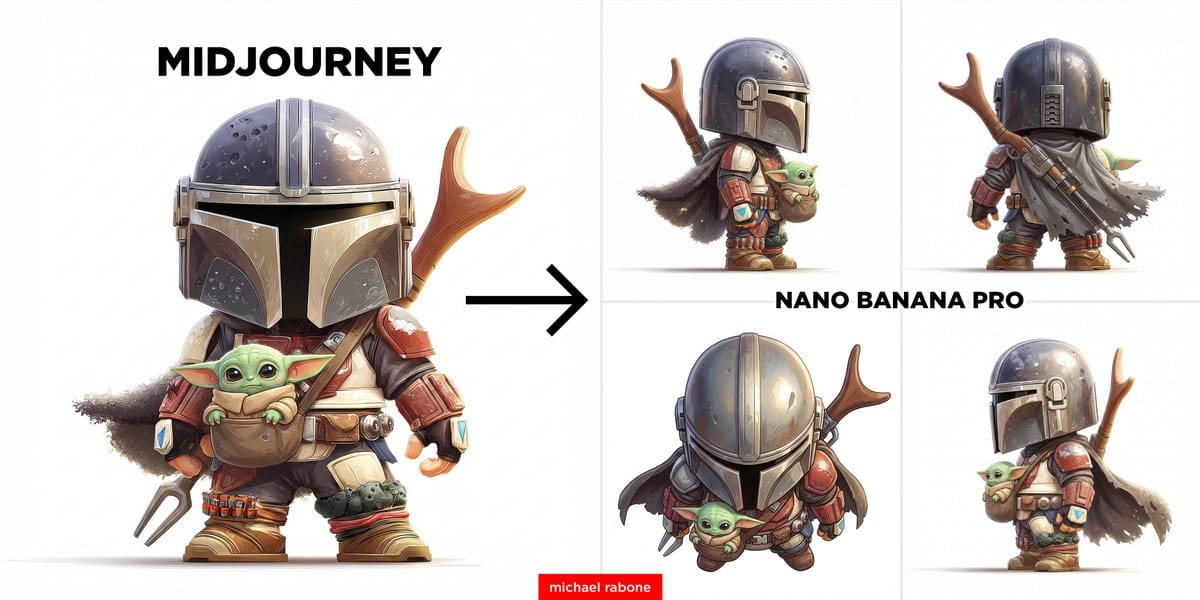
Image-to-Image View Generation Prompt
A simple prompt demonstrating how Nano Banana Pro can be used to generate specific views (like a side view) of a character initially created in Midjourney, requiring the original image as a reference.
Sign in to automatically link generations from this browser to your account. You can close this page and check processing or completed results in the history below.
Regular members: 1 day · VIP members: 7 days · Expired records and files are automatically deleted.
A simple prompt demonstrating how Nano Banana Pro can be used to generate specific views (like a side view) of a character initially created in Midjourney, requiring the original image as a reference.

A highly structured JSON prompt for Gemini Nano Banana Pro to generate an 8K ultra HD photorealistic portrait of Ana de Armas (with strict face preservation). The scene is an intimate boudoir setting, featuring her in a dark pink satin slip dress and silk

An extremely detailed, technical prompt for generating a luxury high-fashion studio portrait. It mandates a strict face identity lock based on an uploaded reference image, ensuring no changes to facial structure or skin texture. The scene specifies precis

A simple prompt instructing the AI to create an action movie poster featuring the people visible in an uploaded reference image.
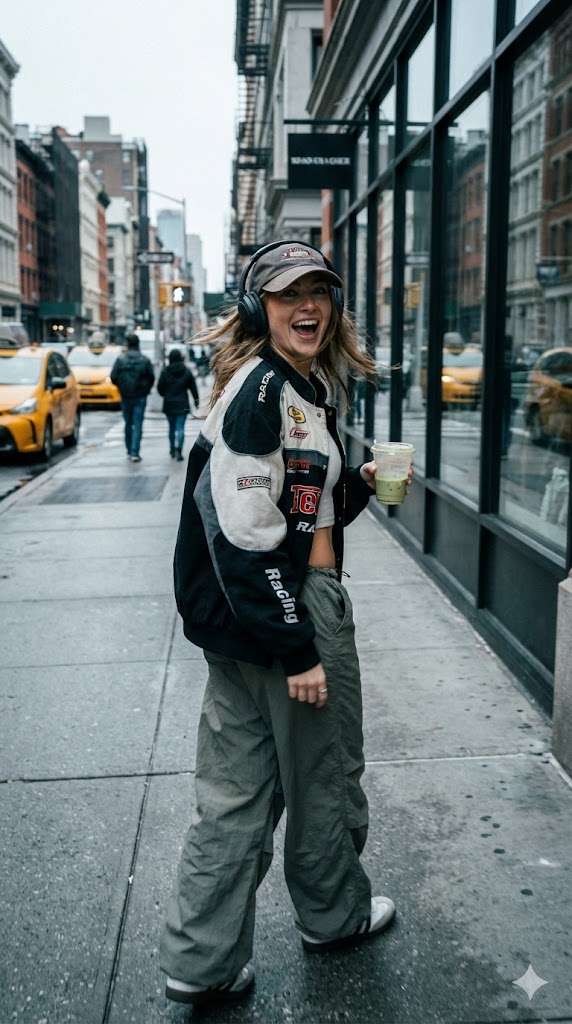
A JSON prompt for generating a candid, paparazzi-style street photograph of a Gen-Z trendsetter in a bustling city environment. It specifies the subject's outfit (vintage racing jacket, parachute pants, chunky headphones), pose (caught mid-stride looking
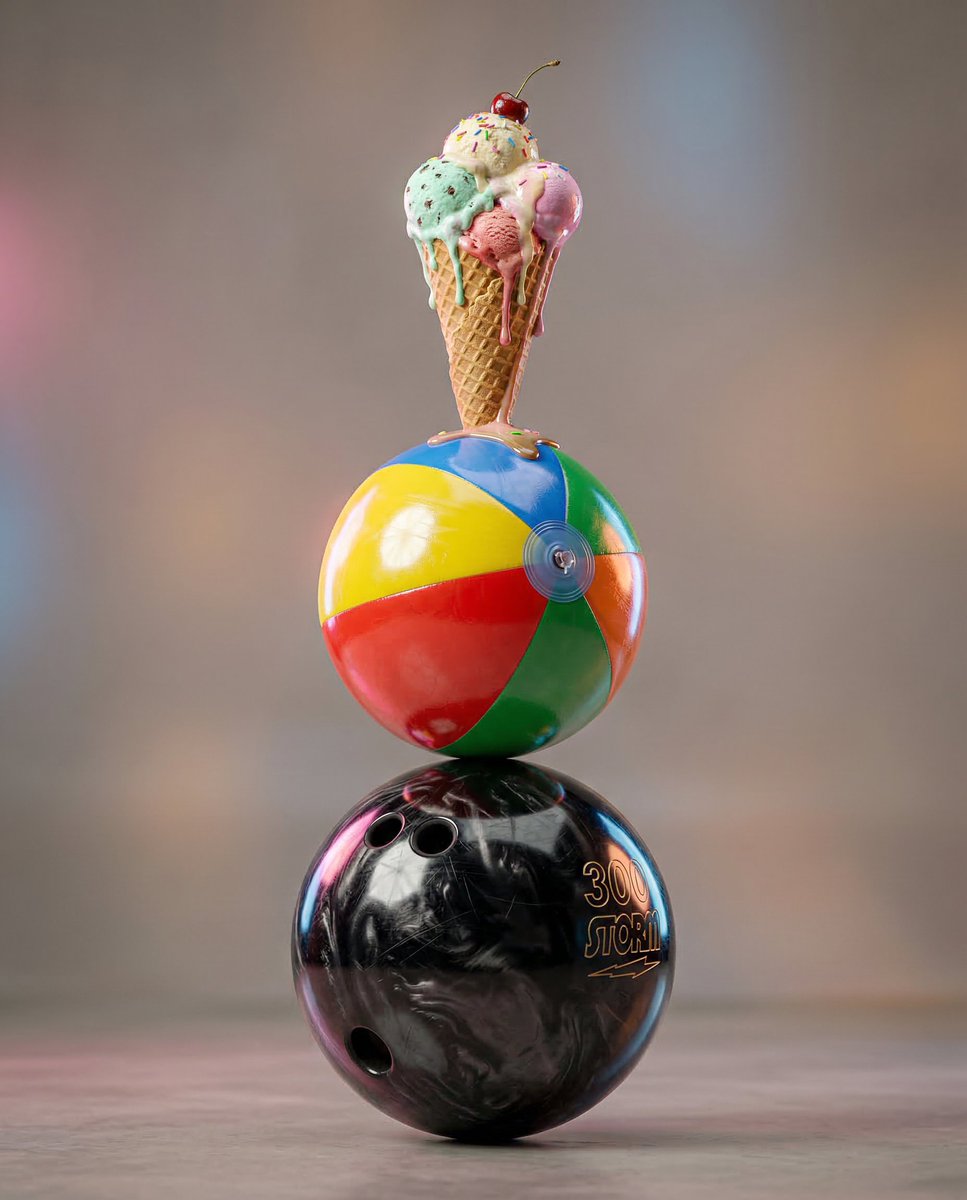
A prompt for Nano Banana 2 to generate a surreal, hyper-detailed image in the art style of Zhou Song. The subject is a whimsical, precarious totem-like stack consisting of a melting ice cream cone, a glossy striped beachball, and a polished bowling ball,
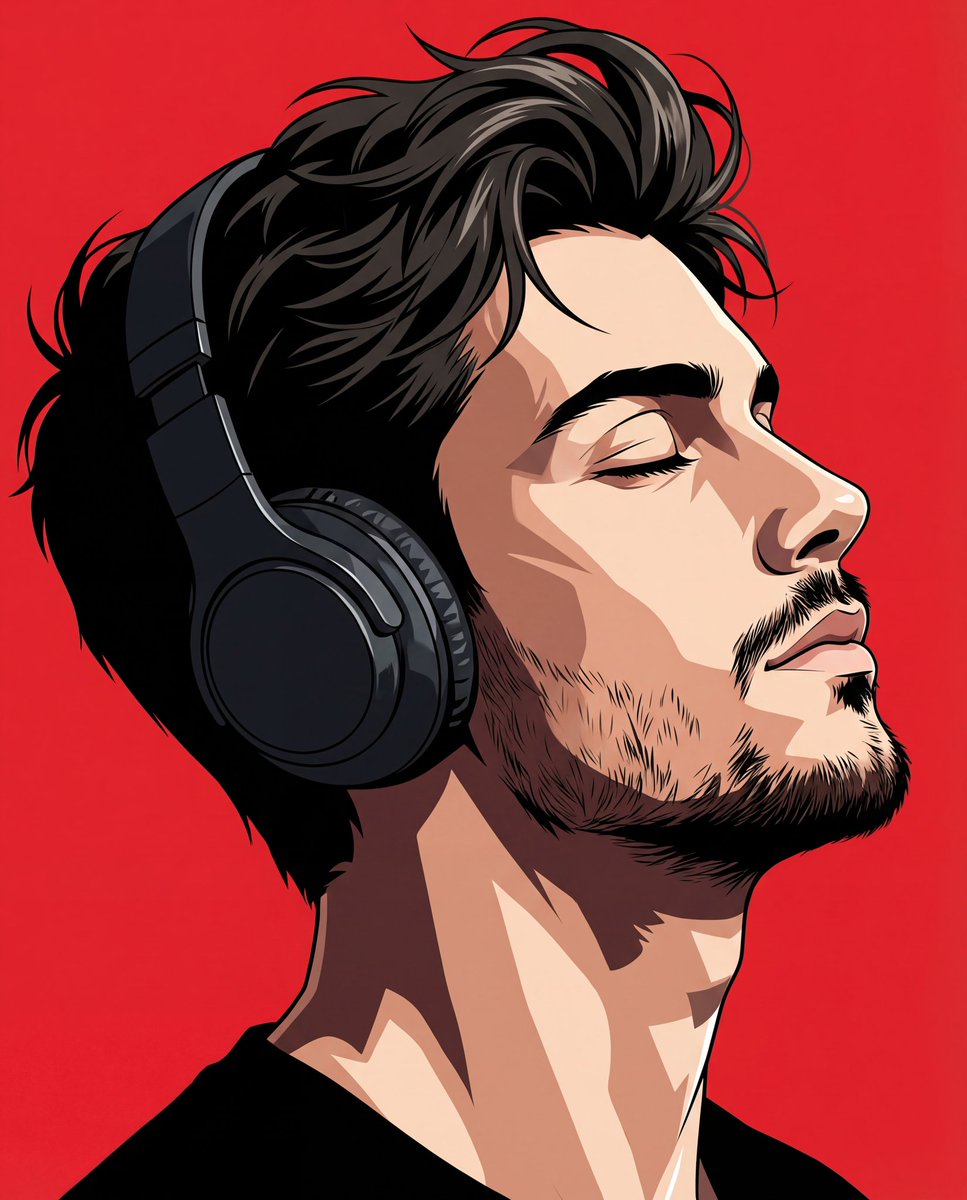
A prompt requiring a reference photo to transform a person's facial identity into a modern anime vector illustration, changing the pose to a dramatic side profile with closed eyes and adding black over-ear headphones, set against a minimalist bold red bac
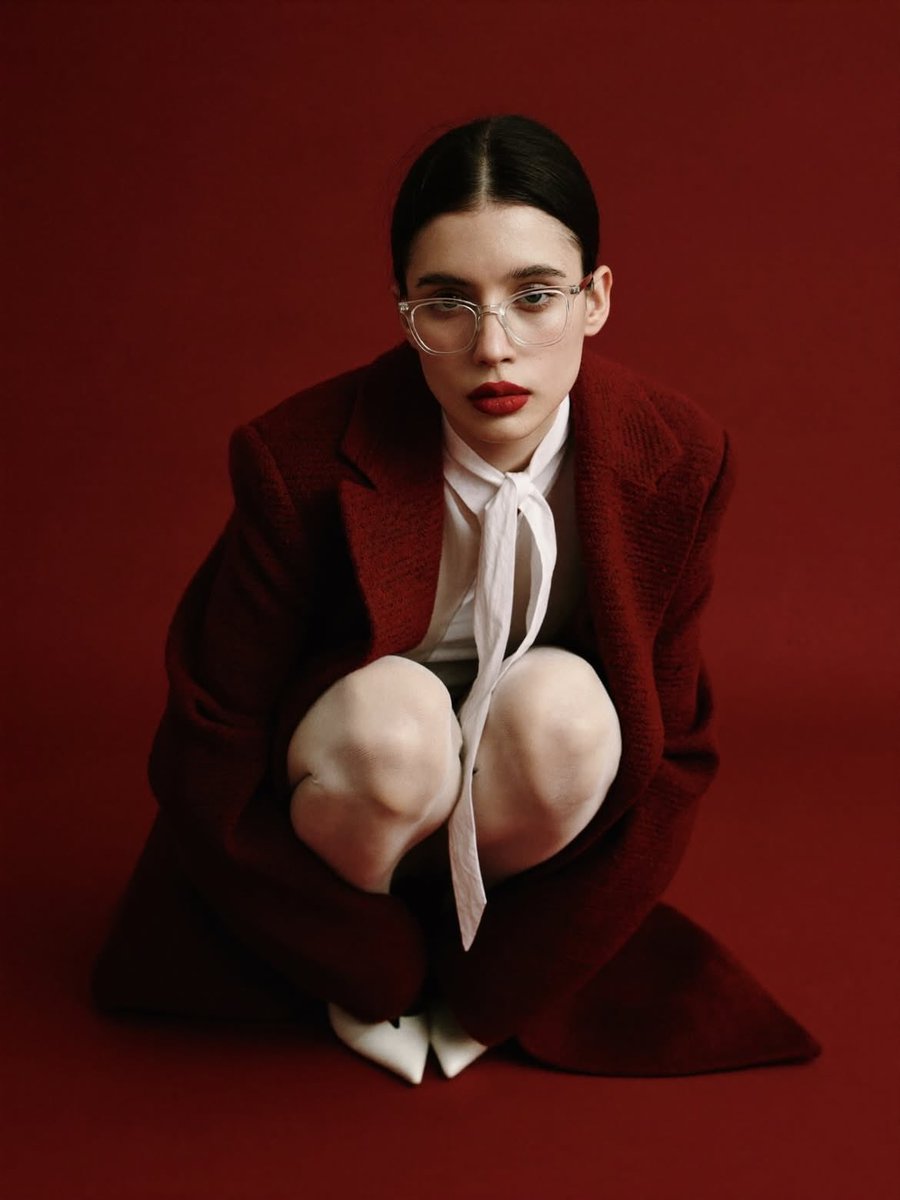
A prompt for Gemini Nano Banana Pro to generate a high-fashion editorial portrait of a young woman against a bold red background, emphasizing rich color contrast, specific attire (oversized red coat, patterned tights), and a moody, artistic composition.
An AI text to image generator turns a written prompt into a finished picture you can download—no Photoshop skills, no stock subscriptions, no waiting on a designer. Describe the subject, style, lighting, and composition; the text to image engine renders pixels that match your words. ToolFK ships multiple models including Flux, CodeView3, and FLUX.2 Dev so you can pick speed, detail, or experimental looks depending on the job.
This free AI image generator runs in the browser: type a prompt, choose a model and aspect ratio, and save PNG or JPG in seconds. Flux models excel at photoreal scenes and clean typography; CodeView3 suits stylized illustrations; FLUX.2 Dev offers a balance for iterative creative work. When you need motion next, send the result to our image to video tool or build a full scene with the text to video generator. Stuck on wording? Nano Prompts lists tested templates you can paste and tweak.
Yes. Guests have a daily generation limit; registered users receive more quota, and VIP plans add extra runs. Check the counter on the page before you start.
Use Flux for photoreal output and sharp detail. CodeView3 works well for stylized or illustrative looks. FLUX.2 Dev is a solid default when you want fast iterations without sacrificing too much quality.
Name the subject, art style, camera or lens feel, lighting, and background. Separate ideas with commas or short sentences. Avoid contradictory instructions in one prompt.
You are responsible for rights in your prompt and any trademarks or likenesses you describe. Review ToolFK terms and local laws before using images in paid campaigns.
Most jobs download as PNG or JPG depending on the option you pick. Resolution follows the aspect ratio and model tier selected on the page.
Generate a still here, then open the image to video tool with the same file to add motion. For scenes built purely from words, use text to video instead.
Last updated: July 1, 2026