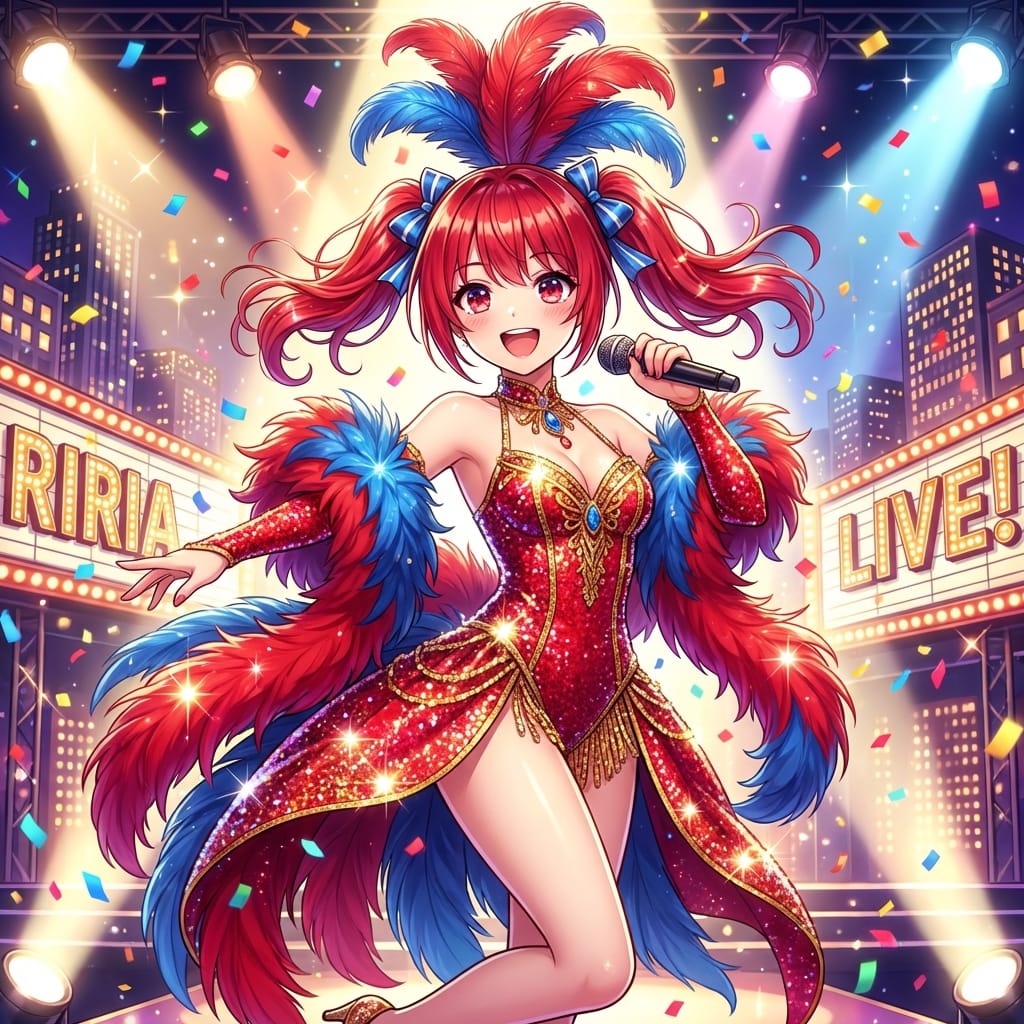
Musical Movie Star Conversion
A prompt designed for Nano Banana Pro to transform an image into a musical movie star aesthetic, emphasizing happiness, singing, and dancing. The user indicates the full prompt is available in the ALT text.
A prompt designed for Nano Banana Pro to transform an image into a musical movie star aesthetic, emphasizing happiness, singing, and dancing. The user indicates the full prompt is available in the ALT text.

A highly detailed, cinematic prompt for an extreme close-up portrait of a young woman (Rukmini Vasanth) in a snowy outdoor setting. It focuses intensely on hyper-realistic skin texture, the catchlights in the hazel-green eyes, and the presence of frost/sn

A structured prompt for generating an 8K digital illustration in the style of a GTA loading screen, featuring a young woman in monochromatic white streetwear against an urban sunset backdrop with a muscle car and palm trees, emphasizing vibrant colors and

A dual prompt for Nano Banana Pro, designed to generate two separate, high-contrast, minimalistic studio product shots: one of an Apple Watch on a dark-skinned wrist, and one macro shot of an iPhone 17 being lifted by a hand. Both prompts emphasize specif

A fun Nano Banana Pro prompt that generates a Japanese middle school history textbook page where a student has drawn silly pencil doodles on the portrait photo of a historical figure, while keeping the text correct and factual.
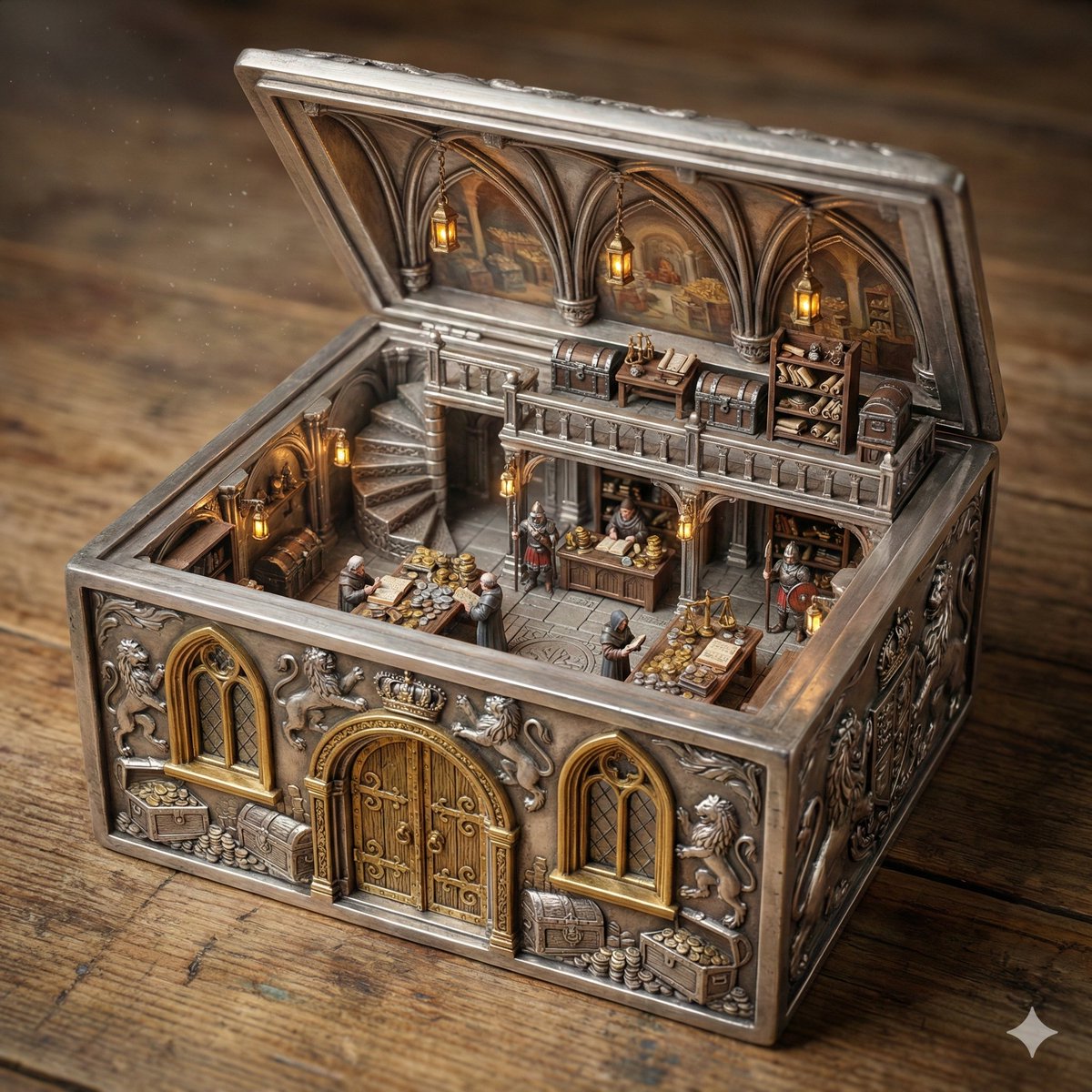
A complex, multi-layered master prompt for generating an ultra-realistic cinematic miniature diorama photograph of a Royal Treasury Counting Room, detailing strict geometric constraints, material variables, scene logic, and a hard front-right isometric ca
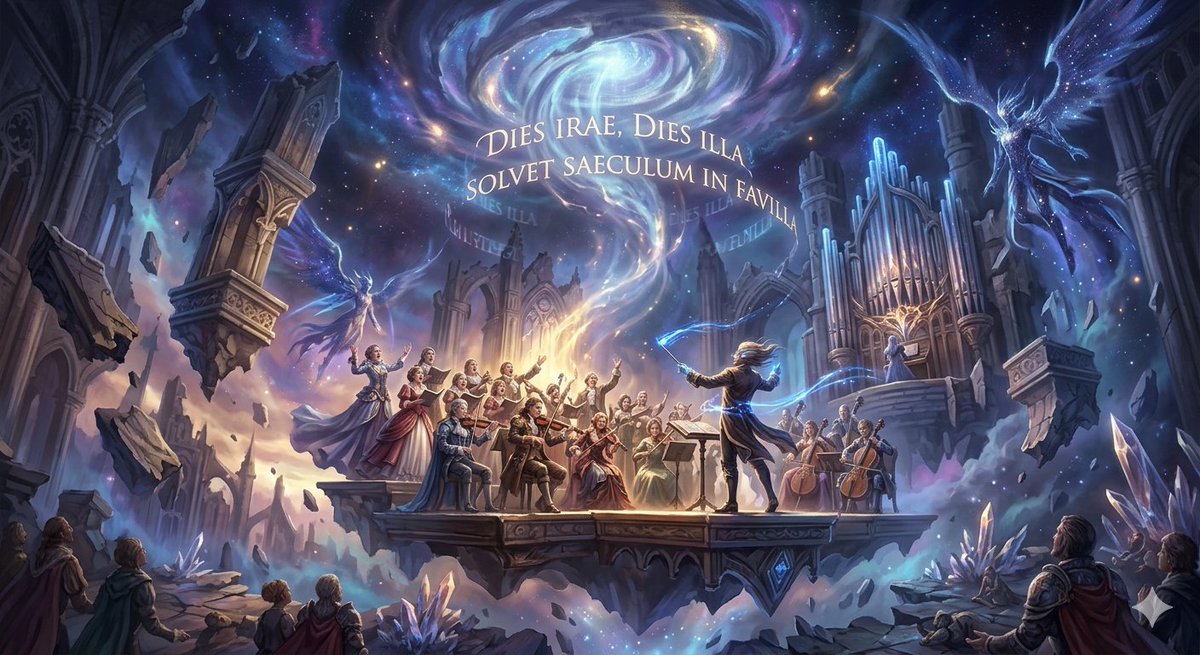
A prompt for Nano Banana Pro (Gemini 3 Pro Image) to generate an image based on Mozart's Requiem in D minor, K.626, specifically the 'Dies Irae' (Day of Wrath).
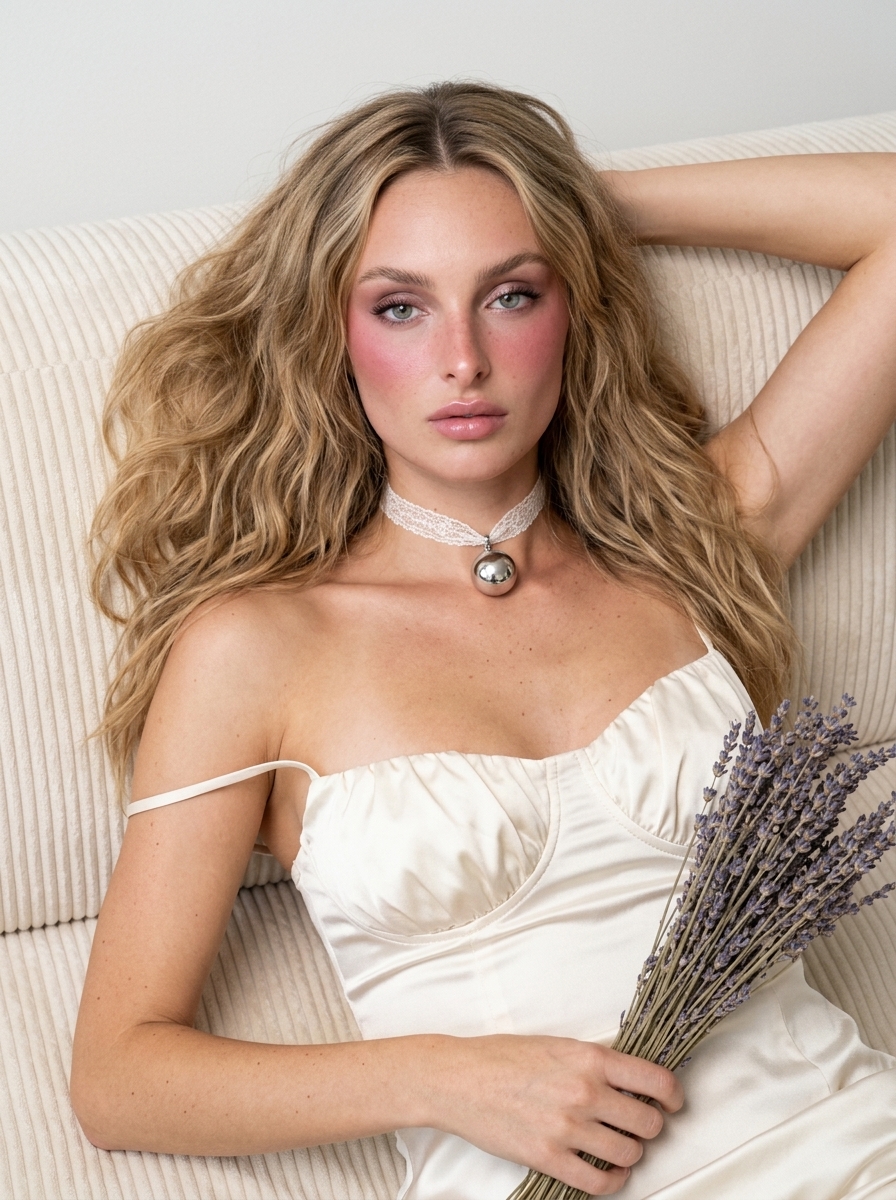
A detailed JSON-formatted prompt for generating an intimate, high-fashion editorial portrait of a woman (referencing Sydney Sweeney, Dua Lipa, or Maya) reclining on a sofa, wearing an ivory silk-satin mini dress, emphasizing specific makeup details (heavy
An AI text to image generator turns a written prompt into a finished picture you can download—no Photoshop skills, no stock subscriptions, no waiting on a designer. Describe the subject, style, lighting, and composition; the text to image engine renders pixels that match your words. ToolFK ships multiple models including Flux, CodeView3, and FLUX.2 Dev so you can pick speed, detail, or experimental looks depending on the job.
This free AI image generator runs in the browser: type a prompt, choose a model and aspect ratio, and save PNG or JPG in seconds. Flux models excel at photoreal scenes and clean typography; CodeView3 suits stylized illustrations; FLUX.2 Dev offers a balance for iterative creative work. When you need motion next, send the result to our image to video tool or build a full scene with the text to video generator. Stuck on wording? Nano Prompts lists tested templates you can paste and tweak.
Yes. Guests have a daily generation limit; registered users receive more quota, and VIP plans add extra runs. Check the counter on the page before you start.
Use Flux for photoreal output and sharp detail. CodeView3 works well for stylized or illustrative looks. FLUX.2 Dev is a solid default when you want fast iterations without sacrificing too much quality.
Name the subject, art style, camera or lens feel, lighting, and background. Separate ideas with commas or short sentences. Avoid contradictory instructions in one prompt.
You are responsible for rights in your prompt and any trademarks or likenesses you describe. Review ToolFK terms and local laws before using images in paid campaigns.
Most jobs download as PNG or JPG depending on the option you pick. Resolution follows the aspect ratio and model tier selected on the page.
Generate a still here, then open the image to video tool with the same file to add motion. For scenes built purely from words, use text to video instead.
Last updated: July 1, 2026