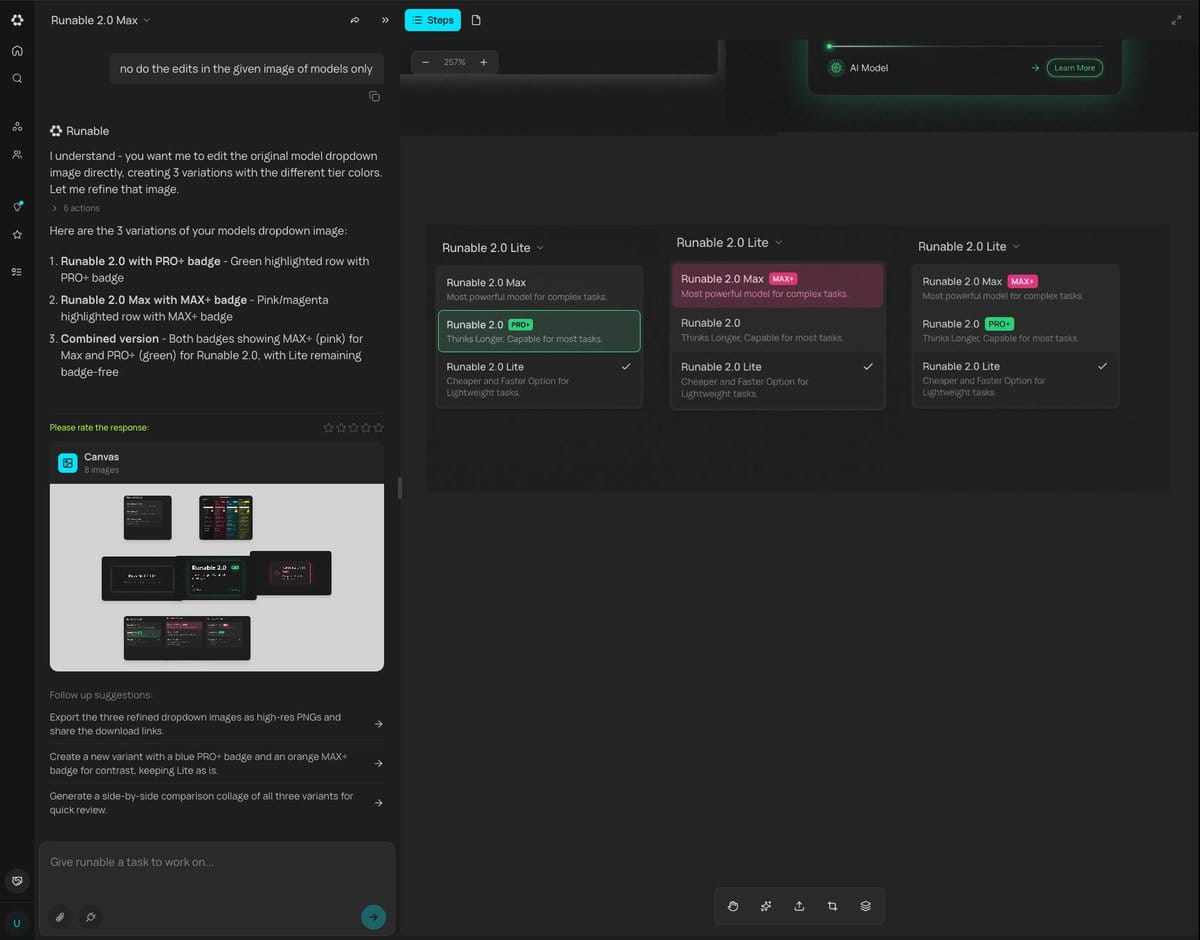
Generating Multiple Runnable Modes/States
A prompt describing the ability to generate multiple different states or runnable modes for a design or application based on a single input, streamlining the design process.
A prompt describing the ability to generate multiple different states or runnable modes for a design or application based on a single input, streamlining the design process.

A structured JSON prompt for generating an overhead portrait of a young woman lying on her back, making a playful expression (winking and sticking out her tongue). It details her appearance (freckles, blonde wavy hair, white halter-neck bikini) and the so

This prompt is used to generate a 4-panel comic strip (Yonkoma) with the theme 'Friends Forever' using Nano Banana Pro. The prompt dictates the overall theme and structure of the comic, aiming for a heartwarming or humorous outcome.

A structured prompt for generating a high-resolution editorial photograph of a woman in a festive, opulent setting. It specifies her attire (emerald green velvet mini dress with an oversized white silk bow), pose, and the luxurious background (grand foyer

A prompt designed for use in a scene swap workflow (like Invideo Performances), instructing the AI to replicate the framing and pose of a reference image precisely, but replacing the human character with a white fluffy bear against a winter forest backdro

A detailed image generation prompt for a soft, intimate indoor portrait. It requires maintaining the exact facial identity from a reference image and depicts the subject lying on a bed with soft window light, focusing on a dreamy, restful atmosphere.
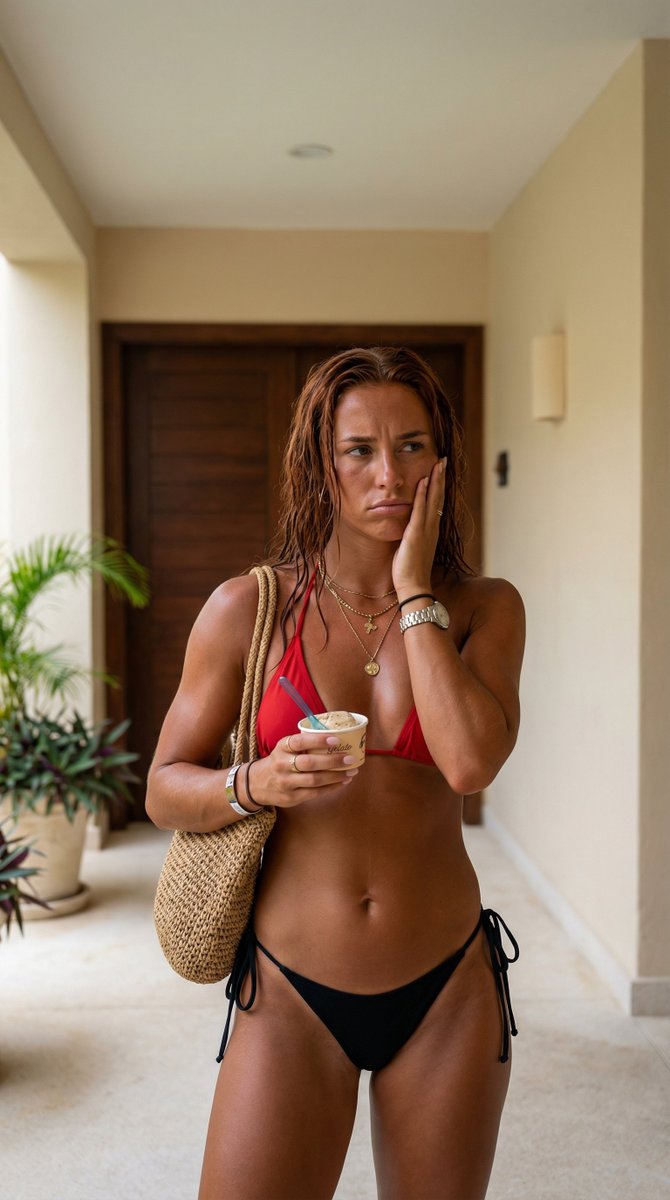
A highly detailed, structured prompt designed for the Nano Banana Pro model to generate an ultra-realistic, high-quality candid photograph of a mid-20s woman with a fit physique, red wet hair, and a deep tan, posed thoughtfully in a resort setting. The pr
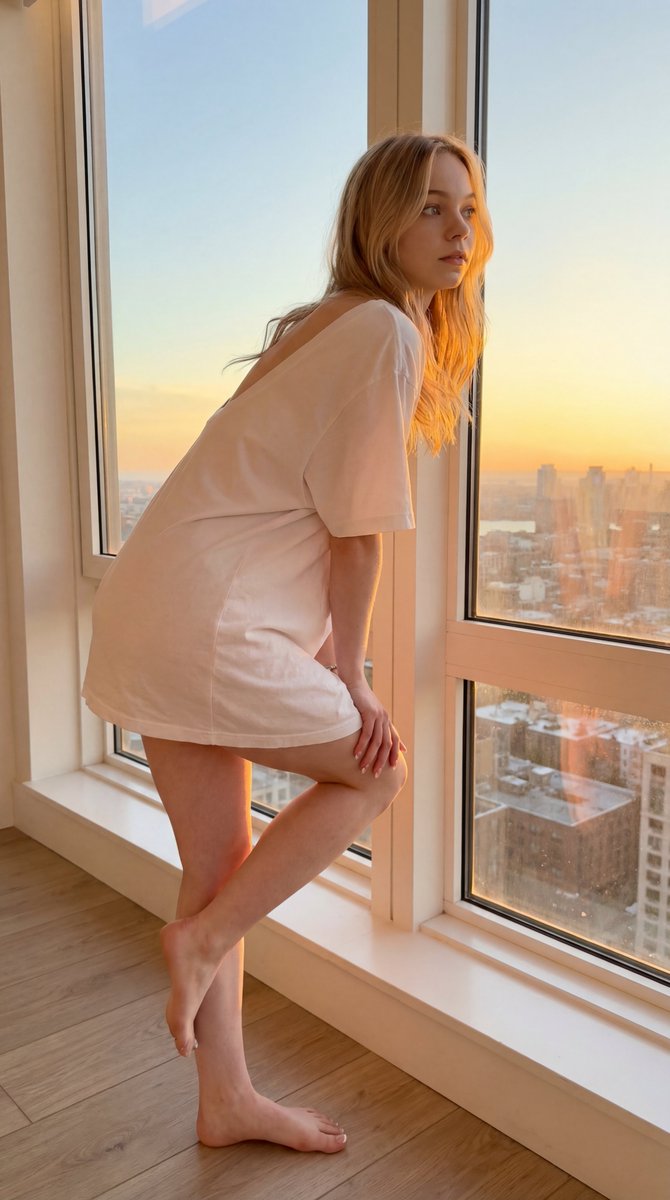
A mobile camera style prompt for a natural indoor portrait near a window at sunset.
An AI text to image generator turns a written prompt into a finished picture you can download—no Photoshop skills, no stock subscriptions, no waiting on a designer. Describe the subject, style, lighting, and composition; the text to image engine renders pixels that match your words. ToolFK ships multiple models including Flux, CodeView3, and FLUX.2 Dev so you can pick speed, detail, or experimental looks depending on the job.
This free AI image generator runs in the browser: type a prompt, choose a model and aspect ratio, and save PNG or JPG in seconds. Flux models excel at photoreal scenes and clean typography; CodeView3 suits stylized illustrations; FLUX.2 Dev offers a balance for iterative creative work. When you need motion next, send the result to our image to video tool or build a full scene with the text to video generator. Stuck on wording? Nano Prompts lists tested templates you can paste and tweak.
Yes. Guests have a daily generation limit; registered users receive more quota, and VIP plans add extra runs. Check the counter on the page before you start.
Use Flux for photoreal output and sharp detail. CodeView3 works well for stylized or illustrative looks. FLUX.2 Dev is a solid default when you want fast iterations without sacrificing too much quality.
Name the subject, art style, camera or lens feel, lighting, and background. Separate ideas with commas or short sentences. Avoid contradictory instructions in one prompt.
You are responsible for rights in your prompt and any trademarks or likenesses you describe. Review ToolFK terms and local laws before using images in paid campaigns.
Most jobs download as PNG or JPG depending on the option you pick. Resolution follows the aspect ratio and model tier selected on the page.
Generate a still here, then open the image to video tool with the same file to add motion. For scenes built purely from words, use text to video instead.
Last updated: July 1, 2026