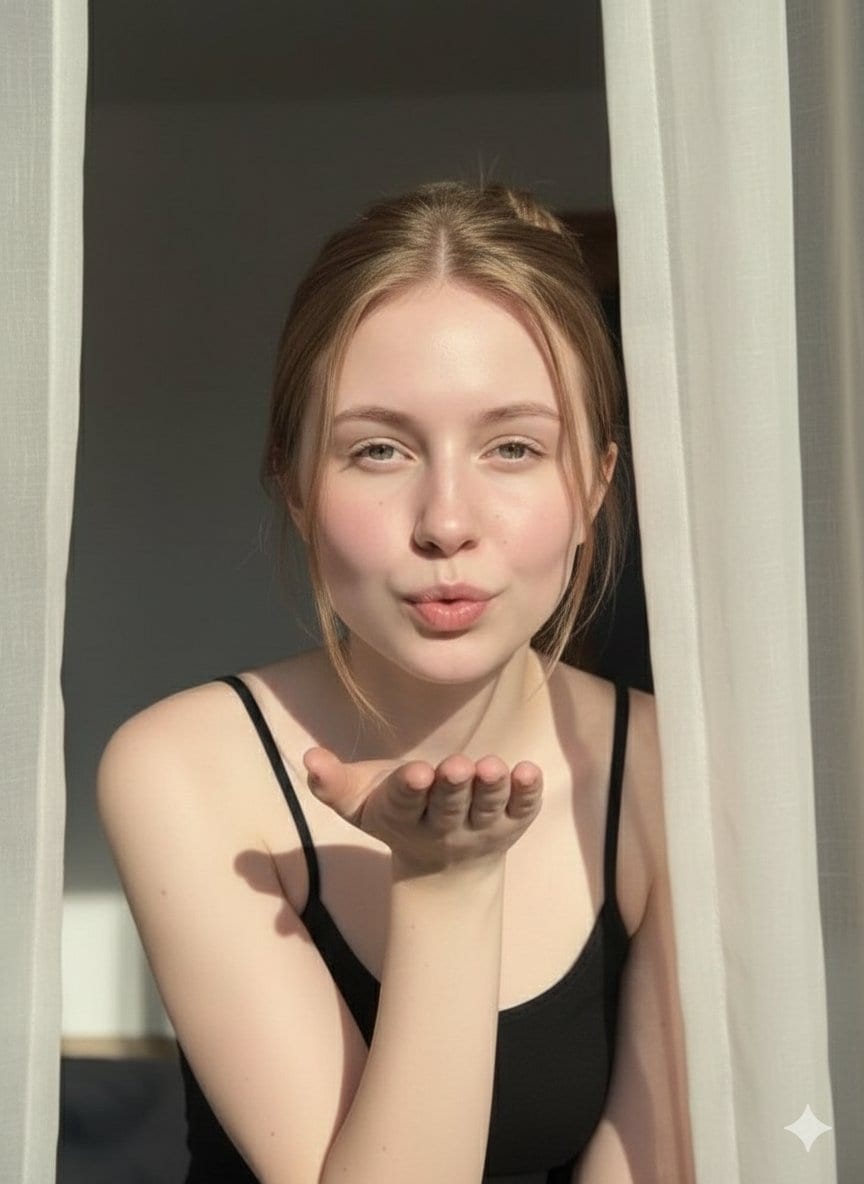
Ethereal Fashion Editorial Close-Up Portrait Prompt
A prompt for generating a fashion editorial close-up portrait of an ethereal young woman, focusing on delicate features, light-freckled porcelain skin, and piercing expressive eyes.
A prompt for generating a fashion editorial close-up portrait of an ethereal young woman, focusing on delicate features, light-freckled porcelain skin, and piercing expressive eyes.

A highly detailed, ultra-photorealistic image generation prompt designed for a specific pose and lighting setup. It describes a young woman in a red mini-dress backstage at a circus, emphasizing hard, direct flash photography, specific camera settings, an

A structured JSON prompt for Gemini Nano Banana Pro to generate a festive, humorous selfie where a woman in a gold sequin dress is kissing Santa Claus on the cheek. The scene is an indoor holiday grotto with a Christmas tree and flash photography lighting
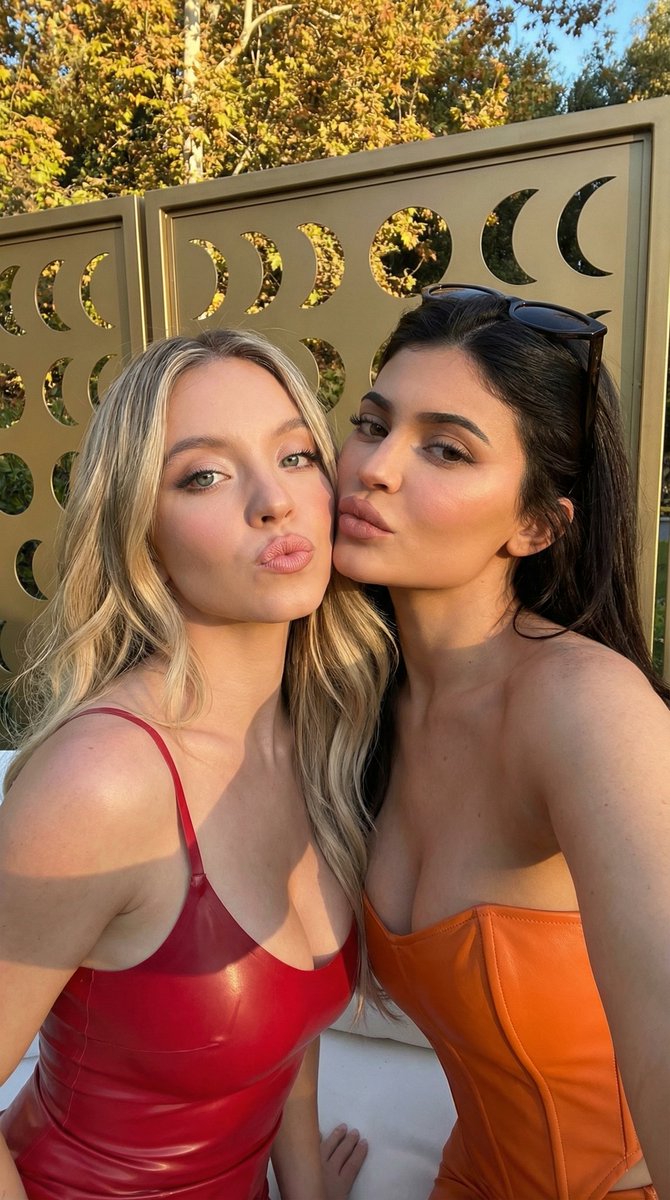
A structured prompt for generating a high-glamour, influencer-style selfie of two women (one in red latex, one in a black bustier) leaning together and pouting, set outdoors against a geometric privacy screen during golden hour.
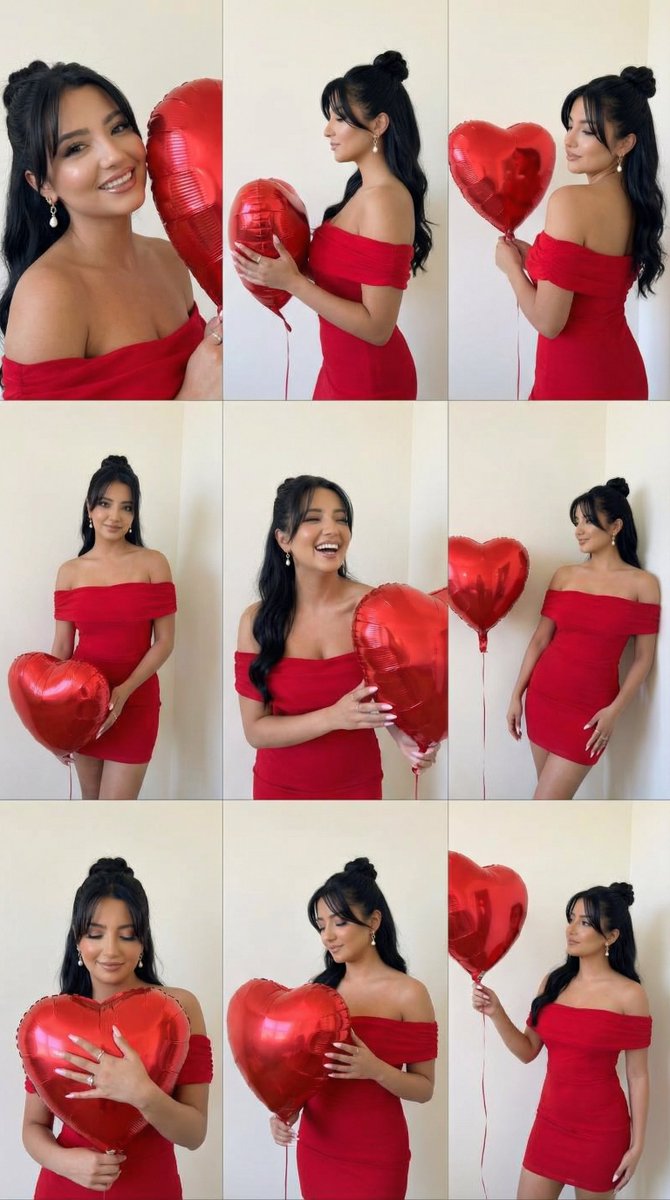
A highly structured JSON prompt for generating a 3x3 editorial collage of a woman (identity preserved from reference image) holding a large bouquet of deep red roses, emphasizing romantic lighting, specific pose variations, and high panel consistency.
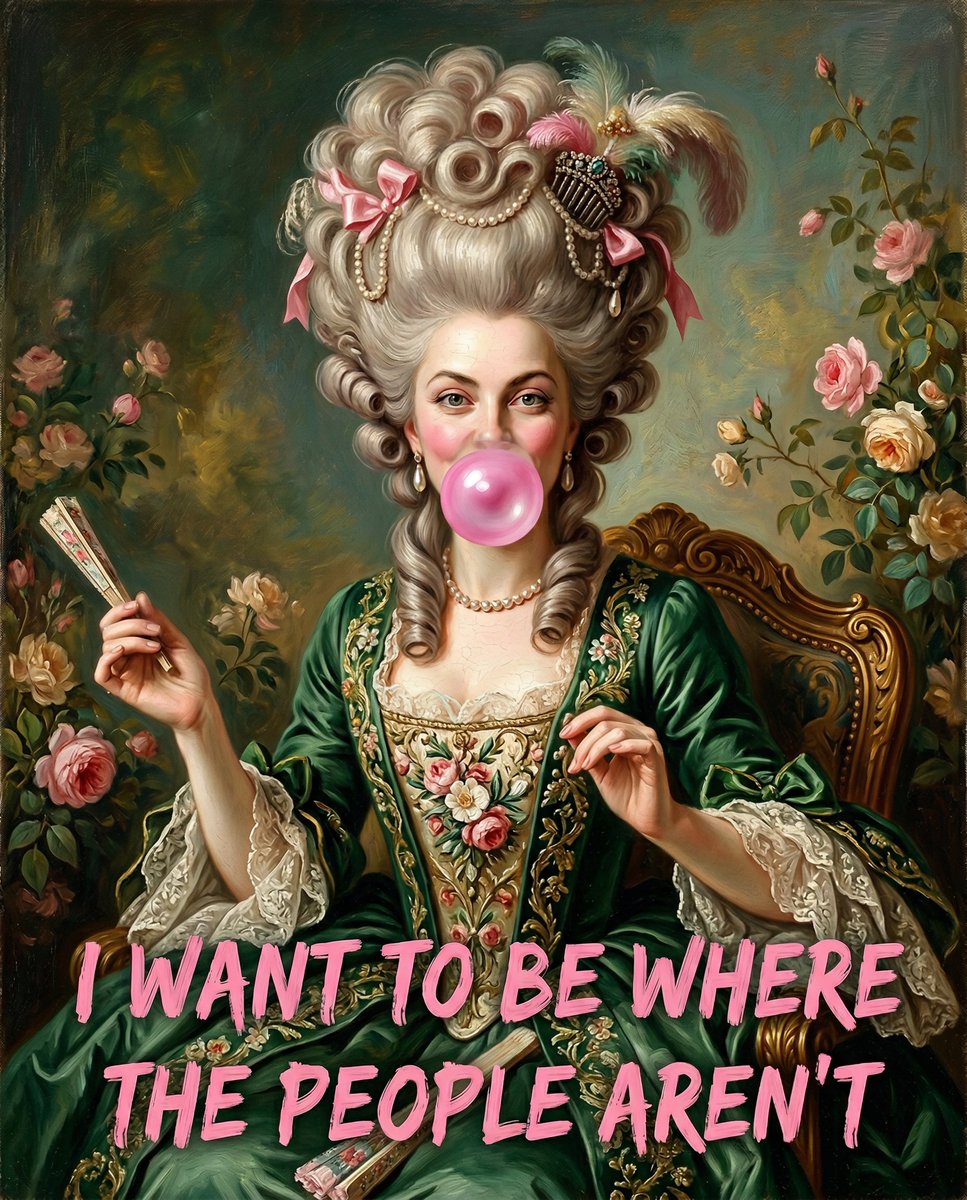
A prompt for generating an oil painting portrait of a woman in 18th-century attire (powdered wig, green dress) who is incongruously blowing a pink bubblegum bubble. The image includes a text overlay at the bottom with a bold, brushstroke font.
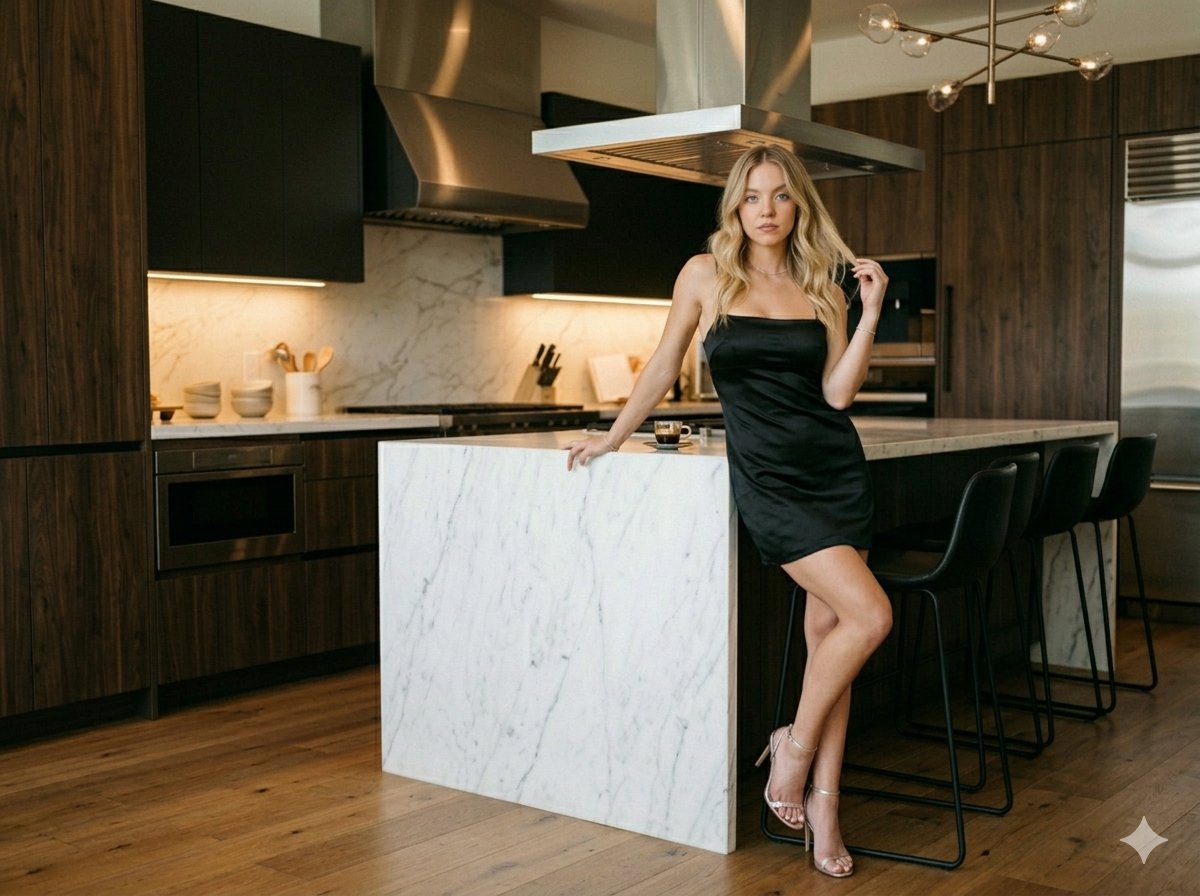
A detailed JSON prompt for Nano Banana 2, generating an ultra-realistic cinematic fashion photograph of Sydney Sweeney in a luxury modern kitchen. The prompt specifies her pose, wardrobe (black satin mini slip dress), lighting (warm under-cabinet lights),
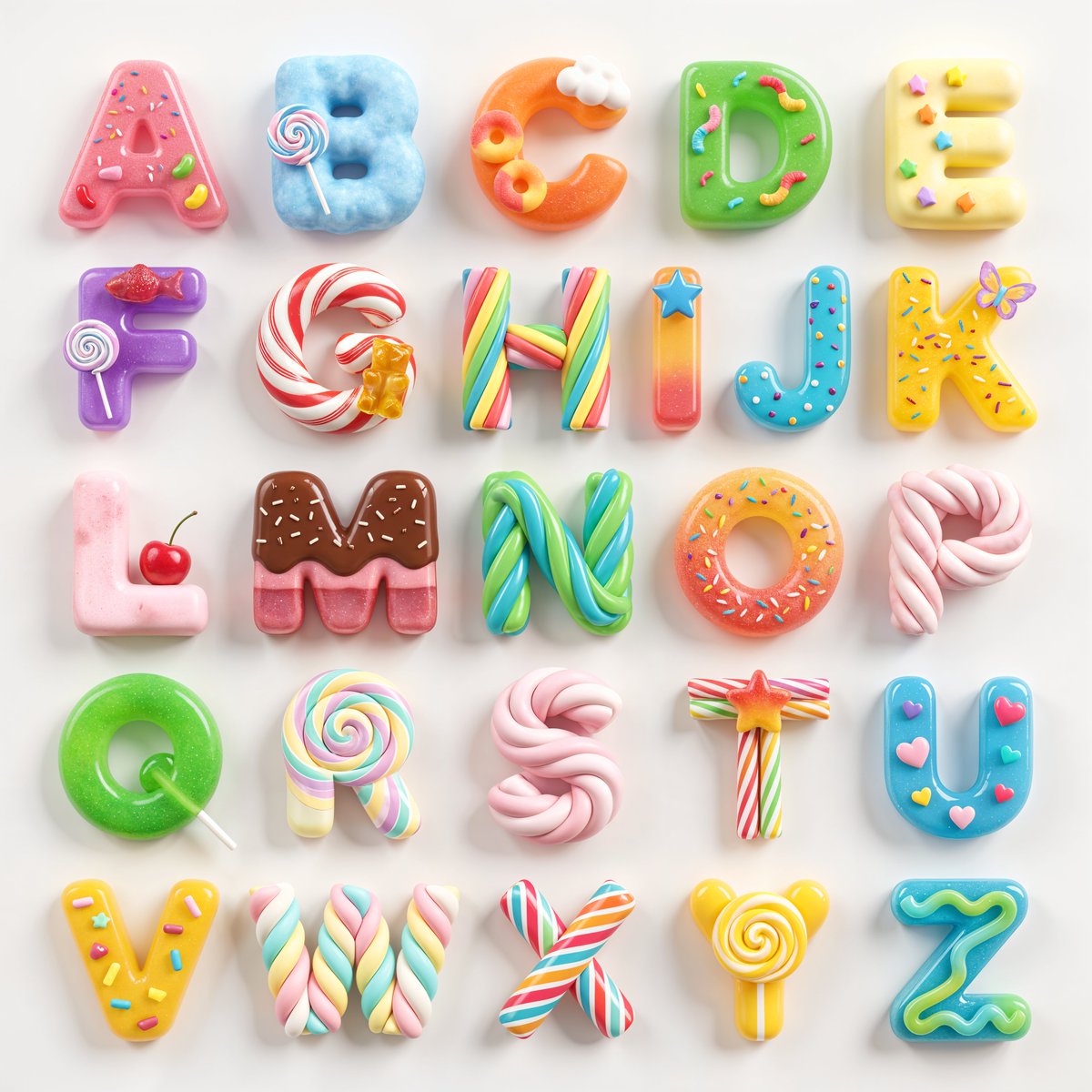
A whimsical prompt for creating cute, candy-themed 3D letters from A to Z with soft textures and pastel colors.
An AI text to image generator turns a written prompt into a finished picture you can download—no Photoshop skills, no stock subscriptions, no waiting on a designer. Describe the subject, style, lighting, and composition; the text to image engine renders pixels that match your words. ToolFK ships multiple models including Flux, CodeView3, and FLUX.2 Dev so you can pick speed, detail, or experimental looks depending on the job.
This free AI image generator runs in the browser: type a prompt, choose a model and aspect ratio, and save PNG or JPG in seconds. Flux models excel at photoreal scenes and clean typography; CodeView3 suits stylized illustrations; FLUX.2 Dev offers a balance for iterative creative work. When you need motion next, send the result to our image to video tool or build a full scene with the text to video generator. Stuck on wording? Nano Prompts lists tested templates you can paste and tweak.
Yes. Guests have a daily generation limit; registered users receive more quota, and VIP plans add extra runs. Check the counter on the page before you start.
Use Flux for photoreal output and sharp detail. CodeView3 works well for stylized or illustrative looks. FLUX.2 Dev is a solid default when you want fast iterations without sacrificing too much quality.
Name the subject, art style, camera or lens feel, lighting, and background. Separate ideas with commas or short sentences. Avoid contradictory instructions in one prompt.
You are responsible for rights in your prompt and any trademarks or likenesses you describe. Review ToolFK terms and local laws before using images in paid campaigns.
Most jobs download as PNG or JPG depending on the option you pick. Resolution follows the aspect ratio and model tier selected on the page.
Generate a still here, then open the image to video tool with the same file to add motion. For scenes built purely from words, use text to video instead.
Last updated: July 1, 2026
.",
"Strung warm-tone Edison bulbs."
]
},
"lighting": {
"style": "Direct on-camera flash.",
"characteristics": "Hard, direct flash lighting on the subject creating a sharp shadow on the red curtain. Highlights on face and body. Warm ambient glow from background lights."
},
"technical_details": {
"aesthetic": "Ultra-photorealistic, flash photography, nightlife portrait, 8k resolution, raw capture.",
"camera_simulation": {
"camera": "DSLR camera",
"lens": "35mm lens",
"aperture": "f/5.6",
"shutter_speed": "1/160s",
"iso": "400",
"flash": "On-camera flash fired"
}
},
"full_prompt_string": "A raw, ultra-photorealistic flash portrait of the woman from image_0.png backstage at a circus. She stands in the exact pose: angled slightly right, head tilted right, right hand on upper thigh, left arm straight down, weight on left leg, right leg forward. She wears the black mock-neck mini dress, garter stockings, and gold cuff. The background is heavy red velvet curtains, white fabric, and the glowing 'CIRCUS' sign with Edison bulbs. Hard flash lighting with distinct shadow."
})