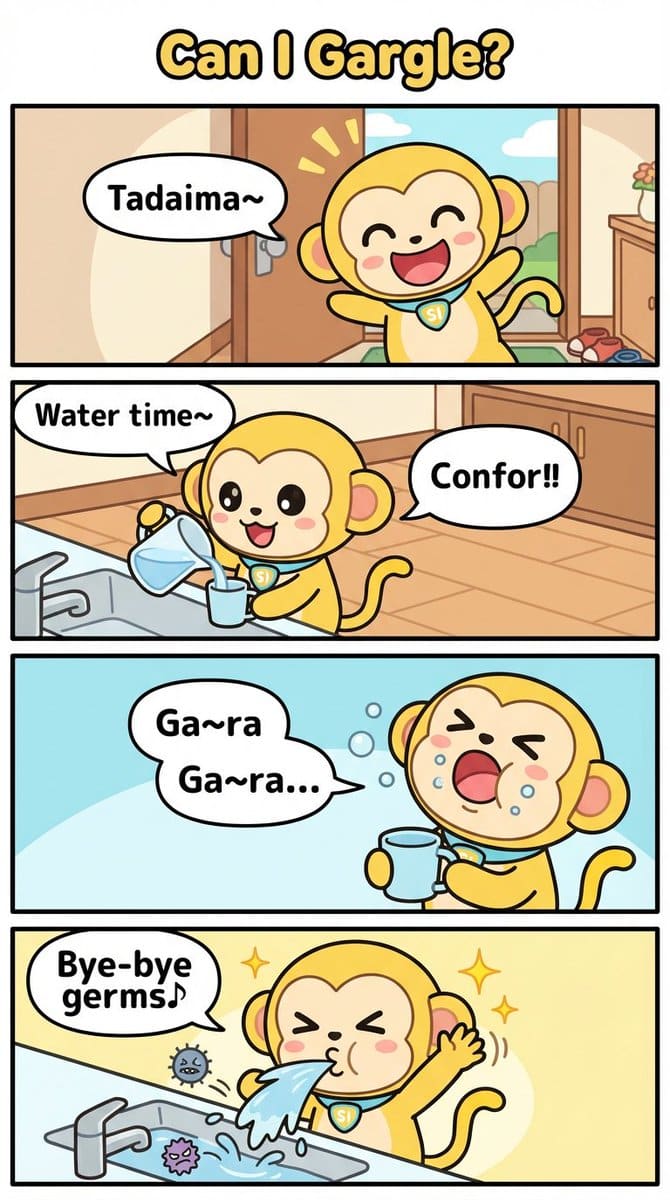
Four-Panel Comic Prompt: Gargle (English Version)
This is a prompt used to generate a four-panel comic strip using Nano Banana Pro, centered around the theme of 'Gargle' (English version).
This is a prompt used to generate a four-panel comic strip using Nano Banana Pro, centered around the theme of 'Gargle' (English version).

A detailed JSON prompt for generating a 2x2 multi-panel grid of photorealistic reference images of an influencer on a private terrace in Positano, Italy, focusing on a warm golden hour vintage aesthetic and specific travel-themed poses.
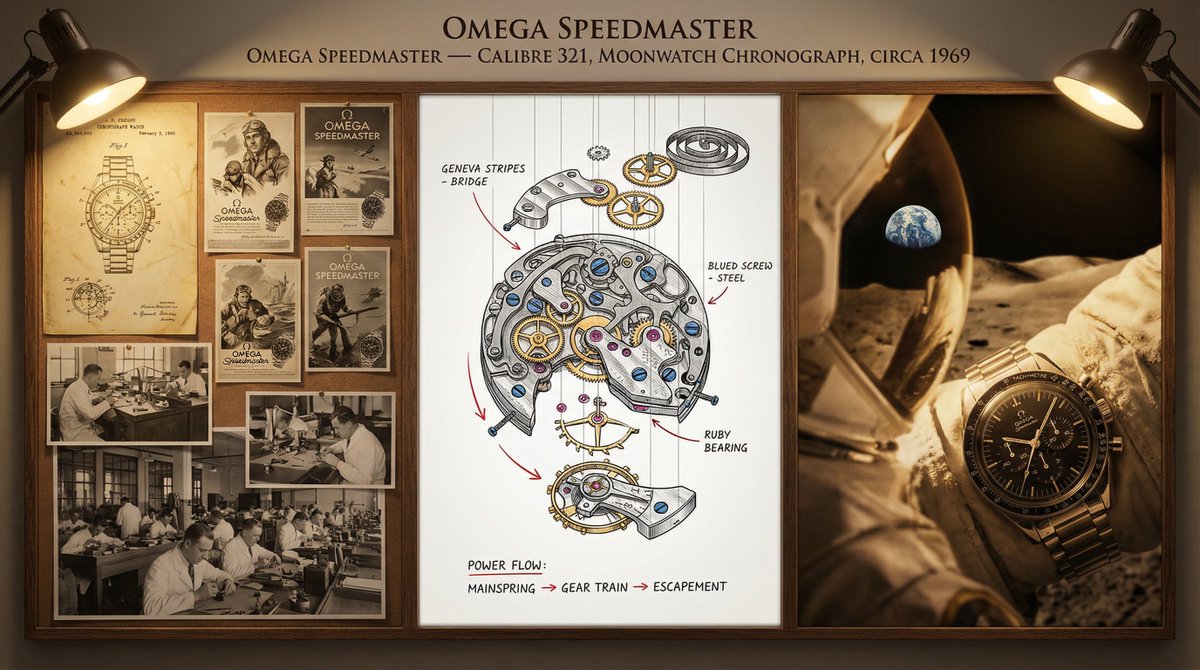
A prompt template designed to generate a complex, multi-section documentation board for a timepiece, blending historical patent drawings, a detailed exploded view of the movement (with material callouts), and an intimate portrait of the completed watch, t
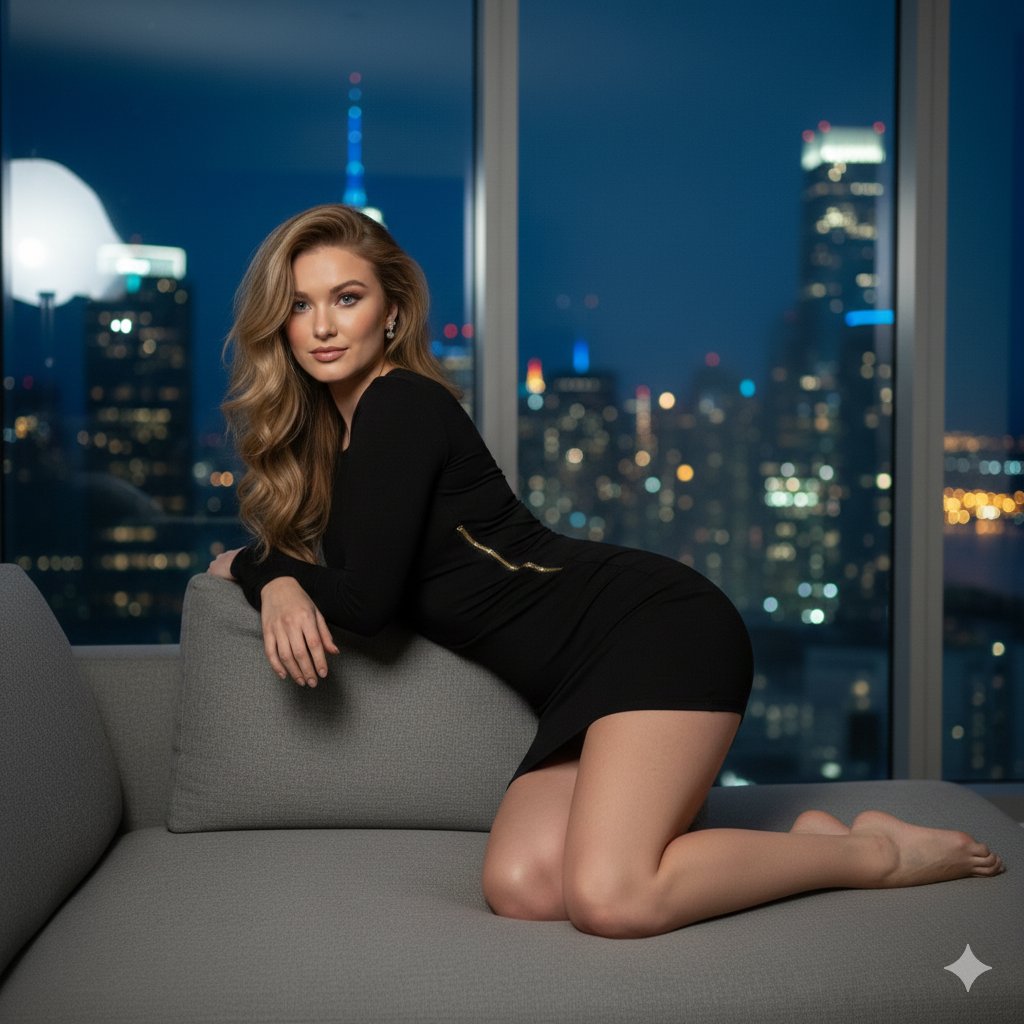
A highly detailed, structured prompt for generating an ultra-realistic, cinematic portrait of a young woman in a luxury penthouse setting at night. It specifies the subject's features, attire (tight black mini dress with a zipper accent), pose, and the hi
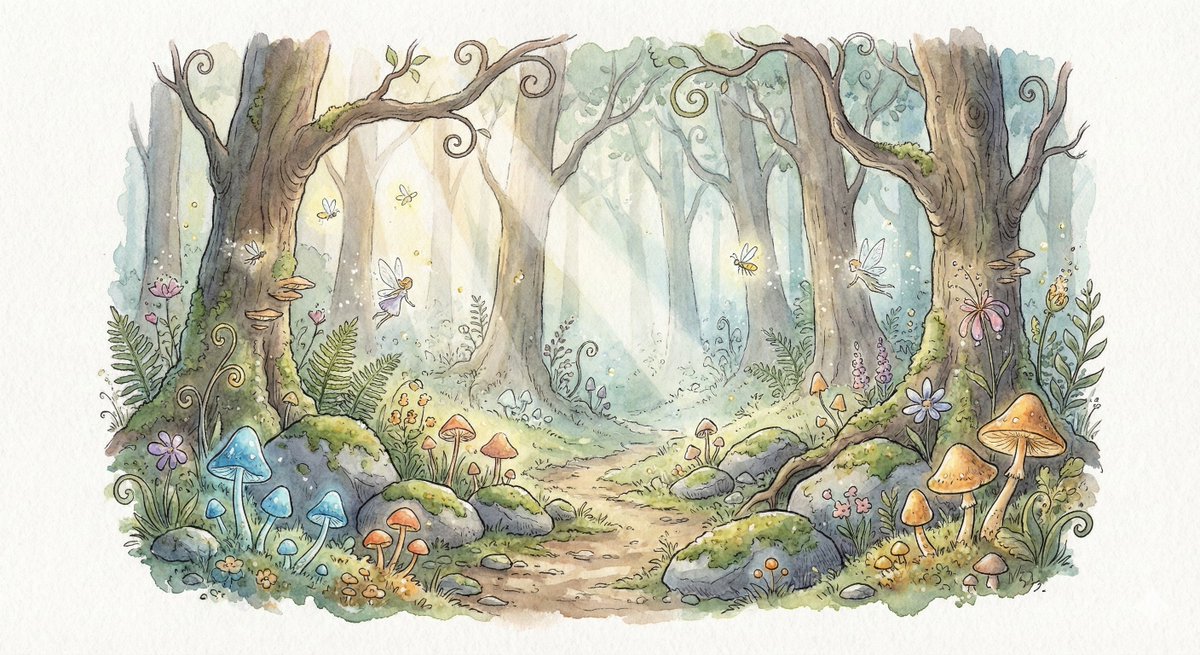
A prompt for Nano Banana Pro to generate a fantasy hand-drawn watercolor illustration. The scene is a small enchanted forest clearing at dawn, featuring glowing mushrooms, mist, and soft morning light. The style emphasizes traditional watercolor technique
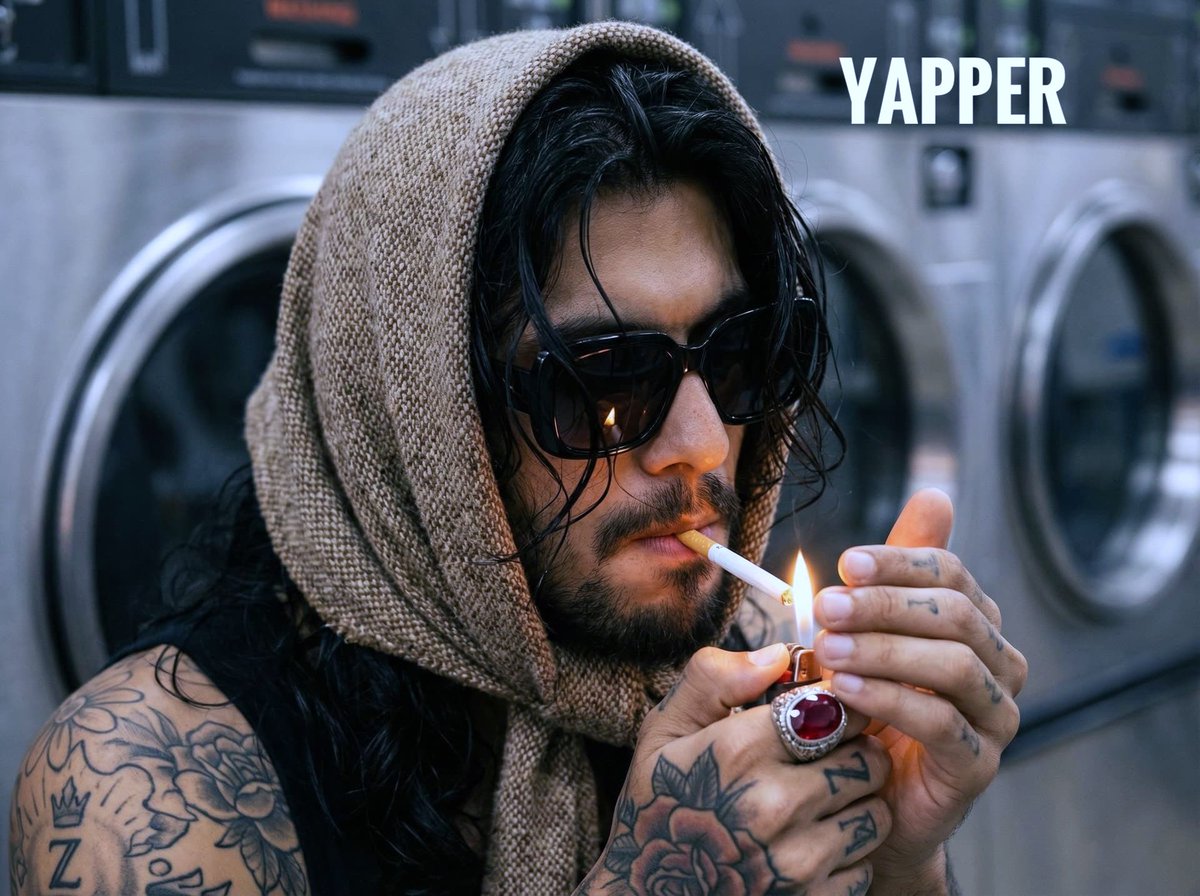
A highly detailed, hyperrealistic prompt for a close-up portrait of a man in a laundromat, illuminated by the warm flicker of a lighter flame held to a cigarette. The prompt emphasizes extreme detail in textures (tweed, skin pores, tobacco), tattoos, and
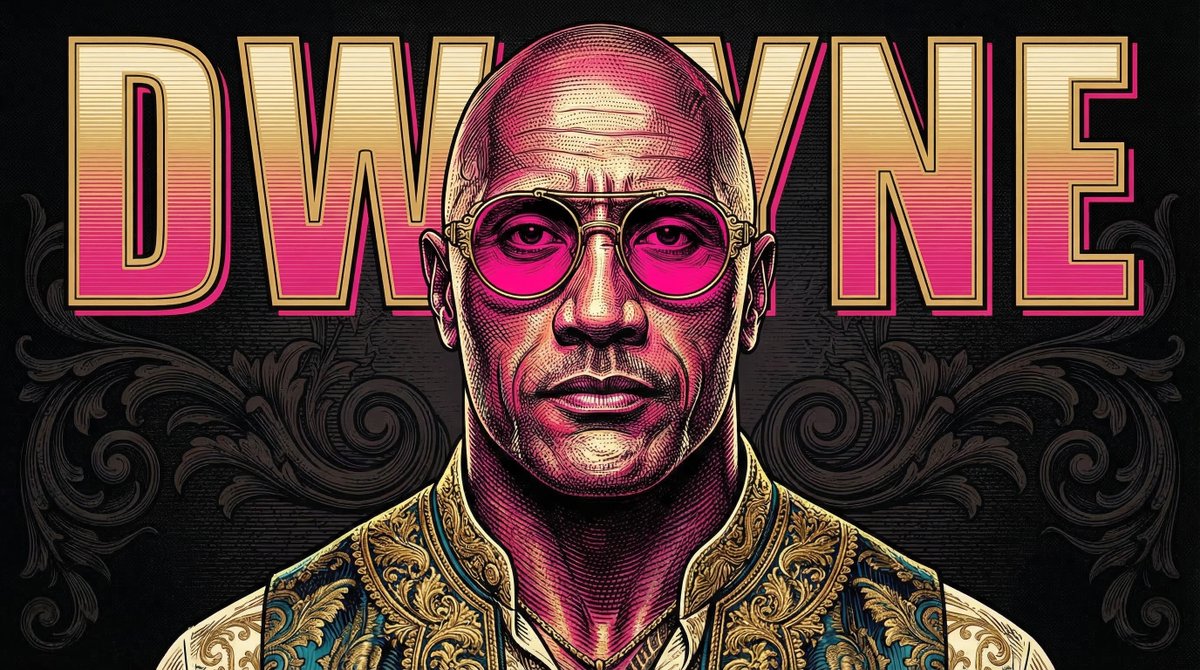
A highly detailed prompt for Google Nano Banana Pro to create a close-up, neo-baroque engraved pop portrait of a person based on an attached image, featuring etched linework, vivid colors, and bold typography.
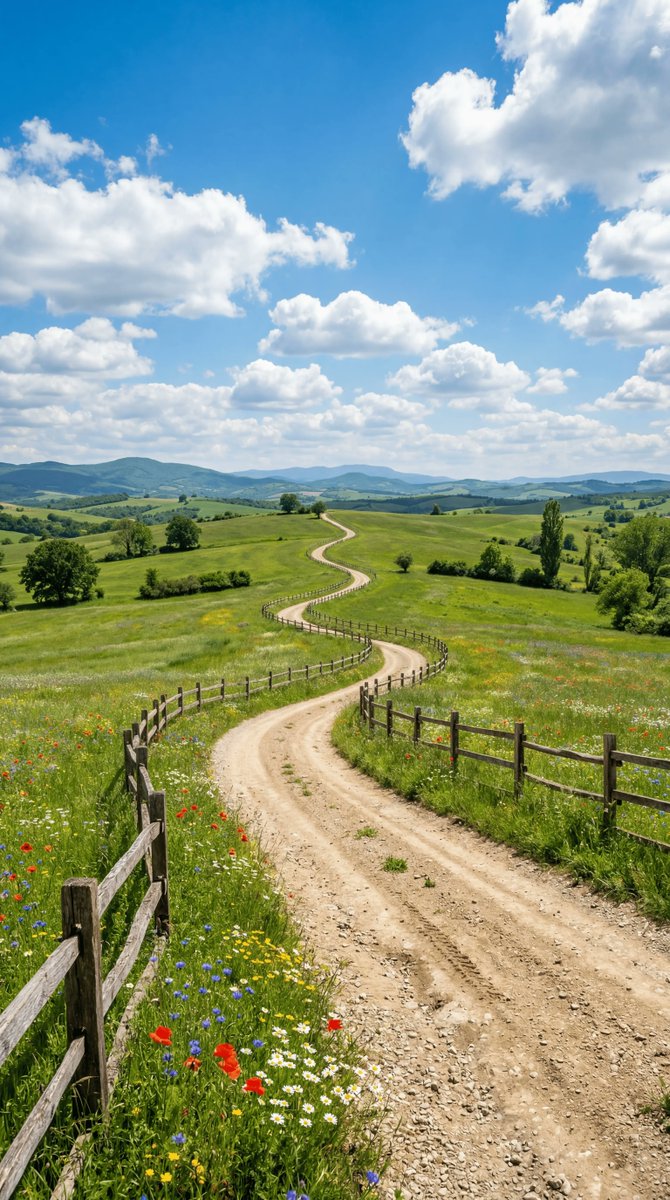
A detailed prompt for Nano Banana 2 to generate a wide-angle landscape photograph of a winding, sun-baked dirt road stretching towards the horizon. The scene includes lush green pastures, vibrant wildflowers, rolling hills, and a cerulean sky, specified w
An AI text to image generator turns a written prompt into a finished picture you can download—no Photoshop skills, no stock subscriptions, no waiting on a designer. Describe the subject, style, lighting, and composition; the text to image engine renders pixels that match your words. ToolFK ships multiple models including Flux, CodeView3, and FLUX.2 Dev so you can pick speed, detail, or experimental looks depending on the job.
This free AI image generator runs in the browser: type a prompt, choose a model and aspect ratio, and save PNG or JPG in seconds. Flux models excel at photoreal scenes and clean typography; CodeView3 suits stylized illustrations; FLUX.2 Dev offers a balance for iterative creative work. When you need motion next, send the result to our image to video tool or build a full scene with the text to video generator. Stuck on wording? Nano Prompts lists tested templates you can paste and tweak.
Yes. Guests have a daily generation limit; registered users receive more quota, and VIP plans add extra runs. Check the counter on the page before you start.
Use Flux for photoreal output and sharp detail. CodeView3 works well for stylized or illustrative looks. FLUX.2 Dev is a solid default when you want fast iterations without sacrificing too much quality.
Name the subject, art style, camera or lens feel, lighting, and background. Separate ideas with commas or short sentences. Avoid contradictory instructions in one prompt.
You are responsible for rights in your prompt and any trademarks or likenesses you describe. Review ToolFK terms and local laws before using images in paid campaigns.
Most jobs download as PNG or JPG depending on the option you pick. Resolution follows the aspect ratio and model tier selected on the page.
Generate a still here, then open the image to video tool with the same file to add motion. For scenes built purely from words, use text to video instead.
Last updated: July 1, 2026