
Premium liquid glass Bento grid product infographic with 8 modules
Create an Infographics with bento grid 8 module layout, user can specify any product name in Food, Medicine, tech etc category, choose language, Background style, Hero grid style
Create an Infographics with bento grid 8 module layout, user can specify any product name in Food, Medicine, tech etc category, choose language, Background style, Hero grid style

A prompt for a hyper-realistic 8K cinematic artwork featuring a character (with a face locked to an uploaded photo) performing a magical coffee pour across two vertically stacked computer monitors, creating a unified scene with steam and warm cafe lightin

A structured JSON prompt for generating an overhead portrait of a young woman lying on her back, making a playful expression (winking and sticking out her tongue). It details her appearance (freckles, blonde wavy hair, white halter-neck bikini) and the so

A highly detailed prompt for generating a candid, ultra-realistic image of two young women in a locker room after swimming. It focuses on the realism of damp skin, wet hair, athletic swimwear, and a close-up, handheld perspective, emphasizing natural text

A comprehensive JSON template designed for Nano Banana Pro to automatically generate editorial-style advertisements for any product without visible logos. The template defines input requirements, image specifications, creative directives, scene generation

A highly detailed, structured prompt designed for image generation, specifying cinematic 35mm analog film photography shot on Cinestill 800T. It details the subject (a young woman on a bright red motorcycle arcade game), her pose, expression, and vintage
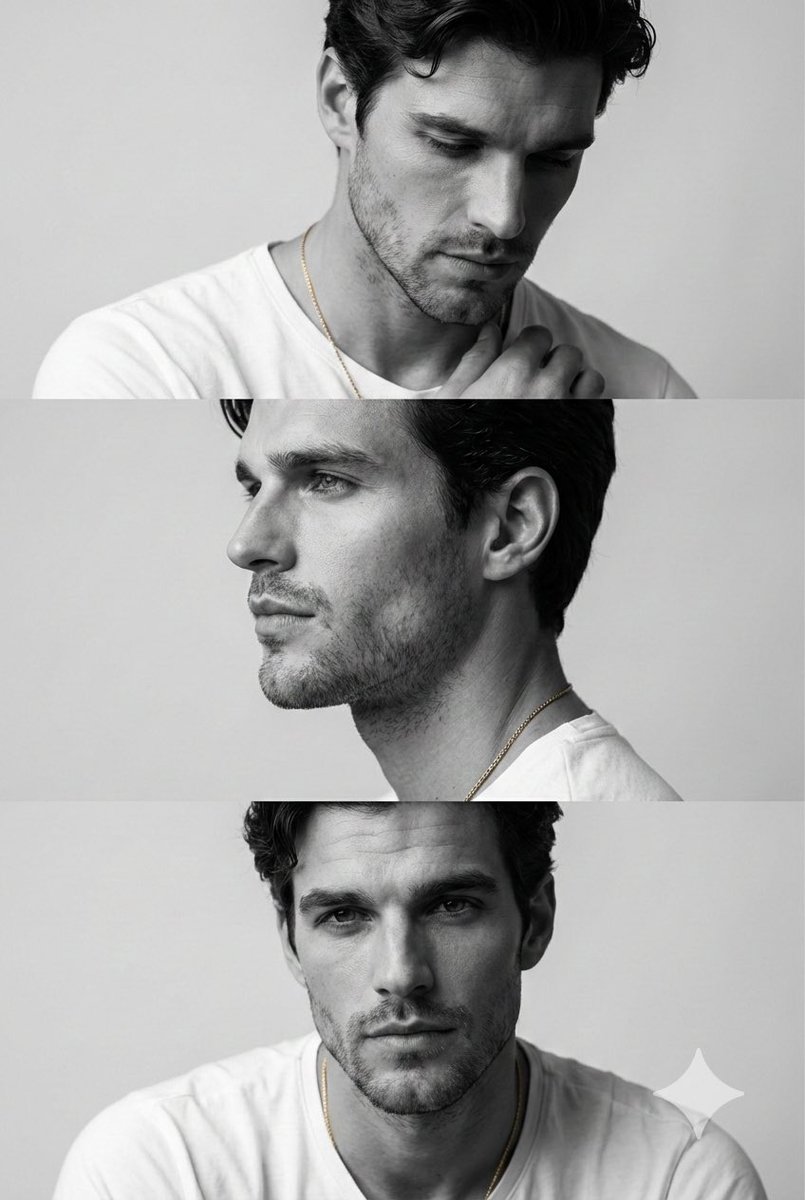
A prompt for generating a minimalist monochrome fashion editorial triptych (three stacked cinematic frames) of a young man, focusing on preserving his facial features from a reference image and highlighting bone structure using Rembrandt lighting and clea
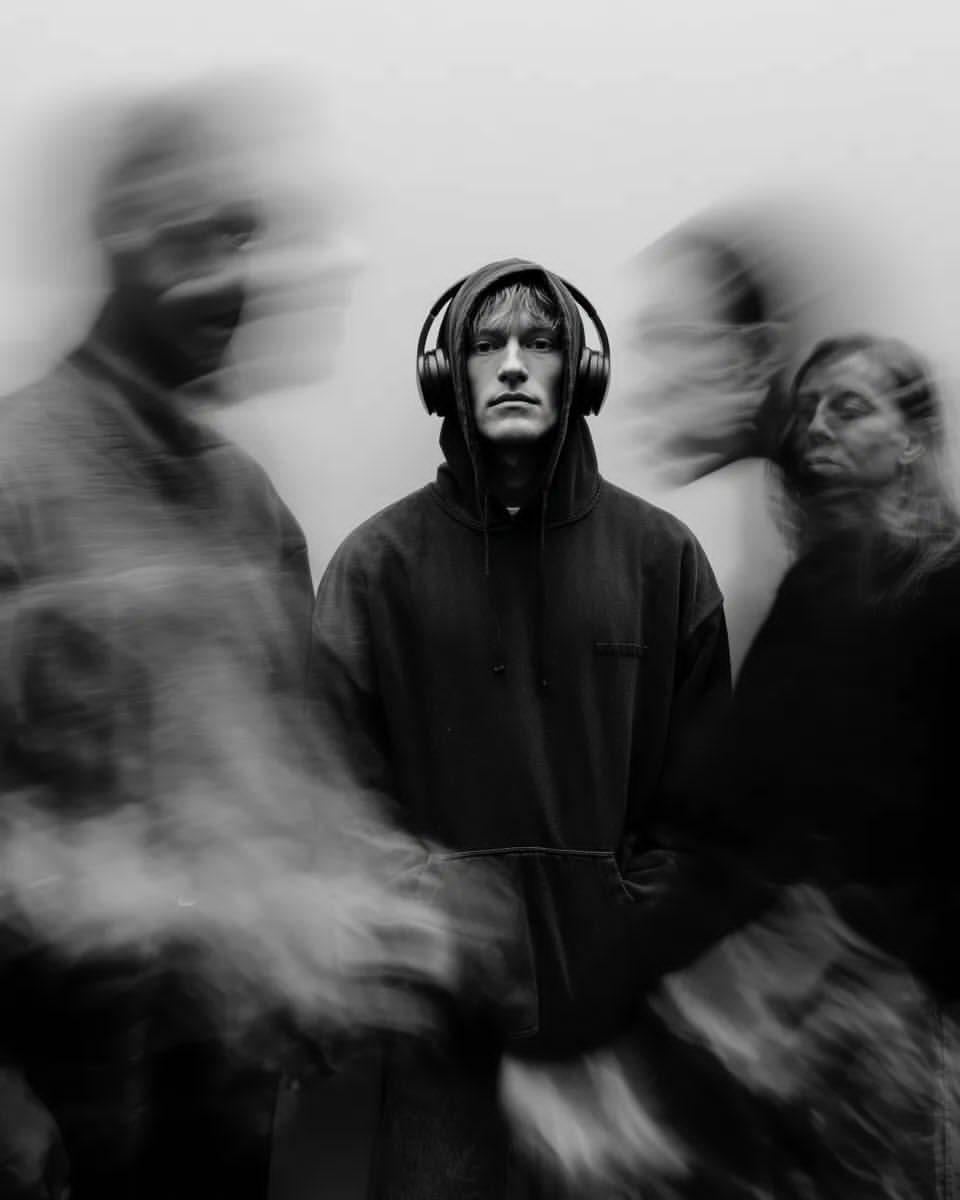
A prompt for generating a black and white cinematic portrait using a long exposure motion blur effect. The subject, a young man in a hoodie and headphones, remains sharp and in focus while blurred, ghosted figures move around him, creating a moody, high-c
An AI text to image generator turns a written prompt into a finished picture you can download—no Photoshop skills, no stock subscriptions, no waiting on a designer. Describe the subject, style, lighting, and composition; the text to image engine renders pixels that match your words. ToolFK ships multiple models including Flux, CodeView3, and FLUX.2 Dev so you can pick speed, detail, or experimental looks depending on the job.
This free AI image generator runs in the browser: type a prompt, choose a model and aspect ratio, and save PNG or JPG in seconds. Flux models excel at photoreal scenes and clean typography; CodeView3 suits stylized illustrations; FLUX.2 Dev offers a balance for iterative creative work. When you need motion next, send the result to our image to video tool or build a full scene with the text to video generator. Stuck on wording? Nano Prompts lists tested templates you can paste and tweak.
Yes. Guests have a daily generation limit; registered users receive more quota, and VIP plans add extra runs. Check the counter on the page before you start.
Use Flux for photoreal output and sharp detail. CodeView3 works well for stylized or illustrative looks. FLUX.2 Dev is a solid default when you want fast iterations without sacrificing too much quality.
Name the subject, art style, camera or lens feel, lighting, and background. Separate ideas with commas or short sentences. Avoid contradictory instructions in one prompt.
You are responsible for rights in your prompt and any trademarks or likenesses you describe. Review ToolFK terms and local laws before using images in paid campaigns.
Most jobs download as PNG or JPG depending on the option you pick. Resolution follows the aspect ratio and model tier selected on the page.
Generate a still here, then open the image to video tool with the same file to add motion. For scenes built purely from words, use text to video instead.
Last updated: July 1, 2026