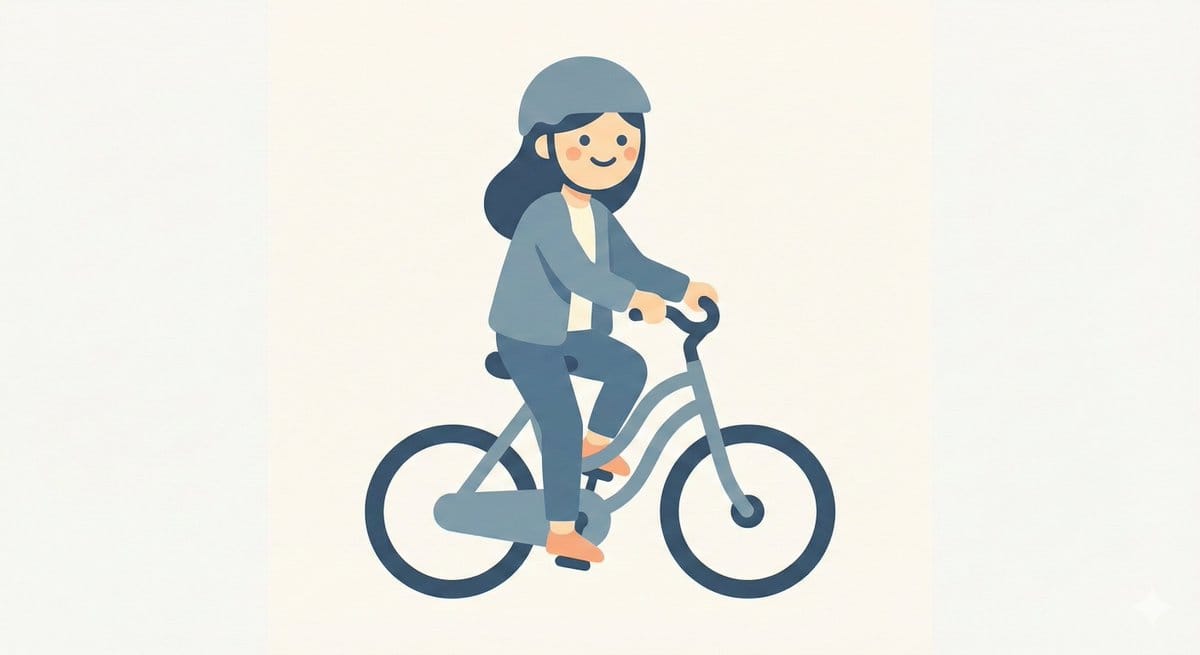
Minimal Character Illustration Template
A simple template prompt for generating minimal character illustrations with simplified features, flat colors, and soft curves, suitable for clean, visually calm designs.
A simple template prompt for generating minimal character illustrations with simplified features, flat colors, and soft curves, suitable for clean, visually calm designs.
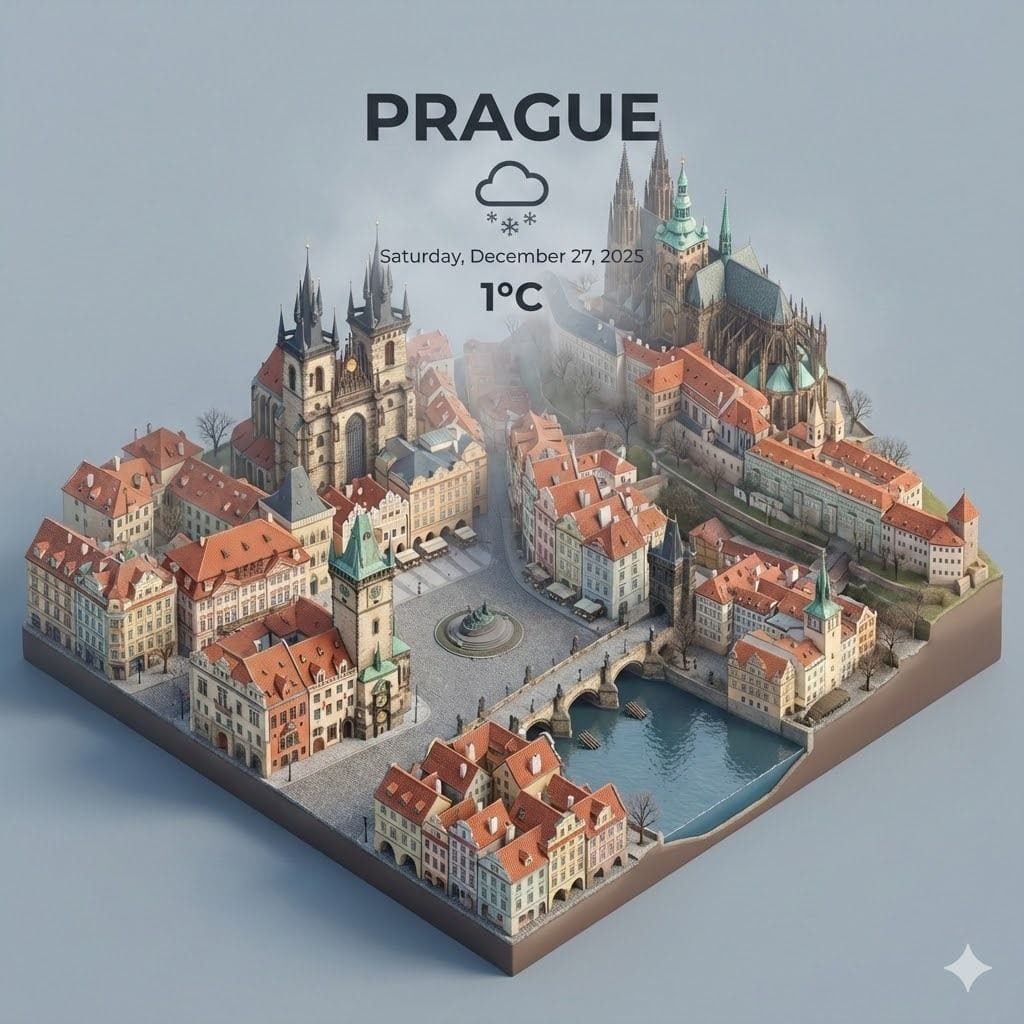
A prompt template for creating spectacular recreations of cities, likely focusing on architectural detail, lighting, and urban atmosphere.

A highly detailed prompt for generating an ultra-photorealistic commercial beverage advertisement. It describes a crushed cherry-red aluminum soda can floating mid-air with a violent liquid explosion, surrounded by frozen cherries and micro-droplets, emph

A highly detailed, structured prompt for generating a high-fashion editorial portrait with a noir-chic aesthetic. It features a glamorous woman in an oversized electric pink trench coat, opera-length pink gloves, and specifies strict adherence to a refere

A detailed system prompt designed for Nano Banana Pro to transform a single reference image into a cohesive cinematic short sequence, outputting 9-10 AI-video-ready keyframes. It includes strict rules for continuity, depth of field, color grading, and req

A prompt for turning a rough product sketch into a clean, mass-manufactured style render with specific materials and lighting while preserving the original proportions.

A prompt for creating a character image where the subject clearly displays their passport to the camera for identity verification, with customizable name, affiliation, and birthday on the ID.
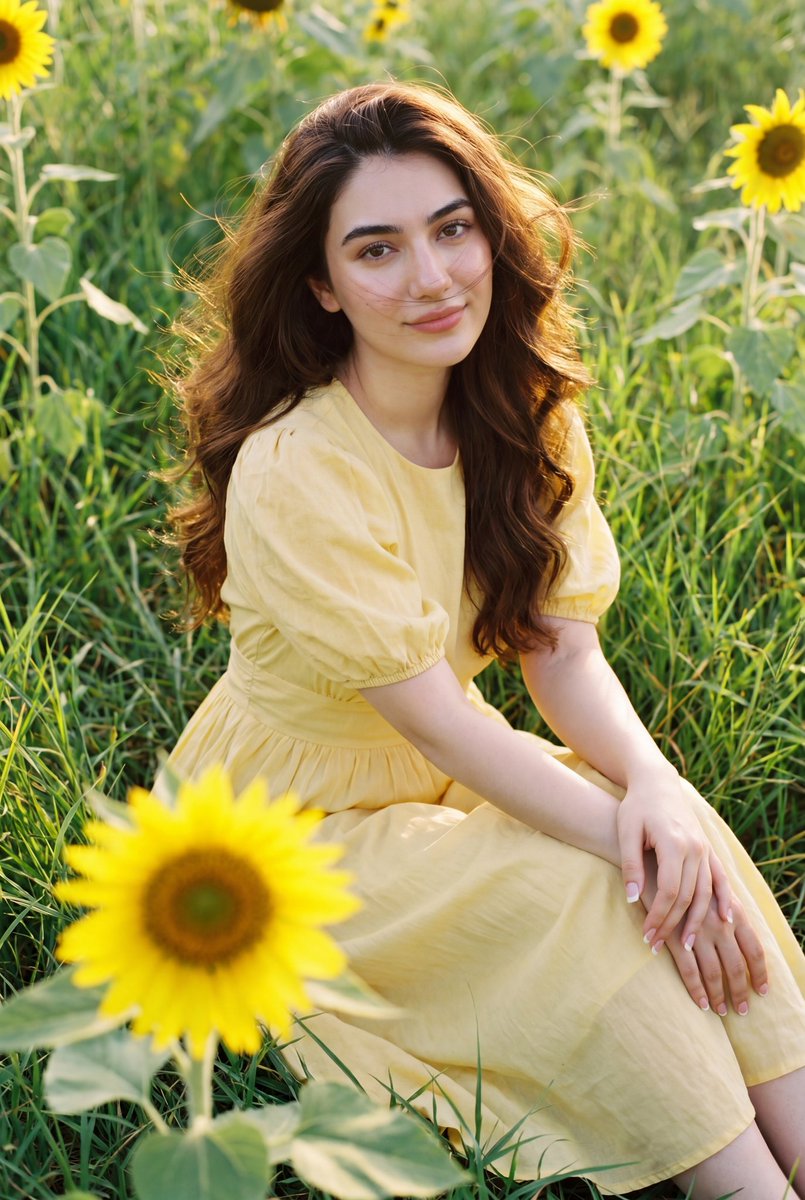
Generates a cinematic image of a girl in a yellow midi dress sitting in a sunflower field with a soft, film-grain aesthetic.
An AI text to image generator turns a written prompt into a finished picture you can download—no Photoshop skills, no stock subscriptions, no waiting on a designer. Describe the subject, style, lighting, and composition; the text to image engine renders pixels that match your words. ToolFK ships multiple models including Flux, CodeView3, and FLUX.2 Dev so you can pick speed, detail, or experimental looks depending on the job.
This free AI image generator runs in the browser: type a prompt, choose a model and aspect ratio, and save PNG or JPG in seconds. Flux models excel at photoreal scenes and clean typography; CodeView3 suits stylized illustrations; FLUX.2 Dev offers a balance for iterative creative work. When you need motion next, send the result to our image to video tool or build a full scene with the text to video generator. Stuck on wording? Nano Prompts lists tested templates you can paste and tweak.
Yes. Guests have a daily generation limit; registered users receive more quota, and VIP plans add extra runs. Check the counter on the page before you start.
Use Flux for photoreal output and sharp detail. CodeView3 works well for stylized or illustrative looks. FLUX.2 Dev is a solid default when you want fast iterations without sacrificing too much quality.
Name the subject, art style, camera or lens feel, lighting, and background. Separate ideas with commas or short sentences. Avoid contradictory instructions in one prompt.
You are responsible for rights in your prompt and any trademarks or likenesses you describe. Review ToolFK terms and local laws before using images in paid campaigns.
Most jobs download as PNG or JPG depending on the option you pick. Resolution follows the aspect ratio and model tier selected on the page.
Generate a still here, then open the image to video tool with the same file to add motion. For scenes built purely from words, use text to video instead.
Last updated: July 1, 2026