
Person to Pro Sketch Transformation
A simple, high-level prompt instructing the AI to transform any uploaded person's image into a professional sketch style.
A simple, high-level prompt instructing the AI to transform any uploaded person's image into a professional sketch style.

A structured prompt for generating ultra-photorealistic travel photography aimed at inspirational storytelling. The image features a traveler in casual chic attire, captured mid-journey (walking or standing with luggage) in an expansive setting like an ai

A prompt for generating an ultra-realistic cinematic night-time urban portrait of a handsome man leaning against a black luxury SUV. The scene emphasizes moody, high-contrast lighting, bokeh from streetlights, long light trails from traffic, and a luxury

A detailed prompt for Nano Banana Pro (Gemini) to create a cute, comic-style infographic comparing ChatGPT v5.1 (warm dialogue, foundation) and v5.2 (accuracy, power enhancement). It is designed to incorporate an uploaded reference image of a character/av

A complex JSON prompt structure for Nano Banana Pro to create a 2x2 grid image sequence where a person is holding a smartphone, and the content displayed on the phone screen is replaced with a second uploaded image. It maintains identity consistency and d

Instructs Nano Banana Pro to convert a long Chinese text into a professor-style whiteboard image to aid understanding, great for visual study aids.
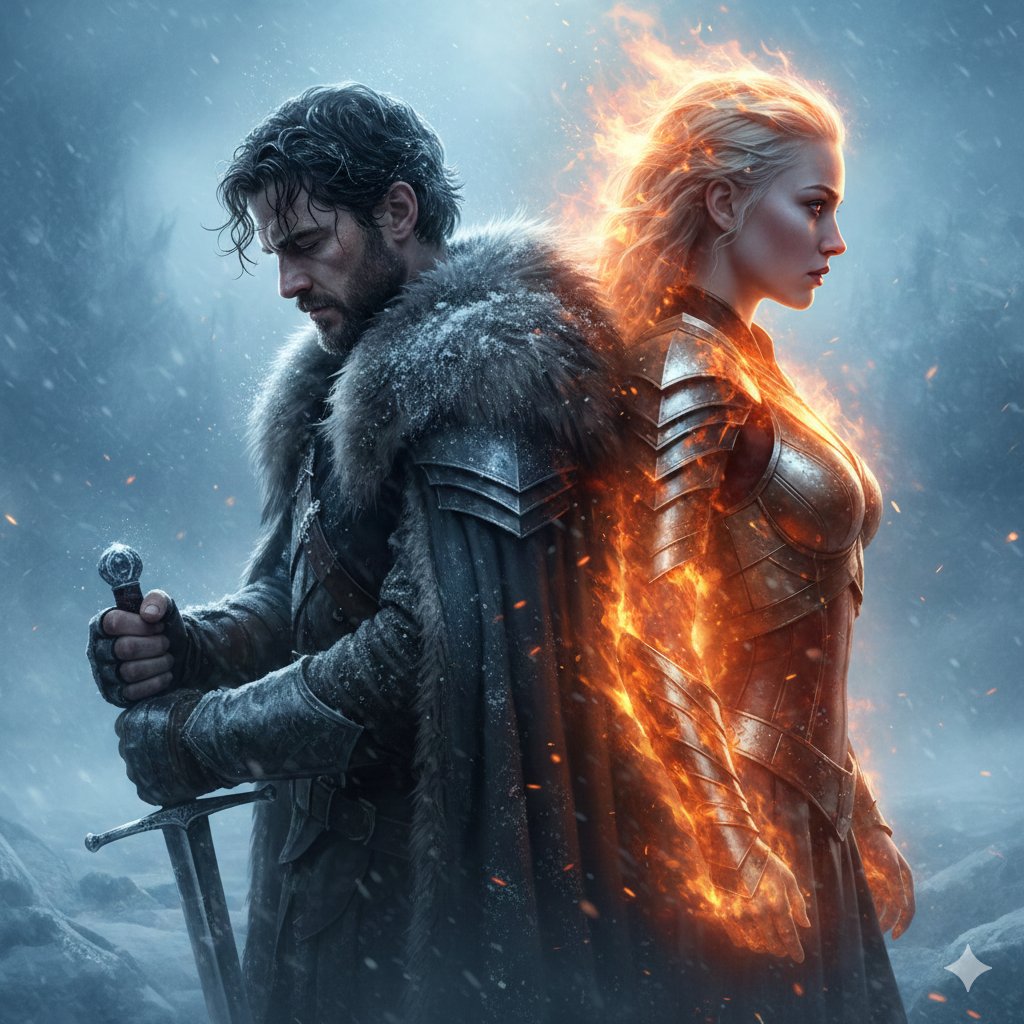
A prompt for generating a dramatic, cinematic poster-style portrait of two epic fantasy warriors standing back-to-back in a frozen storm, symbolizing the clash of fire and ice with specific details on their appearance, attire, and the contrasting lighting
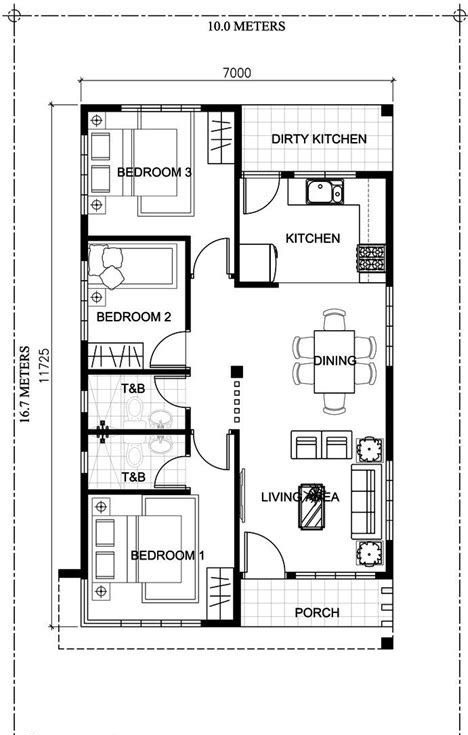
A prompt for generating a photorealistic 3D render of an entire floor plan (Bungalow/Moville plan). It requires using an uploaded image as a reference to maintain the exact room locations and equipment, while adding furniture and removing text from the fi
An AI text to image generator turns a written prompt into a finished picture you can download—no Photoshop skills, no stock subscriptions, no waiting on a designer. Describe the subject, style, lighting, and composition; the text to image engine renders pixels that match your words. ToolFK ships multiple models including Flux, CodeView3, and FLUX.2 Dev so you can pick speed, detail, or experimental looks depending on the job.
This free AI image generator runs in the browser: type a prompt, choose a model and aspect ratio, and save PNG or JPG in seconds. Flux models excel at photoreal scenes and clean typography; CodeView3 suits stylized illustrations; FLUX.2 Dev offers a balance for iterative creative work. When you need motion next, send the result to our image to video tool or build a full scene with the text to video generator. Stuck on wording? Nano Prompts lists tested templates you can paste and tweak.
Yes. Guests have a daily generation limit; registered users receive more quota, and VIP plans add extra runs. Check the counter on the page before you start.
Use Flux for photoreal output and sharp detail. CodeView3 works well for stylized or illustrative looks. FLUX.2 Dev is a solid default when you want fast iterations without sacrificing too much quality.
Name the subject, art style, camera or lens feel, lighting, and background. Separate ideas with commas or short sentences. Avoid contradictory instructions in one prompt.
You are responsible for rights in your prompt and any trademarks or likenesses you describe. Review ToolFK terms and local laws before using images in paid campaigns.
Most jobs download as PNG or JPG depending on the option you pick. Resolution follows the aspect ratio and model tier selected on the page.
Generate a still here, then open the image to video tool with the same file to add motion. For scenes built purely from words, use text to video instead.
Last updated: July 1, 2026