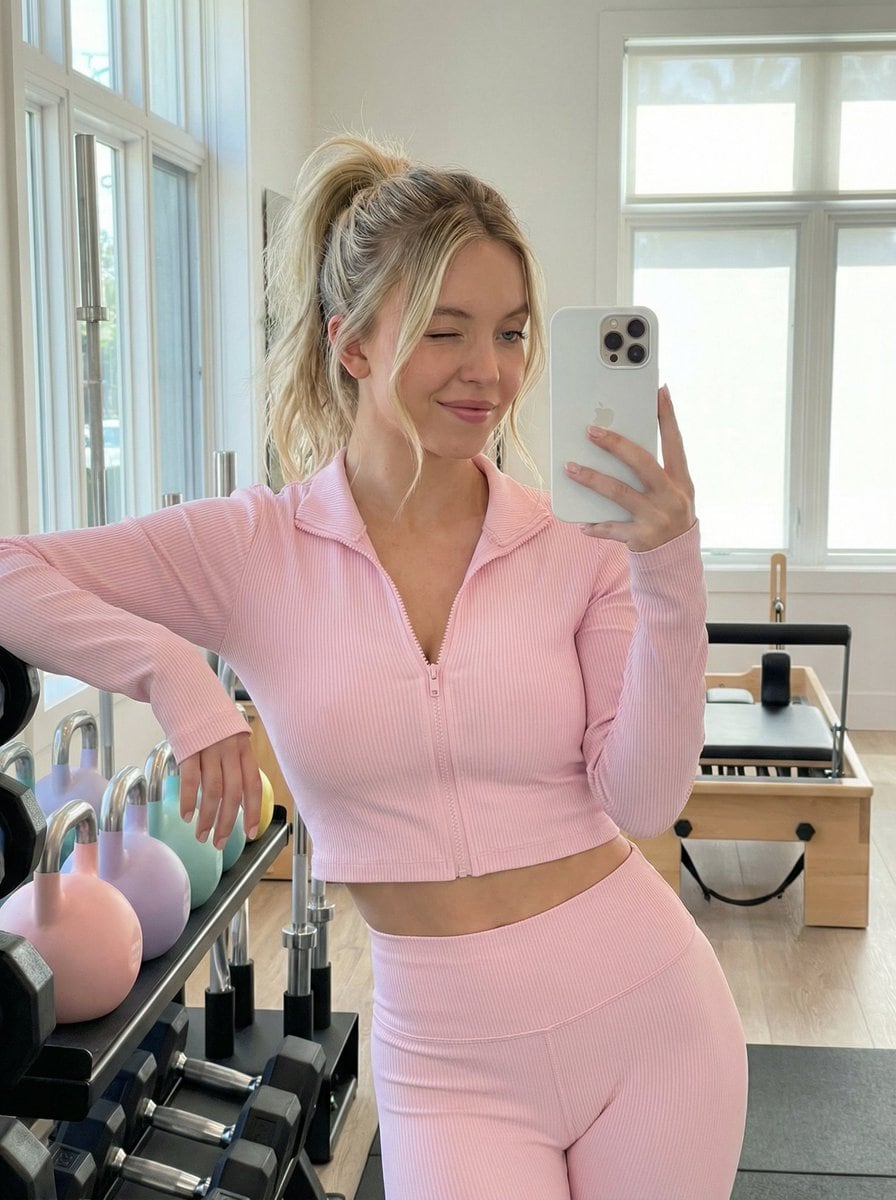
Gym Mirror Selfie Prompt
A highly detailed image generation prompt for Nano Banana Pro describing a playful, confident female character taking a mirror selfie in a modern, minimalist home gym while wearing light pastel pink yoga wear.
A highly detailed image generation prompt for Nano Banana Pro describing a playful, confident female character taking a mirror selfie in a modern, minimalist home gym while wearing light pastel pink yoga wear.

A creative prompt template designed to analyze a famous Asian painting and generate a hyper-realistic image of a giant oil paint tube being squeezed onto a palette, where the extruded paint forms the 3D landscape of the analyzed artwork, emphasizing visco

A structured prompt for generating a photorealistic, smartphone-style medium close-up photo in a packed football stadium at night. The prompt requires strict identity preservation for the female subject from a reference image and accurate depiction of Lio

A prompt template designed to transform an uploaded image into a detailed ink drawing style, specifically using cross-hatching and fine line work (micron pen sketchbook style) with high contrast black ink on textured white paper, while isolating the main

A detailed system prompt for Nano Banana Pro Agent V1.2, instructing it to act as a senior UI/UX designer. The AI must analyze the functionality and information structure of an existing app (defined by an image or text input) and completely redesign the U

A Nano Banana Pro prompt that makes a photo look like an old, badly shot everyday snapshot taken by a Japanese high school student with a disposable camera, great for nostalgic or emo-style images.

Generates a diagram-style image of a space shuttle in outer space, useful for educational or illustrative content.
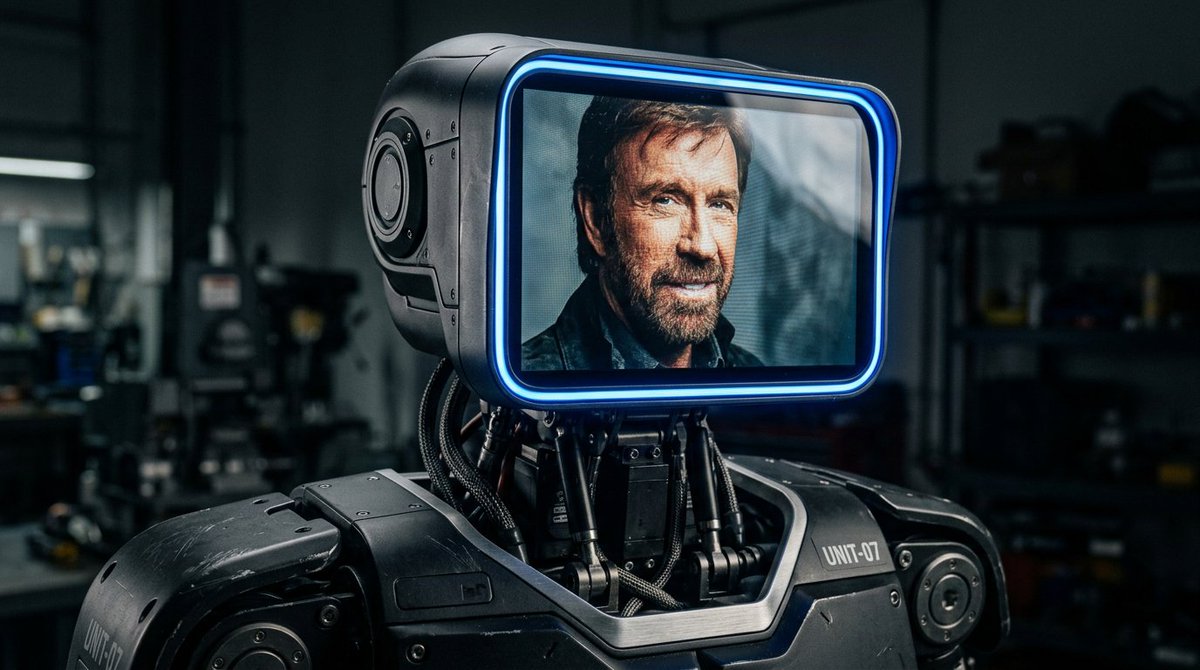
A reusable prompt template for generating hyper-realistic, sleek modern robots with a large rectangular LCD screen as a face, emphasizing industrial design, dramatic lighting, and high detail. The prompt is designed for Nano Banana (used in Adobe Firefly)
An AI text to image generator turns a written prompt into a finished picture you can download—no Photoshop skills, no stock subscriptions, no waiting on a designer. Describe the subject, style, lighting, and composition; the text to image engine renders pixels that match your words. ToolFK ships multiple models including Flux, CodeView3, and FLUX.2 Dev so you can pick speed, detail, or experimental looks depending on the job.
This free AI image generator runs in the browser: type a prompt, choose a model and aspect ratio, and save PNG or JPG in seconds. Flux models excel at photoreal scenes and clean typography; CodeView3 suits stylized illustrations; FLUX.2 Dev offers a balance for iterative creative work. When you need motion next, send the result to our image to video tool or build a full scene with the text to video generator. Stuck on wording? Nano Prompts lists tested templates you can paste and tweak.
Yes. Guests have a daily generation limit; registered users receive more quota, and VIP plans add extra runs. Check the counter on the page before you start.
Use Flux for photoreal output and sharp detail. CodeView3 works well for stylized or illustrative looks. FLUX.2 Dev is a solid default when you want fast iterations without sacrificing too much quality.
Name the subject, art style, camera or lens feel, lighting, and background. Separate ideas with commas or short sentences. Avoid contradictory instructions in one prompt.
You are responsible for rights in your prompt and any trademarks or likenesses you describe. Review ToolFK terms and local laws before using images in paid campaigns.
Most jobs download as PNG or JPG depending on the option you pick. Resolution follows the aspect ratio and model tier selected on the page.
Generate a still here, then open the image to video tool with the same file to add motion. For scenes built purely from words, use text to video instead.
Last updated: July 1, 2026